
i3-Technologies has updated the i3ANNOTATE app. Must improvements are to improve stability and compatibility and invisible to the user, but there are two new items that stand out and that we would like to highlight here.
-
The license manager.
For increased uniformity with other i3-Technologies applications, the license checking mechanism was removed from the previous app and moved to a dedicated licence manager: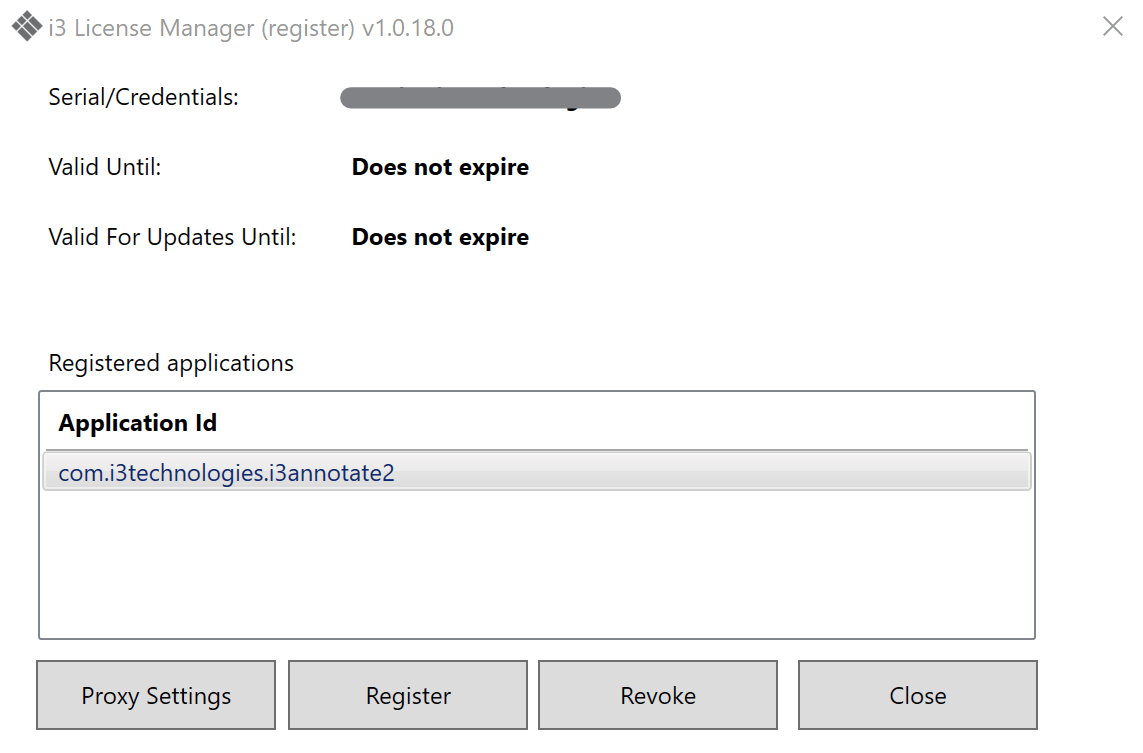
-
The Mouse icon.
In the previous function, there was no way to pause the annotation. The only way to interact with the operating system or other apps was to close the i3ANNOTATE app temporarily. No you can open the pen settings tool land select the mouse. This will pause the i3ANNOTATE tools temporarily to let you interact with other apps. Clicking it again will resume the i3ANNOTATE functions.|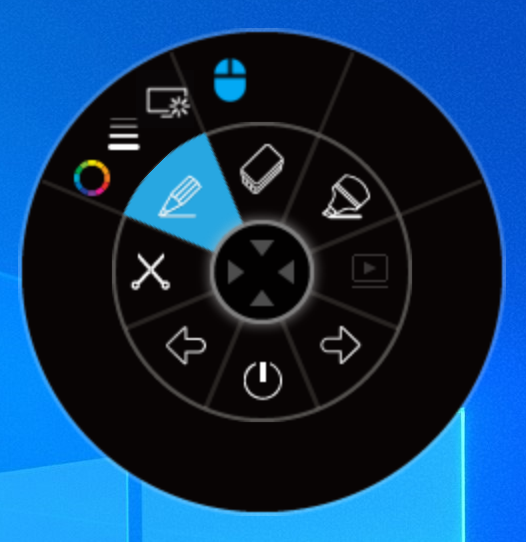
Did you know that i3ANNOTATE is free to use for all our customers that purchased an interactive i3-Technologies product (i.e. interactive projector, interactive whiteboard or i3TOUCH interactive display)? The serial number of your interactive product is your license number.
Also customers that use our i3LEARNHUB cloud based education software can use i3ANNOTATE free of charge. You can activate i3ANNOTATE using your i3LEARNHUB login credentials.