Make sure your computer can activate the apps with the serialnumber of your computer, or a software license key.
Make sure your computer isnt member of a domain.
Make sure you are administrator to have installation permission.
During installation, you need internet connection because the apps require an online license validation. If you’re unsure if your local network is allowing all traffic, connect your computer to a smartphone hotspot, which is indepentent to possible local network restrictions.
Following software needs to be installed on the device before installing any of the COLAB applications:
Microsoft Visual c++ Runtime: included in archive (vc_redist.x64)
COLAB applications
Install the COLAB applications in this order:
i3License Manager 1.0.18.msi
i3Annotate 2.0.2.781.exe
i3AllSync 4.0.1.18.msi
i3Launcher 3.2.8.msi
License activation
License activation is based on the serial number acquired from the PC of the display. If that serial is
unavailable in the license server, the i3 License Manager will start, but will ask for a serial number, when any of the COLAB applications are started.
I logon to Windows but immediatly I'm logged out again.
The pc has been put in a domain, but something in the domain was not configured properly and the pc is unable to login as a result. Contact your IT admin for follow up.
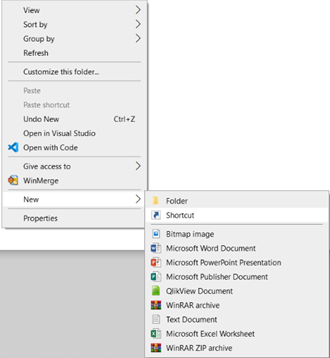
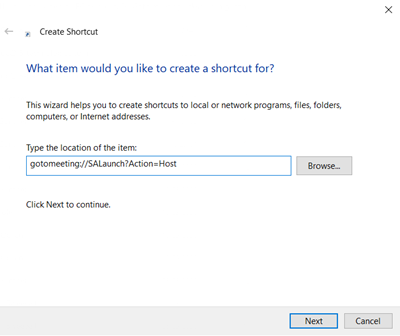
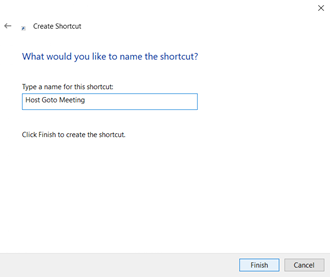
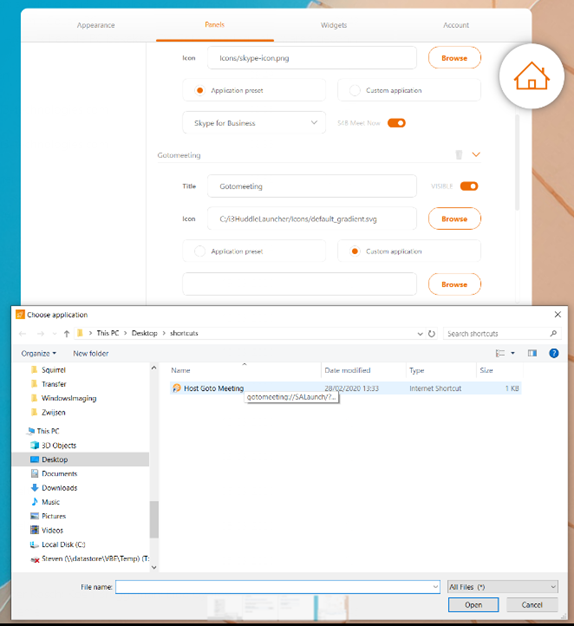
Creating a siplink shortcut is done the same way as you would do for a regular shortcut. See below instructions.
Can I read out the serial number from the OPS COMPUTER via Windows?
Press the ‘WINDOWS’ start logo in the start bar and type WMICBIOS GET SERIALNUMBER
or go to C:\ProgramData\i3LM
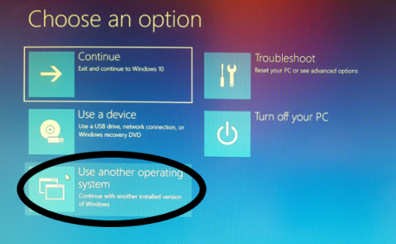
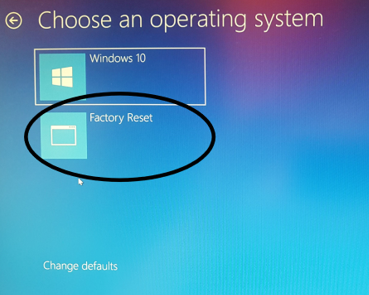
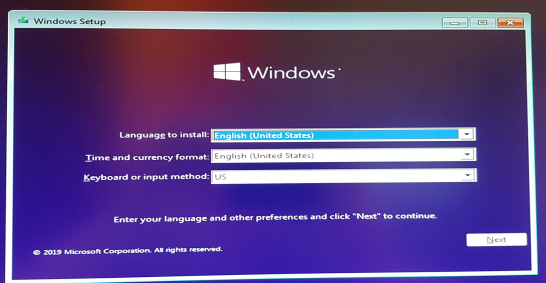
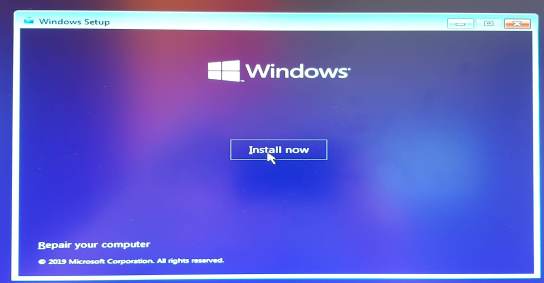
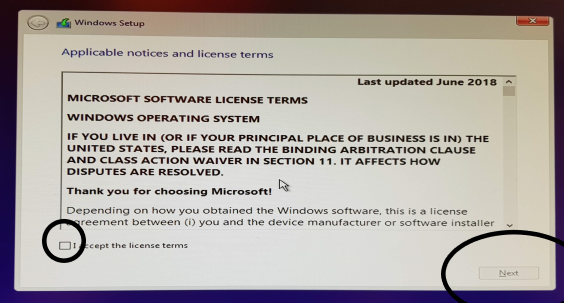
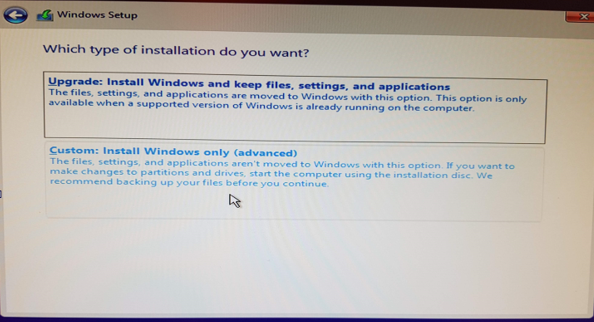
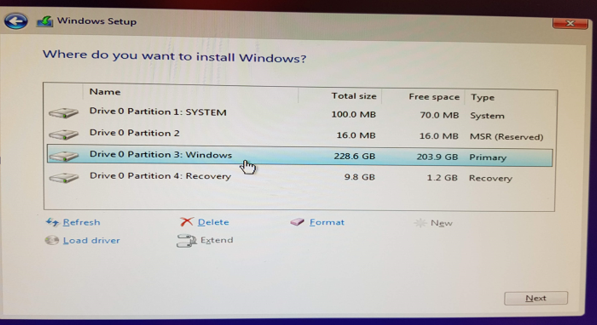
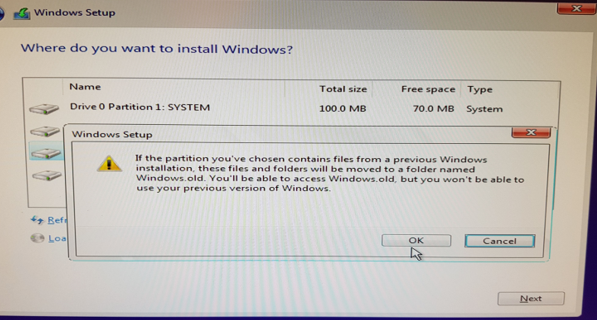
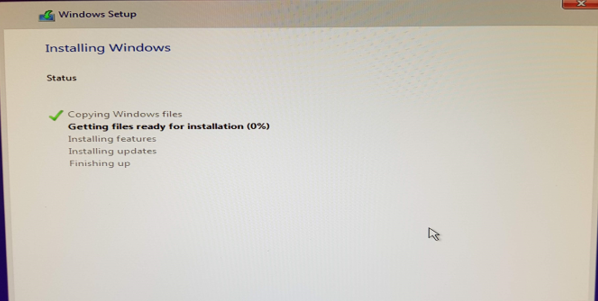
I want to recover Windows.
Before your computer is starting up Windows, choose to boot from the boot partition
or when you are in Windows go to Settings > Recovery > Advanced > Restart Now