
📘 Instructions
-
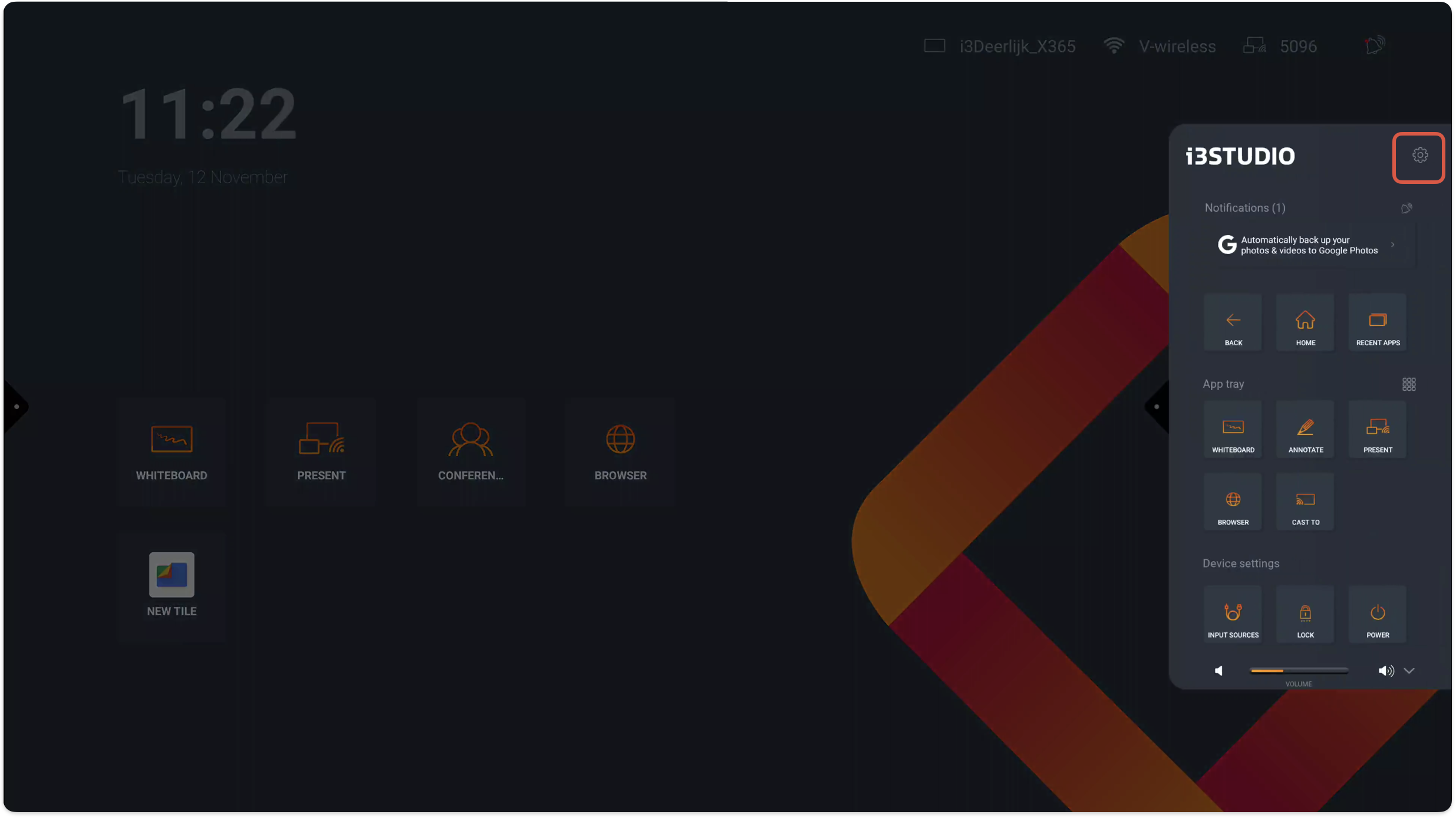
Open the Android settings by selecting the “side menu - Settings cogwheel - Android”
-
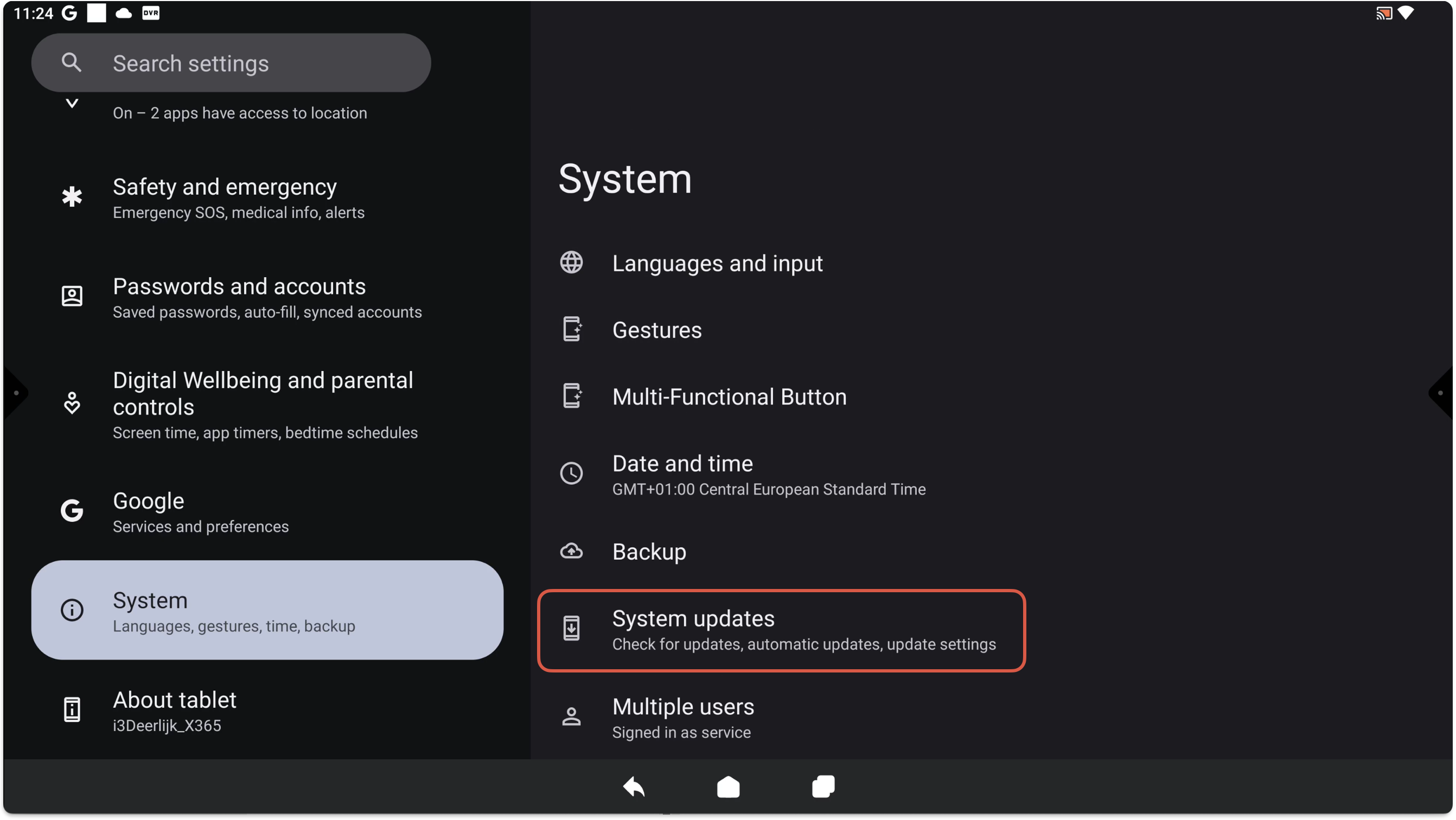
Go to System and select System updates
-
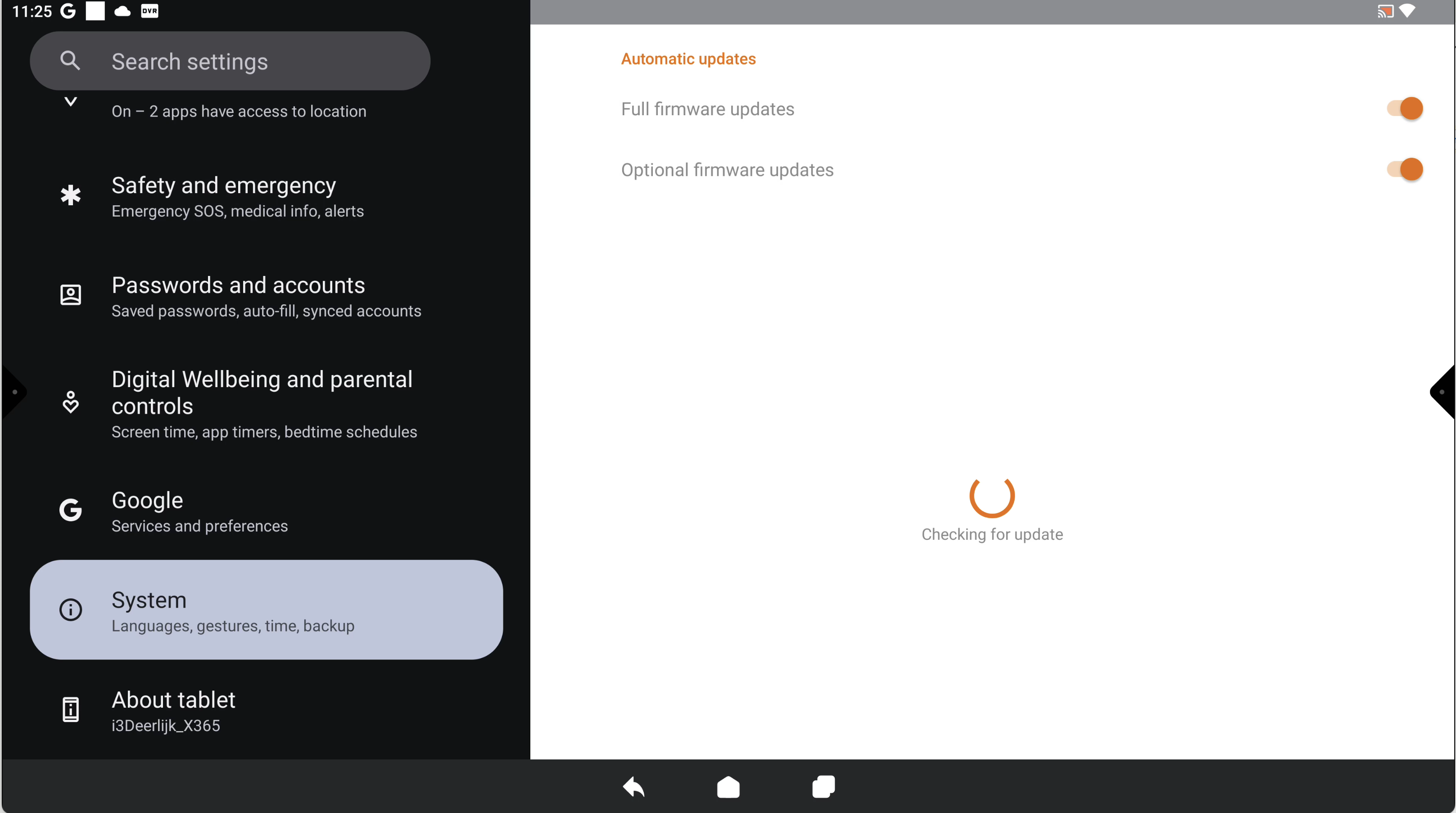
An update will be shown when a firmware update is available
See the video below for more information.