📘 Instructions
-
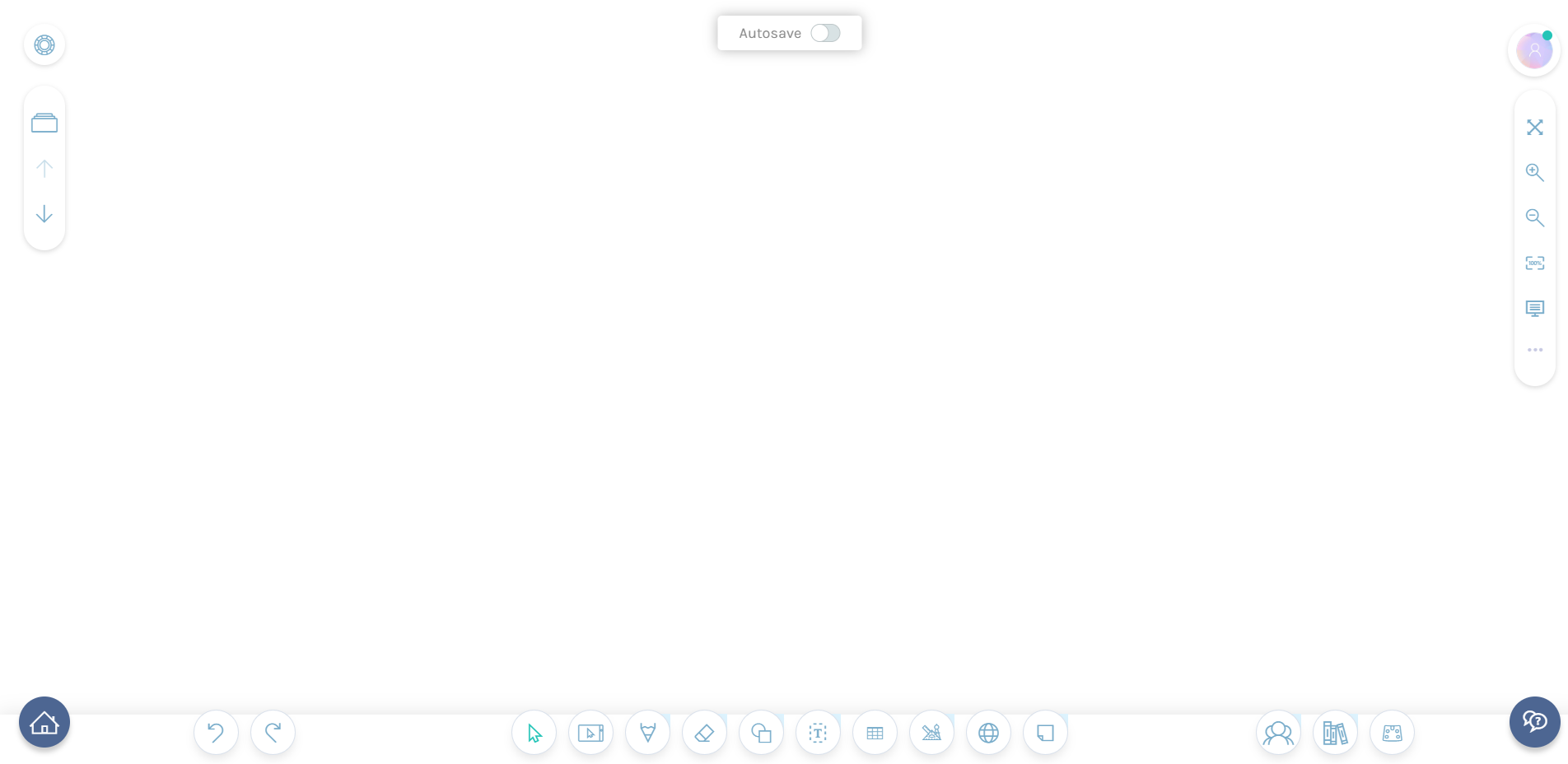
Go to app.i3learnhub.com and press on the home icon
-
navigate to the following location
Open - My private files - “Press on the highlighted in red” folder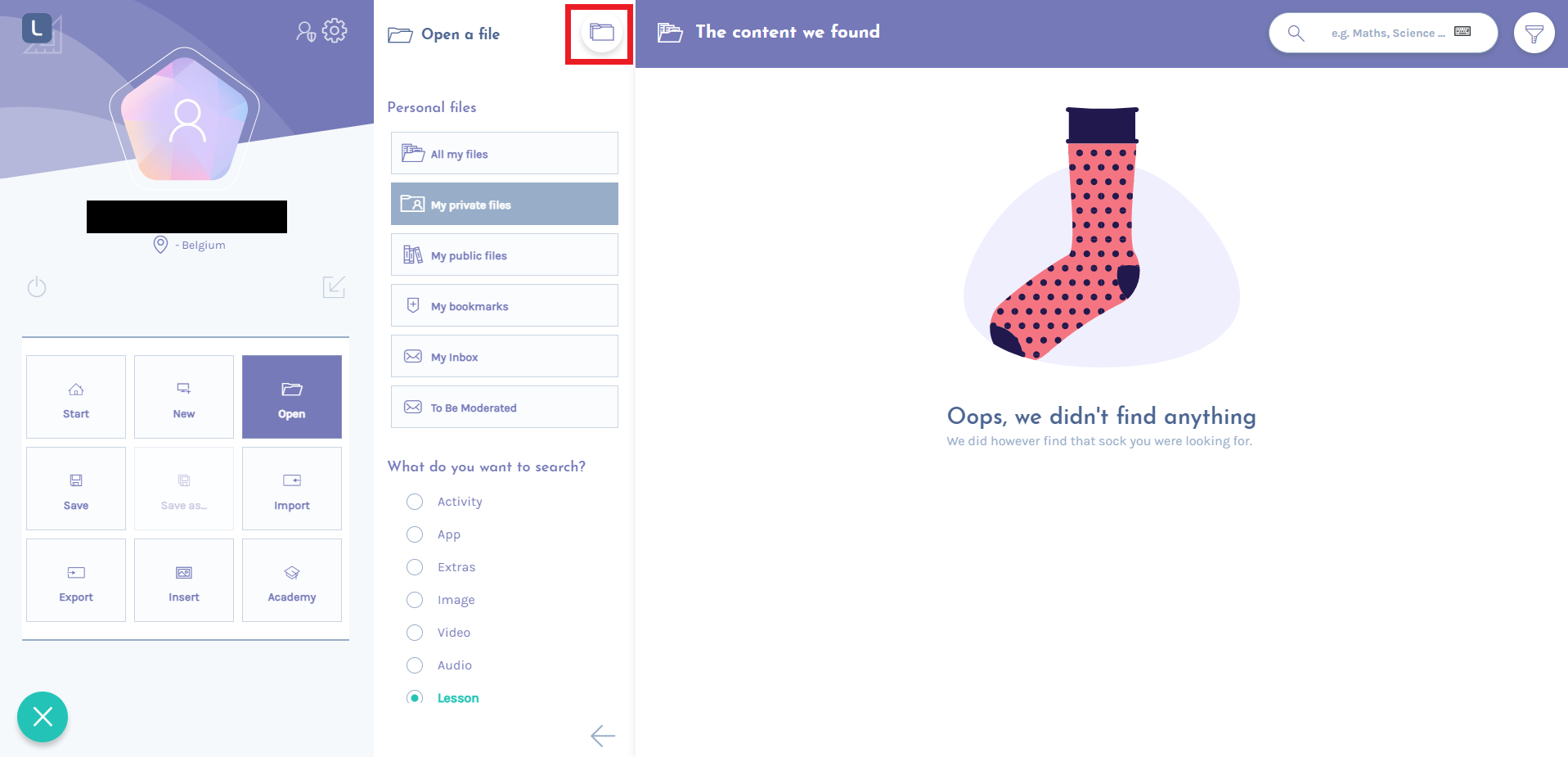
-
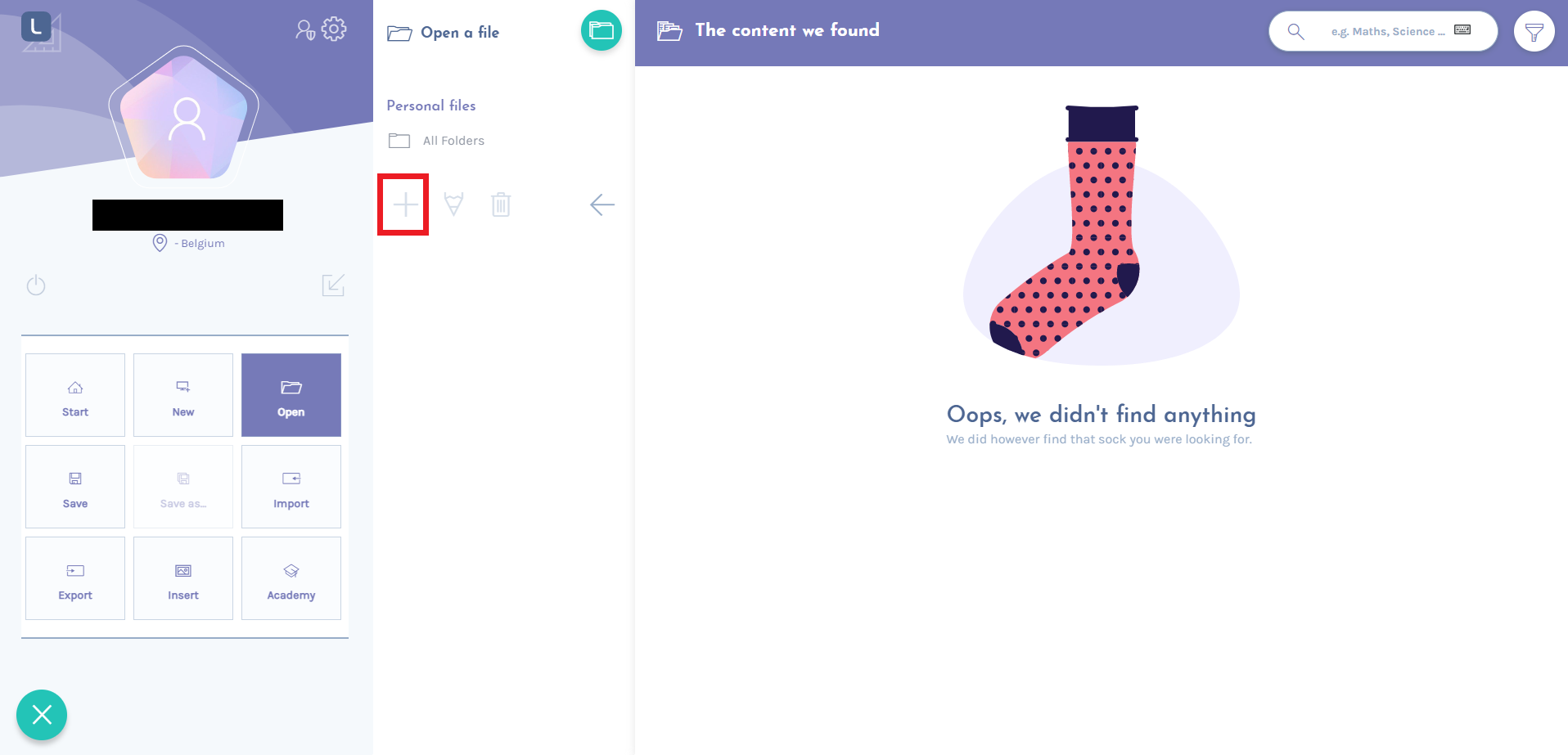
Select “All folders” and press on the + to create a folder
-
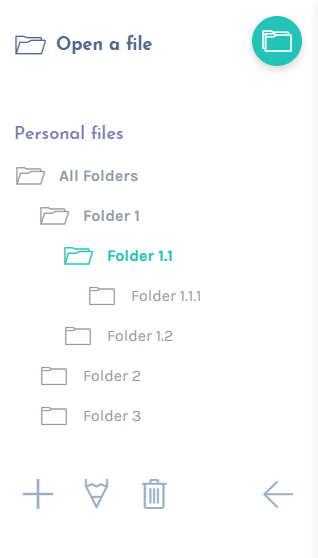
Selecting the folder and pressing + will create a subfolder