
From the Cortex display settings, you can configure the wallpaper of your device. This will be used as the background of your homescreen.
You can find it under settings → General → Wallpaper
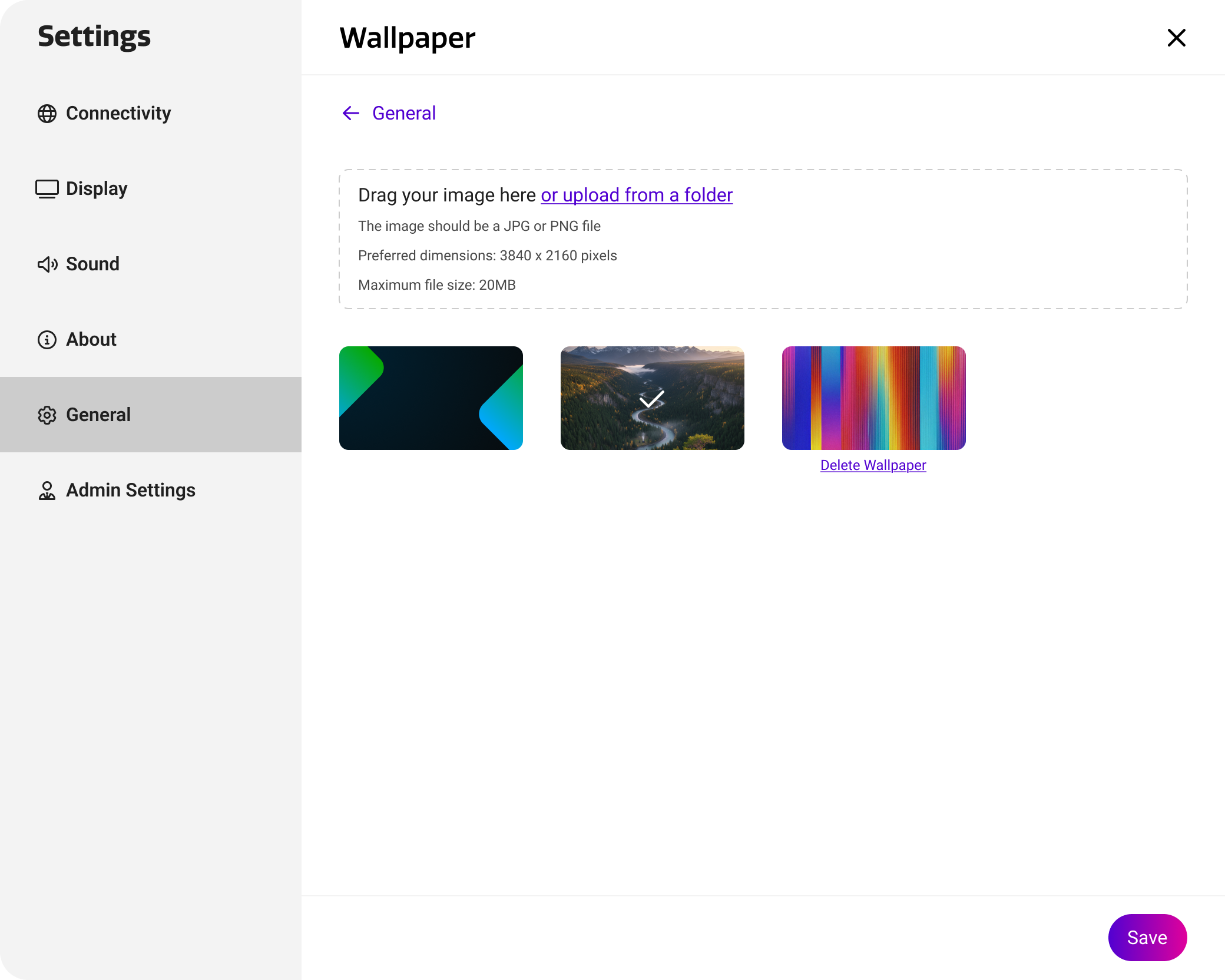
Adjusting the wallpaper
There are two types of wallpapers. The default wallpapers from the themes in Studio and custom wallpapers uploaded by users.
Default wallpapers will change based on the selected Studio theme.
Custom wallpapers are persistent, and will remain present independent from the selected theme.
You can add custom wallpapers by pressing the upload command, or by dragging and dropping an image file into the upload dialog directly. It will then show up in your library. You can select a wallpaper and press save to send it to the device. You can hover over a wallpaper to reveal the delete command.
Wallpapers uploaded in the settings menu are global. You can therefore re-use them in the settings of other displays, or while making configurations.