
On the bottom of the device details page, you will find the ‘device groups’ section, which allows you to assign and unassign your device to a specific device group.
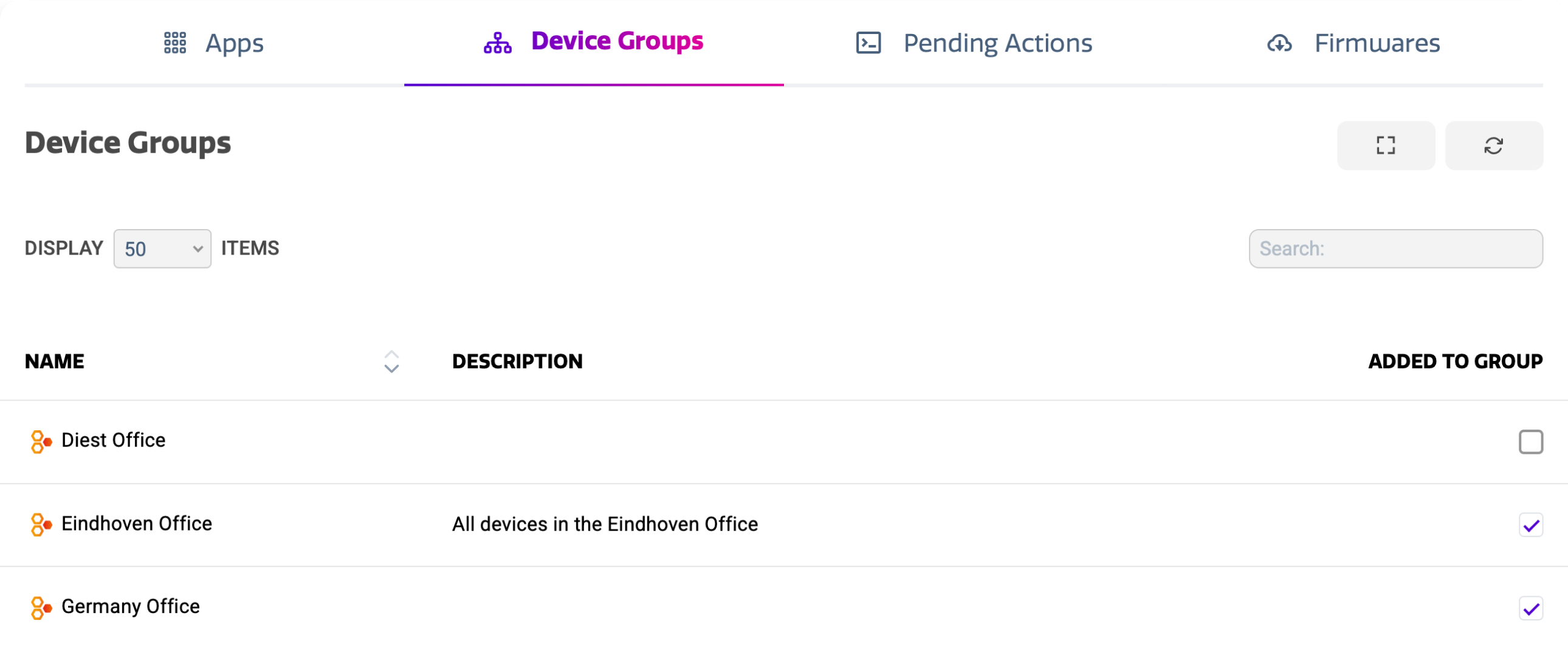
The device groups view shows a list of all the groups that is based on the apps in your Cortex account. The list shows:
-
Group Name
-
Group Description
-
Assignment State
Your device can be assigned to multiple groups at the same time. This allows you to have more granularity when applying configurations and more.
Assigning and unassigning to a group
Use the checkbox on the right hand side of the list to assign your display to the preferred group. This action is instant, and can easily be undone. There is no need to separately confirm.