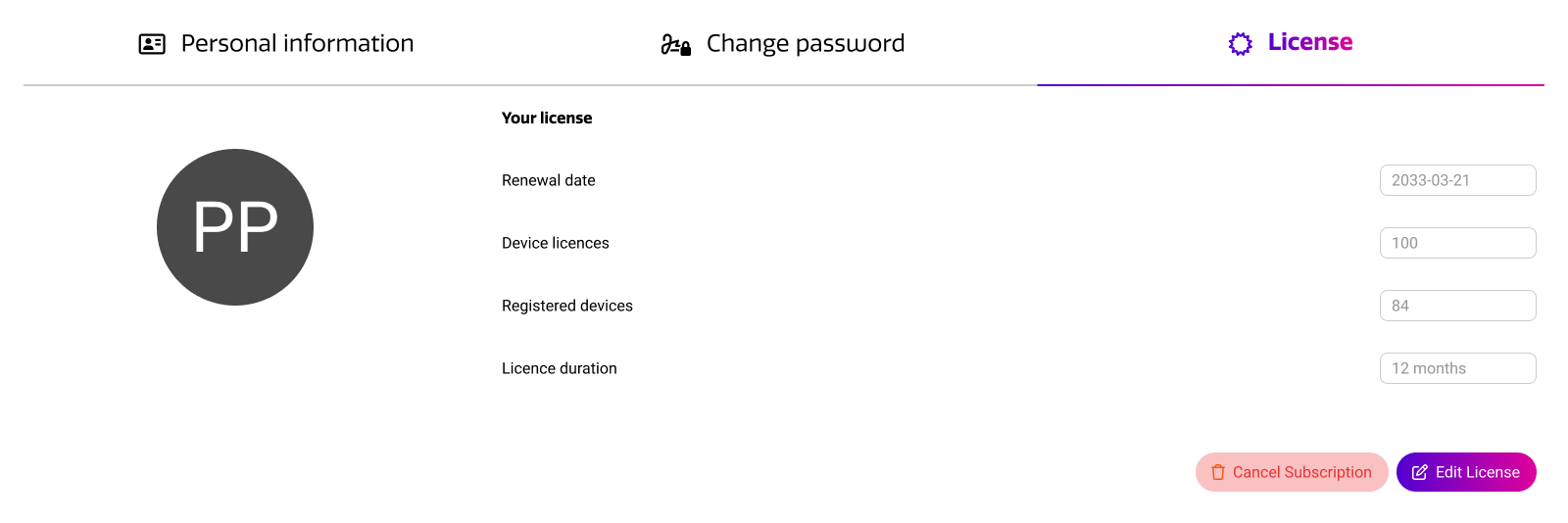
In the Cortex account settings, you can adjust your personal information and notification preferences. In addition, this is where you can purchase additional licenses for your account or cancel your subscription.
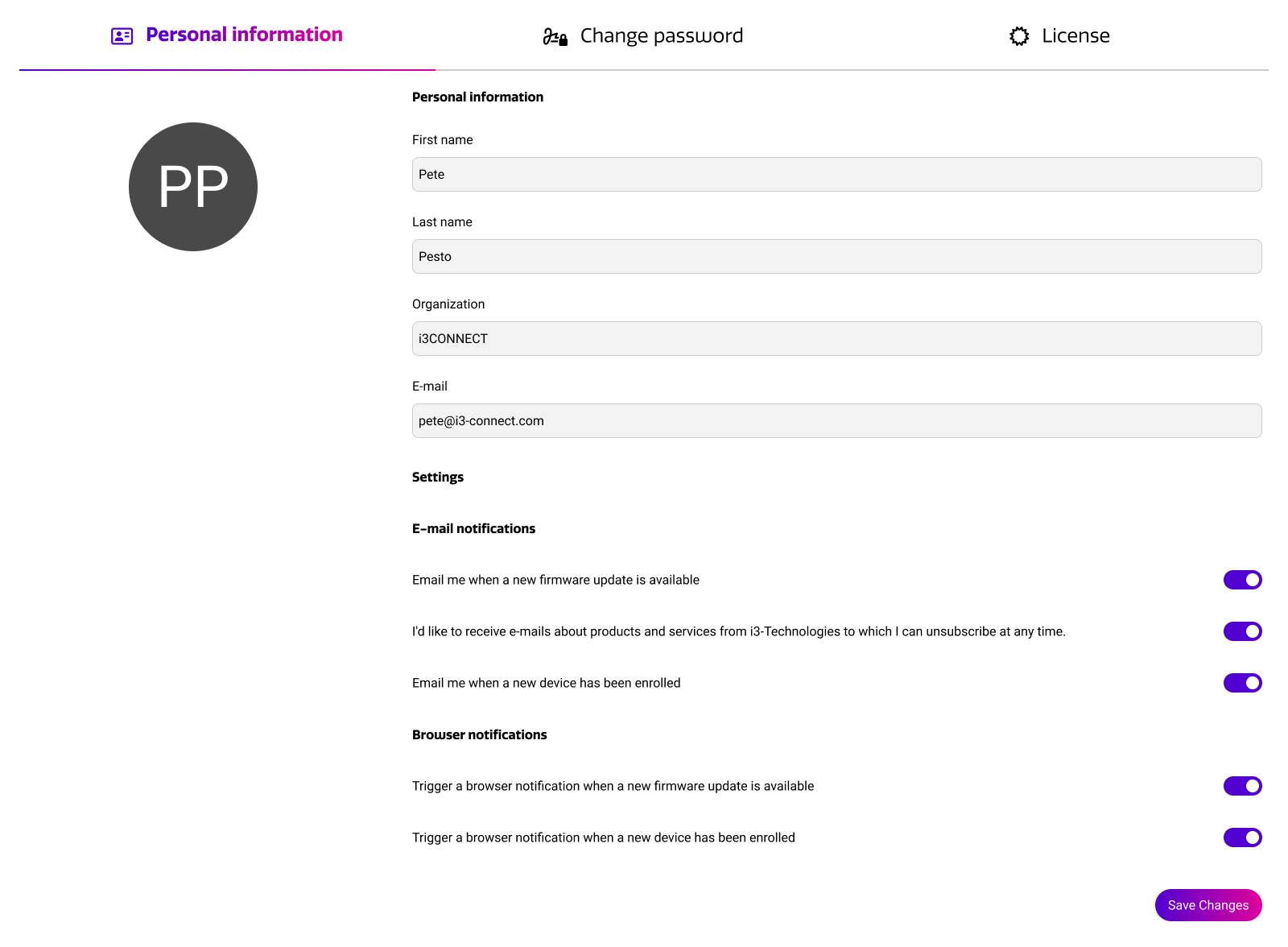
Personal info & notifications
In the personal information tab, you can set your personal information and notification preferences. We recommend leaving all notifications enabled, such that you are aware what is happening in your account and if there any relevant (firmware) updates.
Change password
Using the change password tab, you can change the password of your Cortex account. This will only work for accounts that were created based on email and password. If you created your account with a Google or Microsoft account provider, you cannot change your password through Cortex.
License
In the license tab, you can view the details of your Cortex license. You can see your amount of device licenses, and the expiration date of your license. On this page, you can add additional licenses, or cancel your subscription.