
On the bottom of the device details page, you will find the ‘firmwares’ section, which allows you to view the available firmware updates for your device.
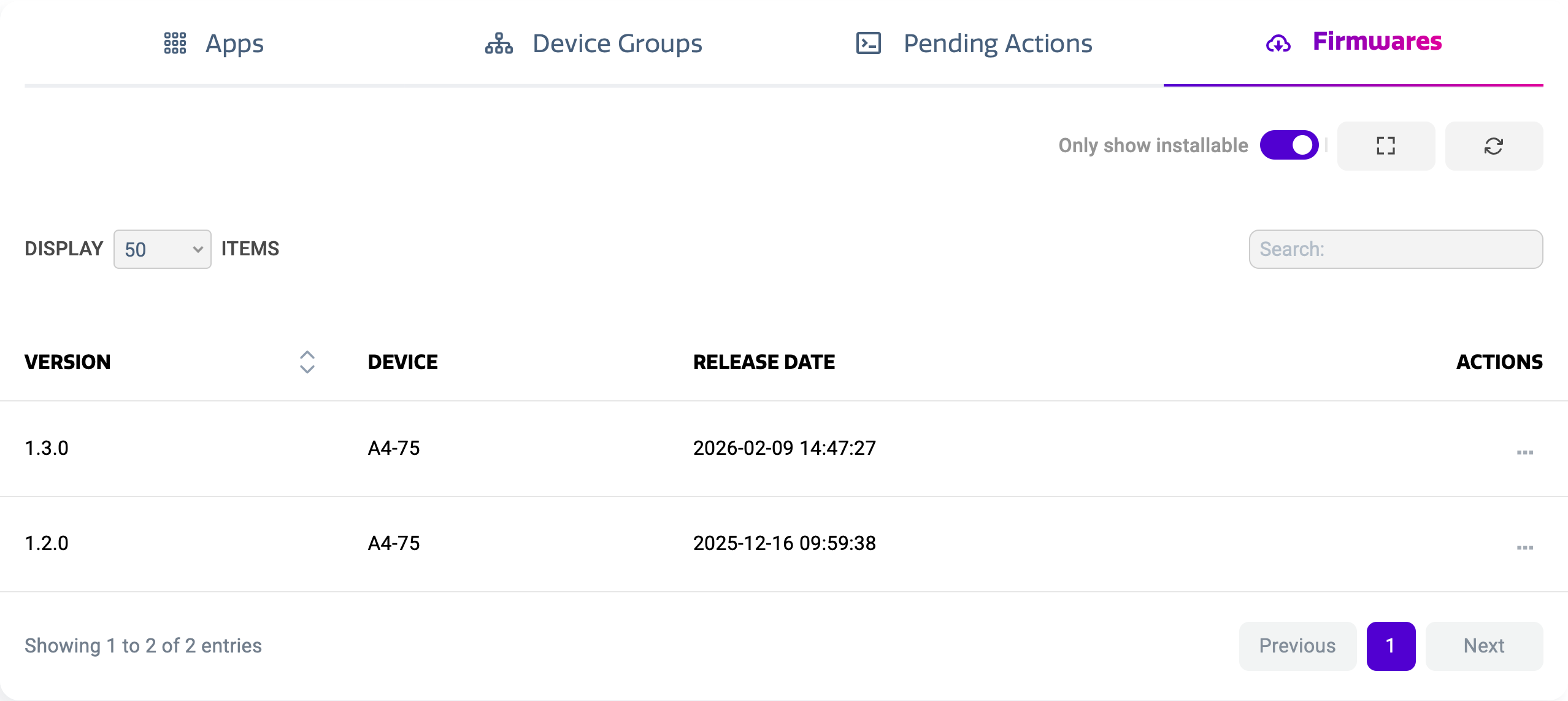
The firmwares view shows a list of all firmware updates that have been released beyond your device’s current firmware. This way, you can opt to update to intermediate firmwares instead of always updating to the last. The list shows:
-
Firmware Version
-
Device Model
-
Release Date
Applying firmware updates
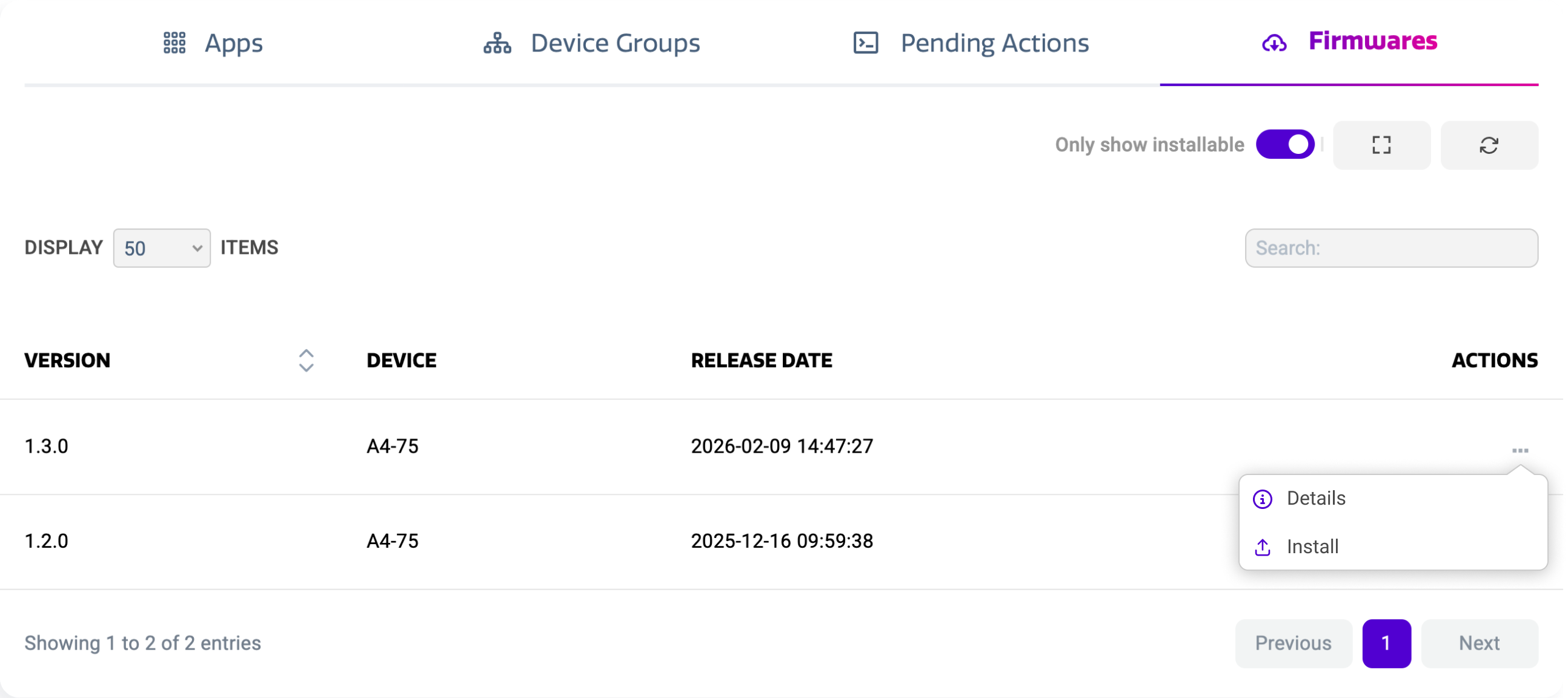
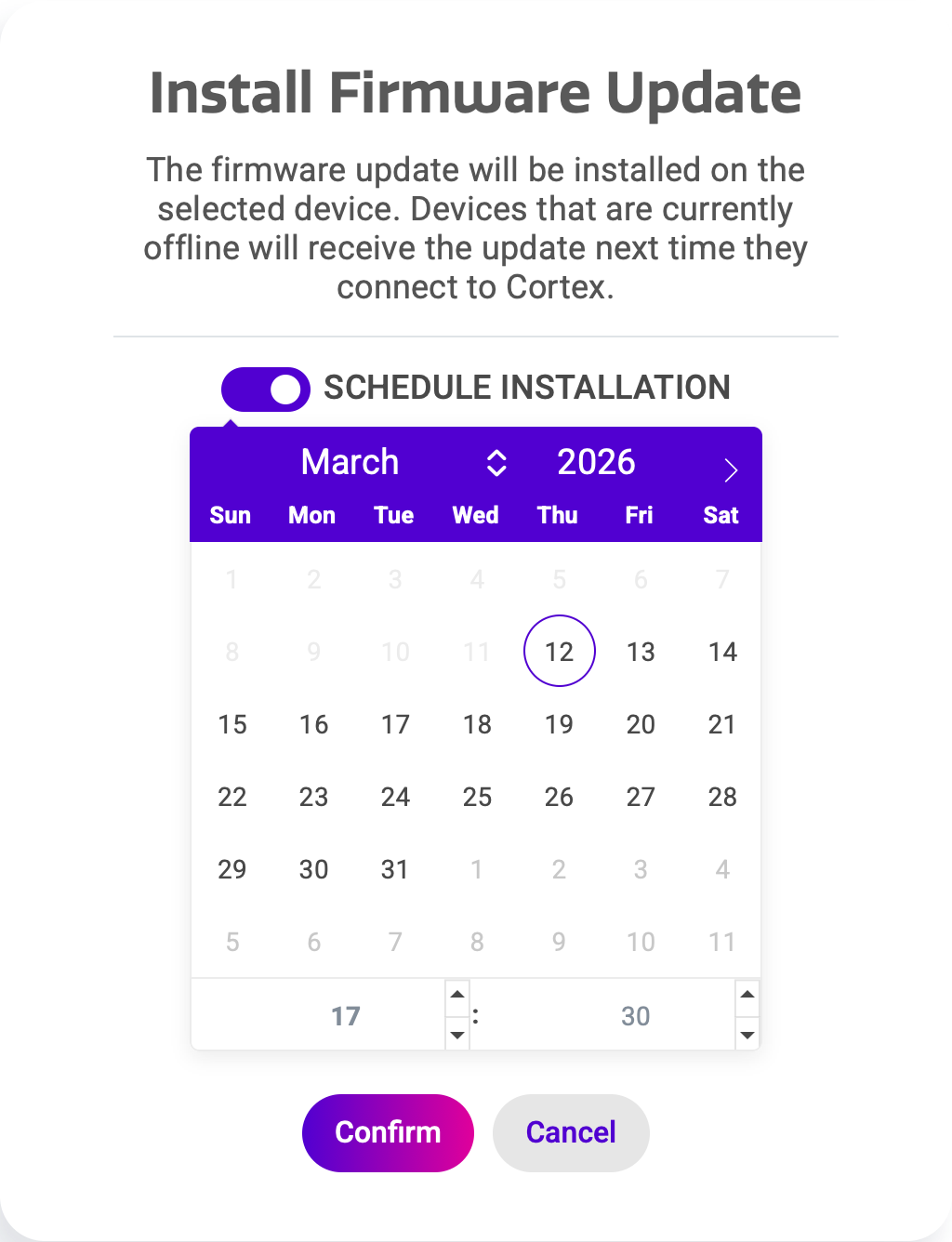
You can apply a firmware update by using the actions menu on the right hand side of the list. You can install a firmware immediately, or schedule it for a later moment. You can do this by enabling ‘schedule installation’ before confirming your installation command.
|
Install Type |
Effect |
|---|---|
|
Direct Install |
If the device is turned on, this will instantly start updating the device. This action will interrupt any ongoing activities on the device. |
|
Scheduled Install |
A scheduled install will automatically start upgrading the firmware at the selected date and time. This will only take place when the device is turned on. |
Installing a firmware will power cycle your device multiple times. Through this process, the device will lose connection to Cortex.