
You can remotely perform power actions for your device, such as shutting it down or rebooting. This can be useful when a device is not functioning correctly, or not properly shutdown. In this article, we’ll go over each specific action.
It is not possible to turn on your device remotely through Cortex. Therefore, devices must be turned on to perform any of the power actions listed below.
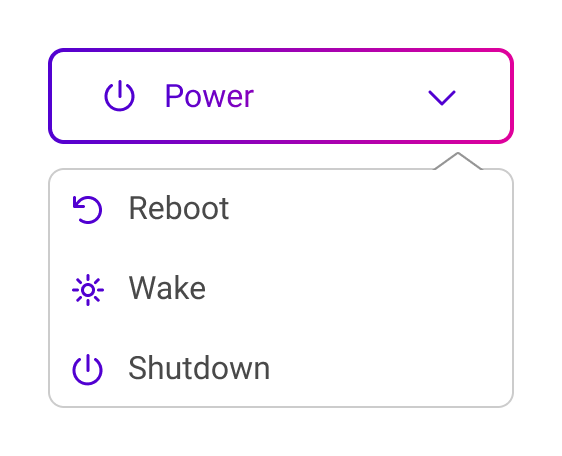
Power actions menu
From the device details page, you can navigate to the quick actions section to open the power actions.
The table below describes the result of each power action.
|
Action |
Result |
|---|---|
|
Reboot |
This will trigger a full power cycle on the display. After turning off, the display will power back on automatically. The device will temporarily lose network connection. |
|
Wake |
When the display is inactive for a while, the backlight might be turned off. This means there is no image visible, but the device is still turned on. This action turns the backlight back on. |
|
Shutdown |
This fully powers down the device. The device will lose network connection. |