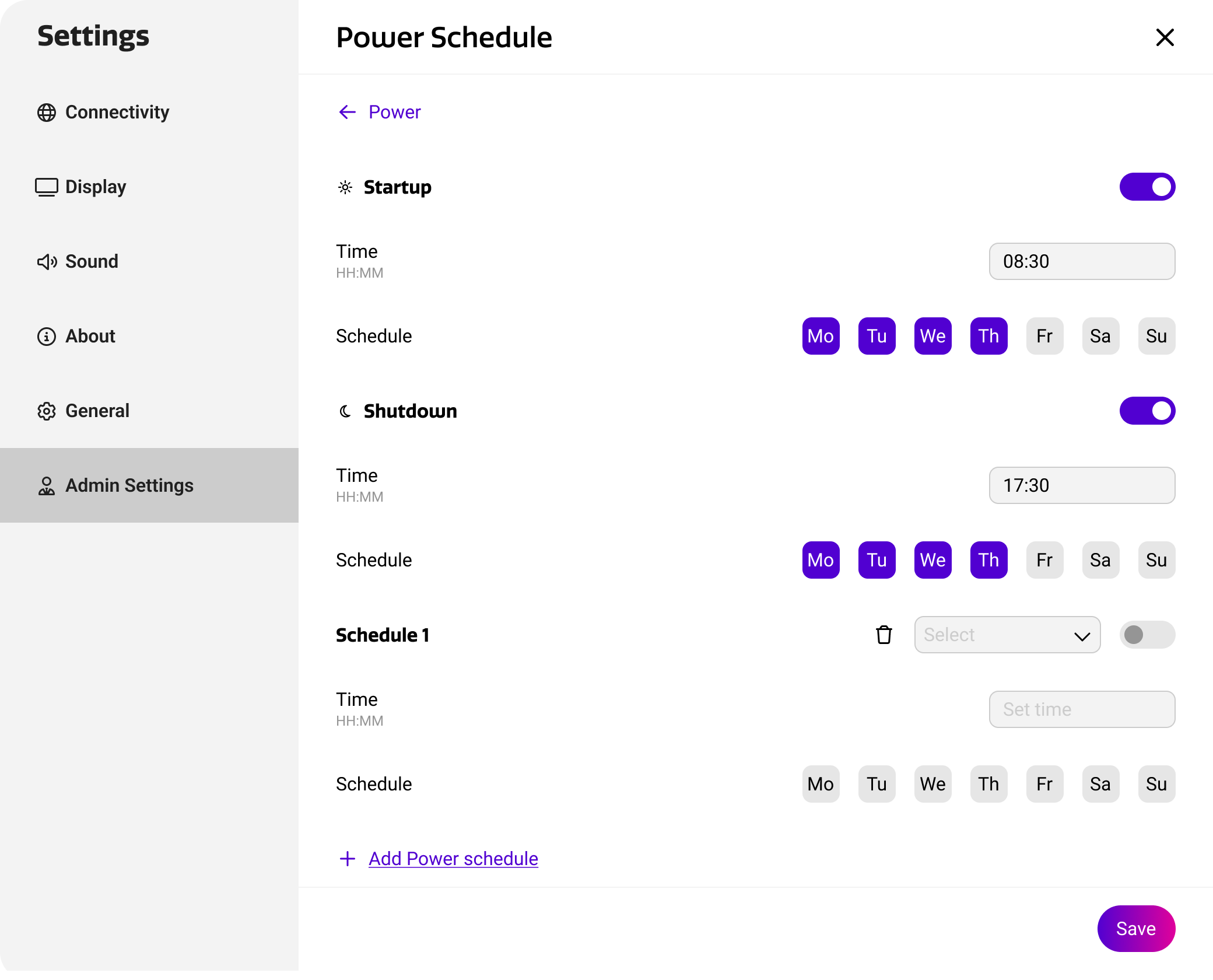
From the Cortex display settings, you can configure the device’s startup and shutdown schedules. This can be useful to automatically start up devices to offer a ready-to-go setup, or shut down devices to save energy for example.
You can find it under Settings → Admin Settings → Power → Configure Power Schedules
Configuring power schedules
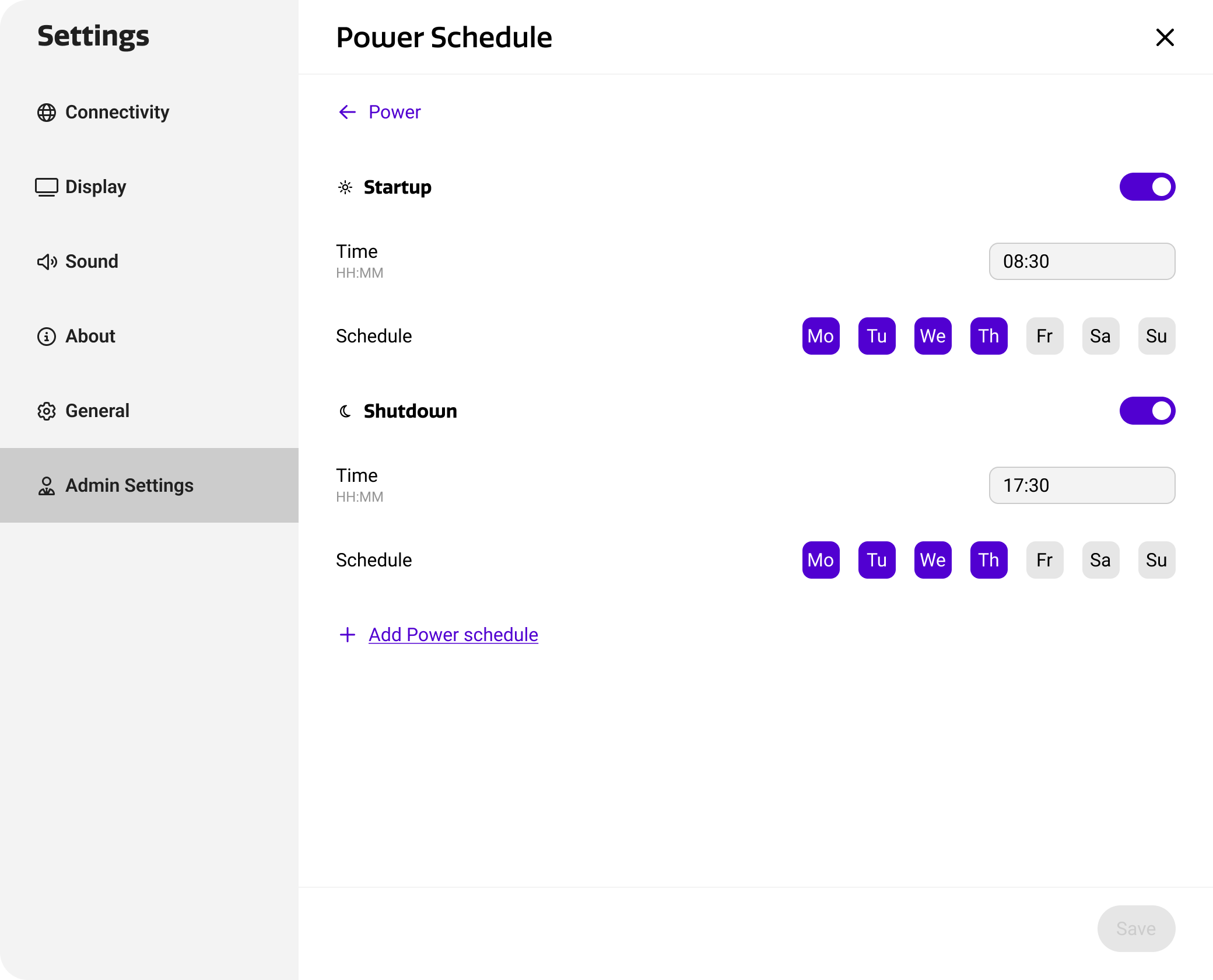
To configure the operating hours of your device, Cortex offers one startup and shutdown schedule by default. However, to offer maximum flexibility, you can configure additional power schedules to create additional windows of operation. For example, a midnight schedule could be used to run updates to minimize operational interruptions. Below is an overview of the settings you can configure for each schedule.
|
Settings |
Purpose |
|---|---|
|
Active |
Use this switch to determine whether the schedule should be active and executed. |
|
Time |
The time of day when the startup or shutdown command should be executed. |
|
Schedule |
The days of the week when this schedule should be active. |
Adding additional schedules
You can add additional power schedules by pressing ‘add power schedule’ on the bottom of the list. For additional power schedules, a schedule type (i.e. startup or shutdown) must be set.