
On the bottom of the device details page, you will find the ‘pending actions’ section, which allows you to view commands or changes that are waiting for the device to come online.
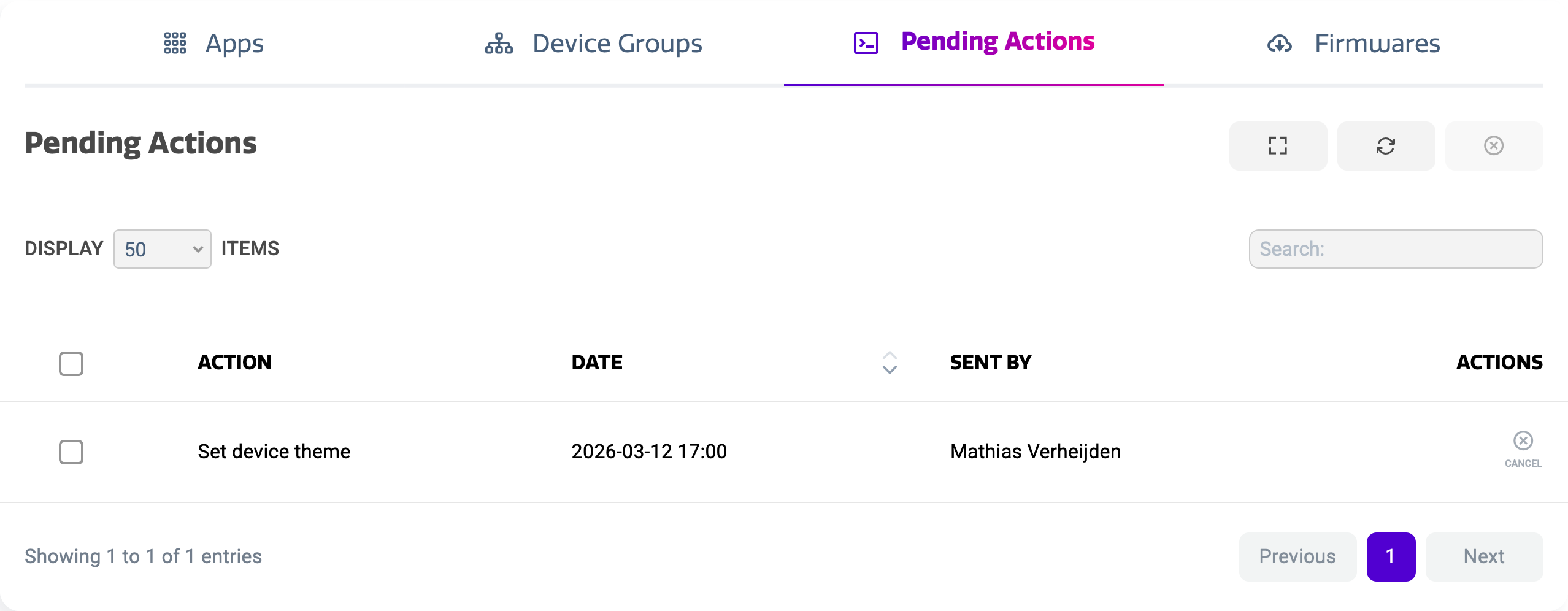
The pending actions view shows a list of all commands and changes that were performed while the display is offline. The list shows:
-
Action
-
Date
-
User that performed the action
Pending actions will be executed as soon as the display comes back online. Apart from firmware updates, these actions happen nearly instantly to minimize user interference.
Cancelling pending actions
You can cancel pending actions by pressing the cancel action on the right hand side. This will remove the action from the list and prevent that it will be executed as soon as the display comes back online.