
When you need support for a display, accessory or software made by i3CONNECT, it is important to be able to determine which product it is exactly. To determine this you will need to share the Serial number of the product. Below you find instructions for how to find these numbers.
Instructions: Serial number on the Display
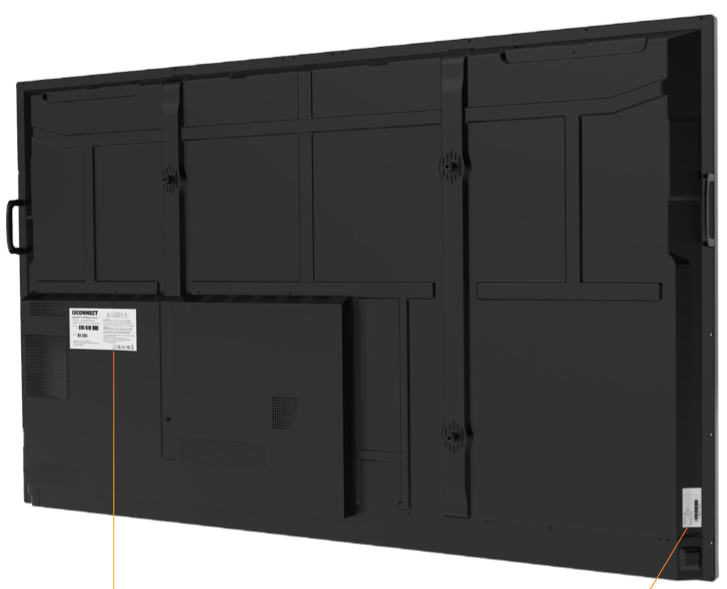
On each display you will find two stickers which include the Serial number and Model number of the display:
-
First is on the back (a full specification product label)
-
The second is on the side (easy reference sticker with less information).
The position may differ between different displays.
Instructions: Serial number in i3CONNECT Studio
This link will lead you to where you can find the serial number in the user interface of your display (i3CONNECT Studio).
Follow the instructions at the start of this link to open the settings menu, and then scroll down until you reach About the device.
Instructions: Serial number in i3STUDIO
This link will lead you to where you can find the serial number in the user interface of your display (i3STUDIO).
Follow the instructions at the start of this link to open the device info.