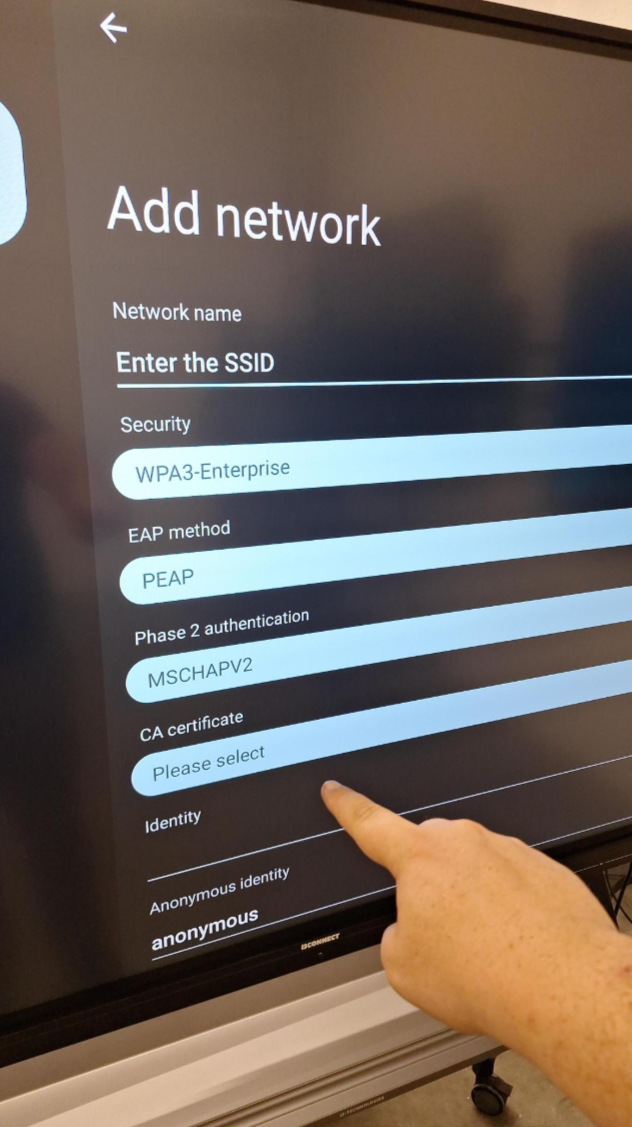
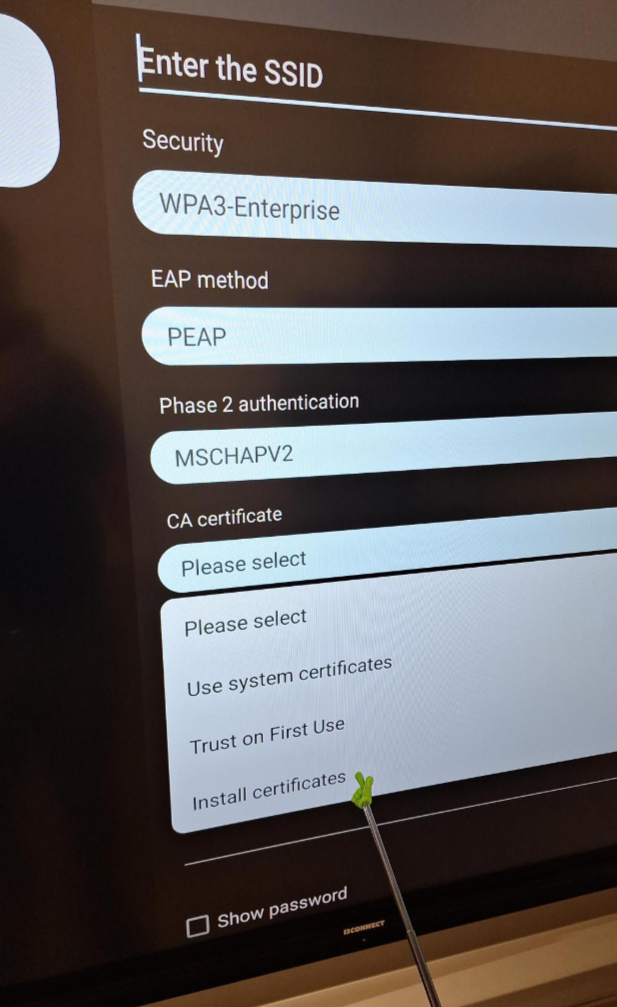
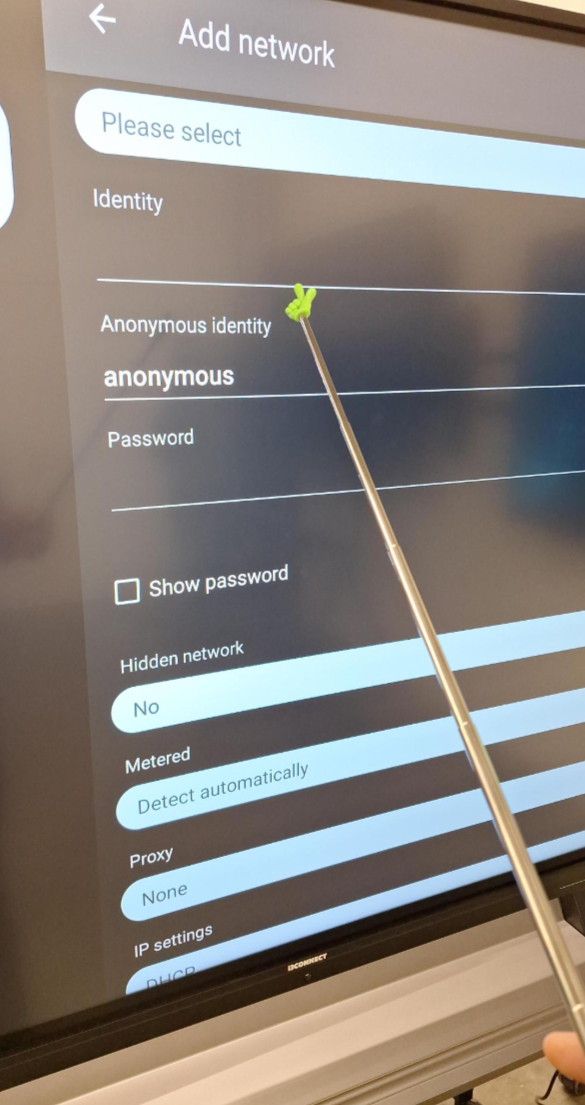
Depending on your IT network requirements, you may wish to install network certificates on your display. This is possible through the backend Android settings. Please review those here:
Required tools:
-
USB stick (recommended brand SanDisk, Format FAT32)
Instructions
-
Copy the certificate on the usb stick and insert the usb stick in the display
-
Add the network via the Advanced Android settings.