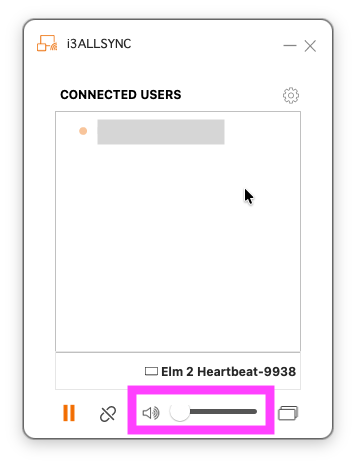
If you’re sharing your screen using the AllSync app or dongle and can’t hear sound from your i3CONNECT display, this guide will help you troubleshoot common causes and get your audio up and running again.
This article is for AllSync. If you’re using a third-party wireless sharing solution, these steps may not apply. Refer to the support documentation for your specific product.
Troubleshooting
-
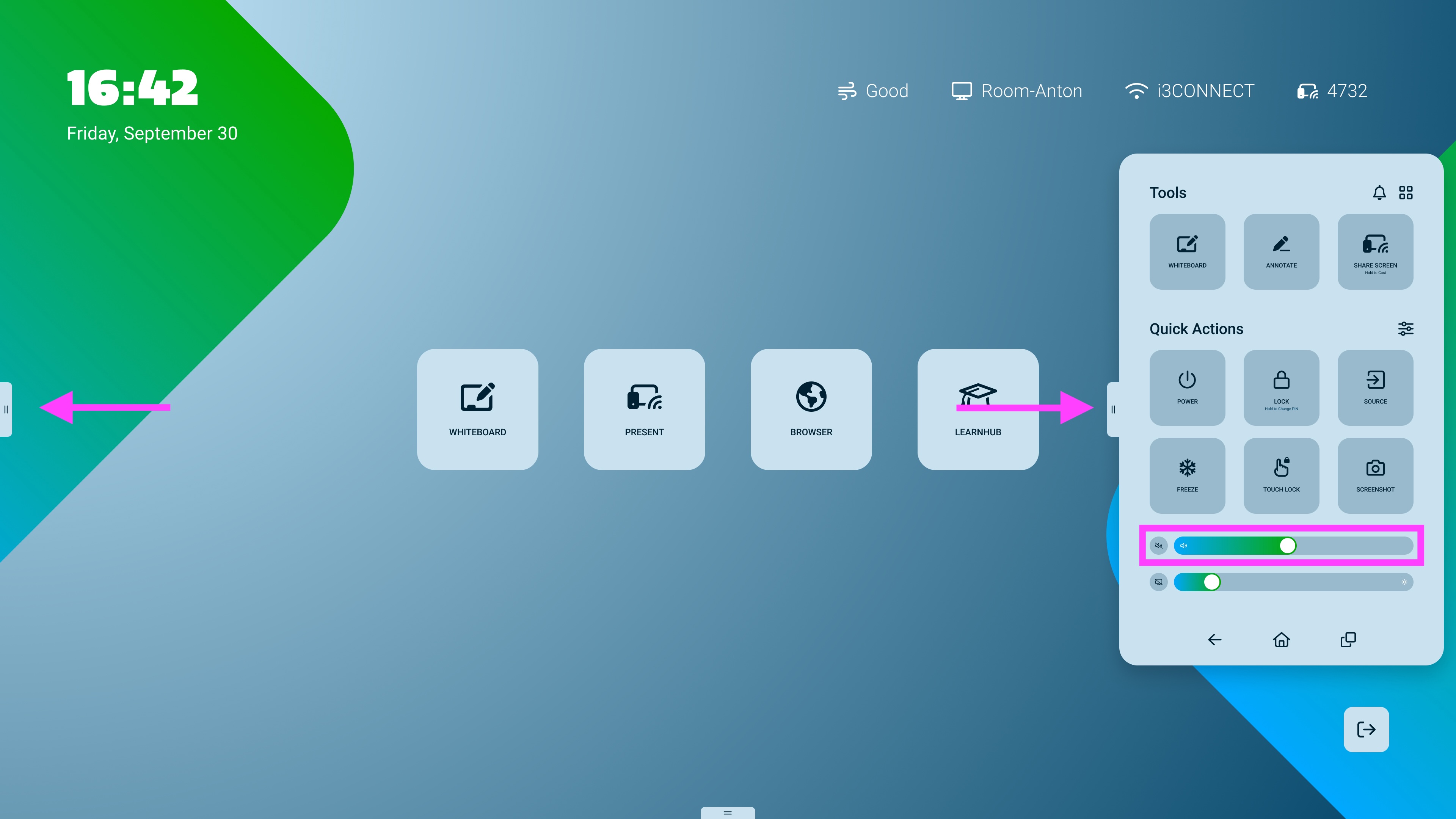
Check the display volume. Make sure it is turned up and not muted.
-
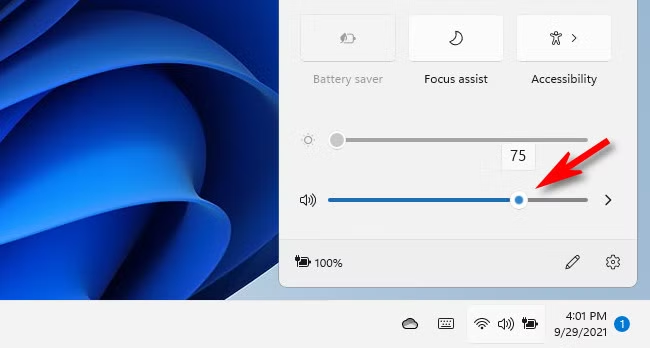
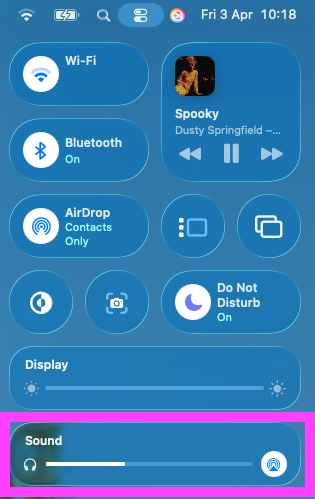
Check your device’s audio output. On your laptop or device, select the interactive display as the audio output in your sound settings.
-
Check application and system volume. If you’re using the AllSync software transmitter, ensure your application and system volume are not muted or too low.
-
Try a different window when sharing. Test with another video or audio file to rule out issues with the original content.
-
Restart sharing. Stop and restart your screen sharing session to refresh the connection.
-
Restart the devices. If you still don’t hear sound after these steps, try restarting both your device and the interactive display.