Access the factory menu in the AllSync App

Instructions

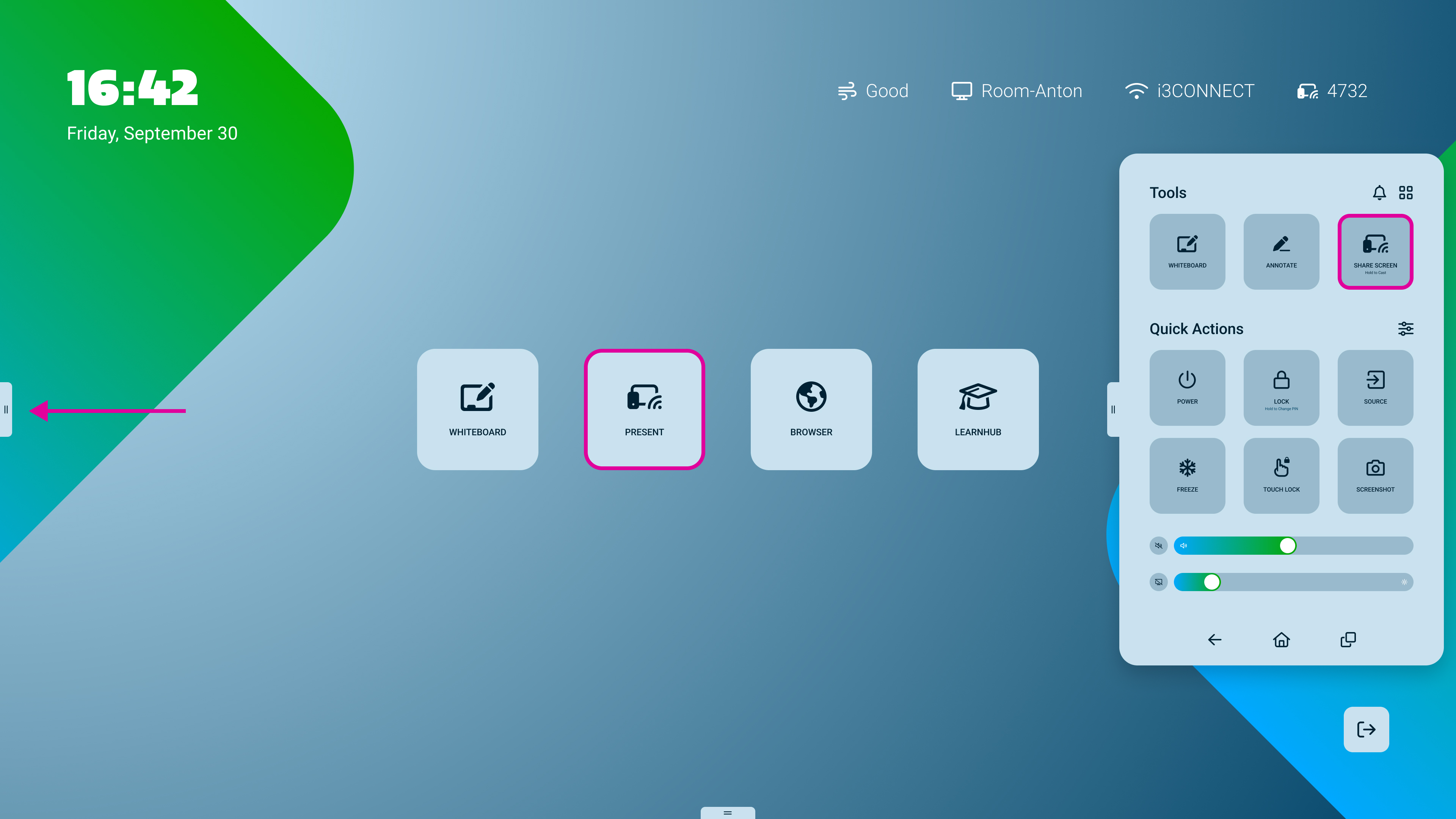
  1. Open the AllSync app on your display.

    Electric Aqua Light UI.jpg


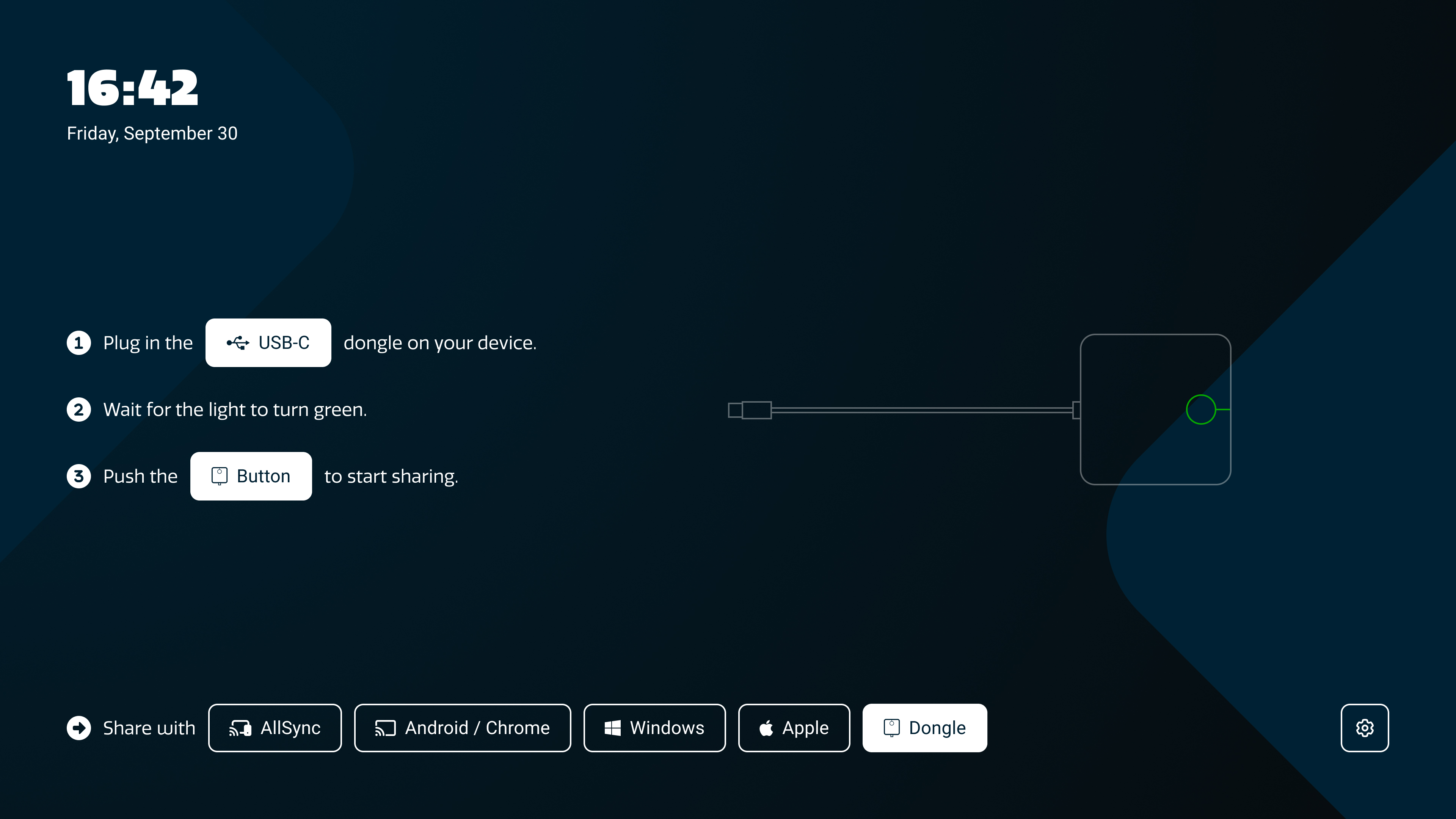
  2. Tap the gear-regular.png cogwheel (settings) icon in the bottom-right corner

    AllSync - Dongle.jpg


  3. Find the version number in the tab “App info”.
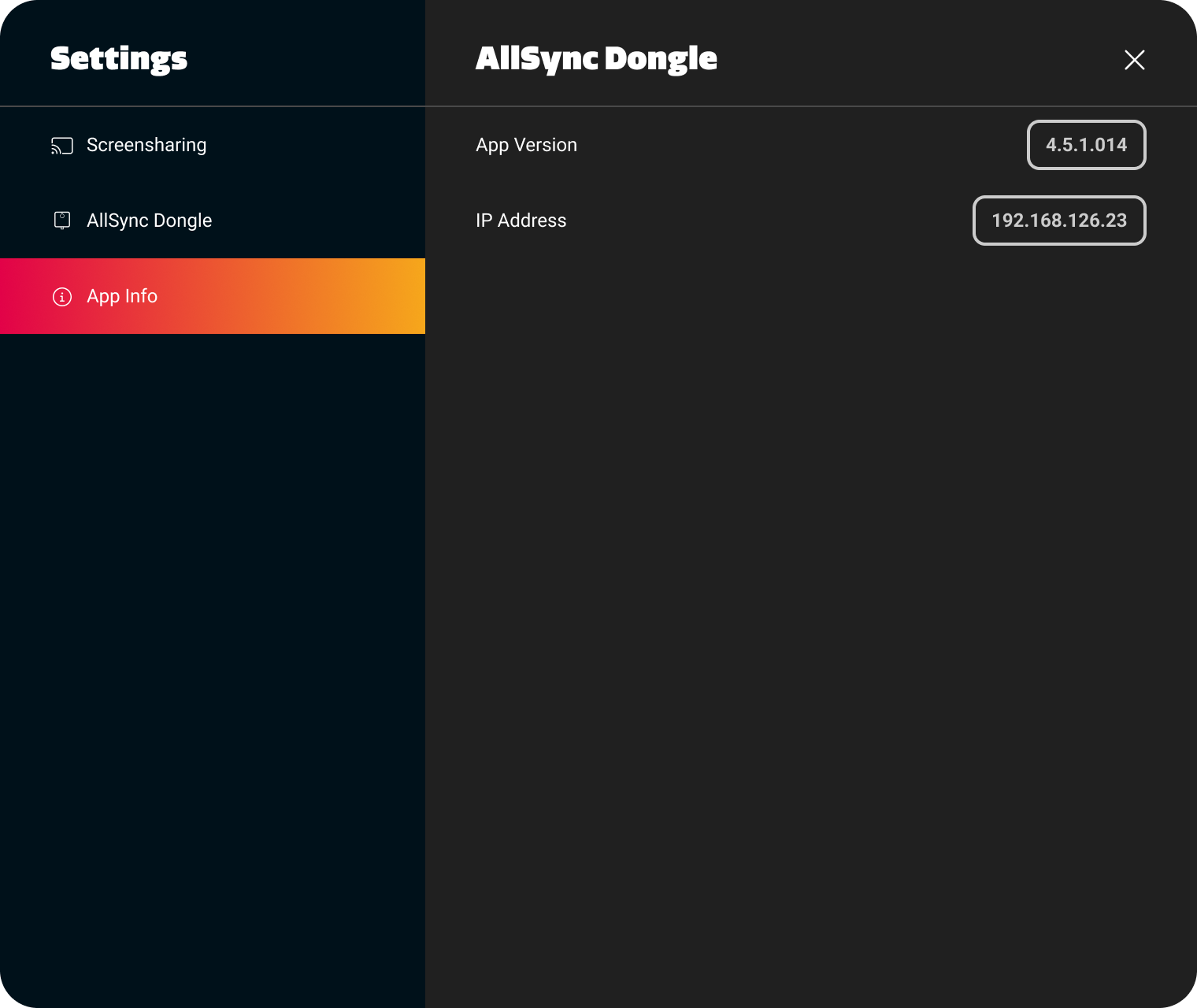
    Settings-1.png


  4. Tap the version number three times to open the factory menu.