
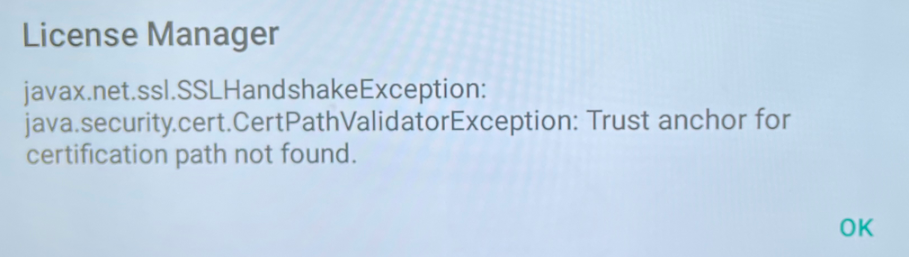
If you see a certification error when using an i3APP on your i3TOUCH E10(r), such as issues with secure connections or AllSync RX, this guide will help you manually install the required root certificate and update the AllSync RX app. This is especially relevant after a factory reset, as the issue will reappear and require the same fix.

This article is for IT admins or support staff responsible for maintaining i3TOUCH E10 displays. If you are not comfortable installing certificates or APK files, please contact your IT department or i3CONNECT support.
By the end of these steps, your i3TOUCH E10(r) should have secure connections restored and AllSync RX working. If the issue persists after following these steps, contact i3CONNECT support.
Before you start
-
You’ll need a USB flash drive.
-
Download the following files and place them in the root folder of your flash drive:
-
isrgrootx1.pem (root certificate)
-
i3ALLSYNC Receiver-v3.8.1.041-007-generic-release.apk (AllSync RX installer)
-
Instructions
-
Insert the USB flash drive with both files into the USB port of your i3TOUCH E10.
-
Install the certificate:
-
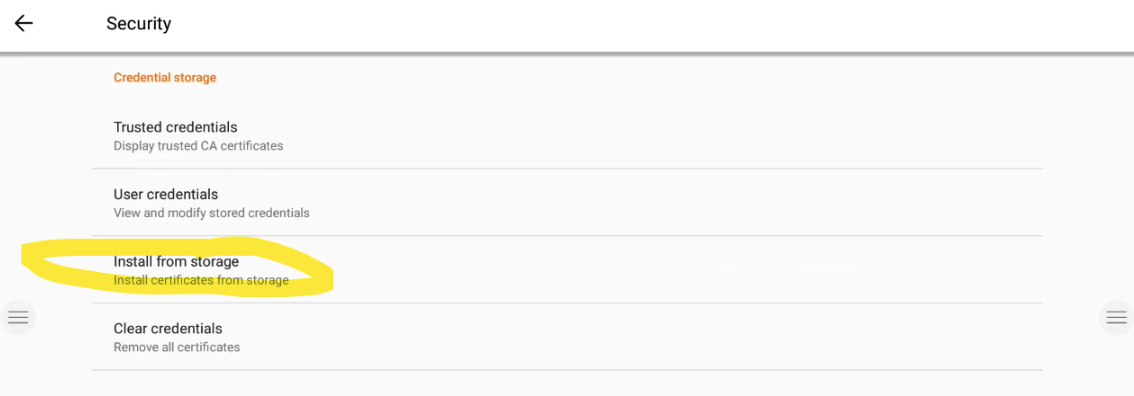
Go to Settings > Security > Install from storage.
-
Select the
isrgrootx1.pemfile, give it any name, and press Install.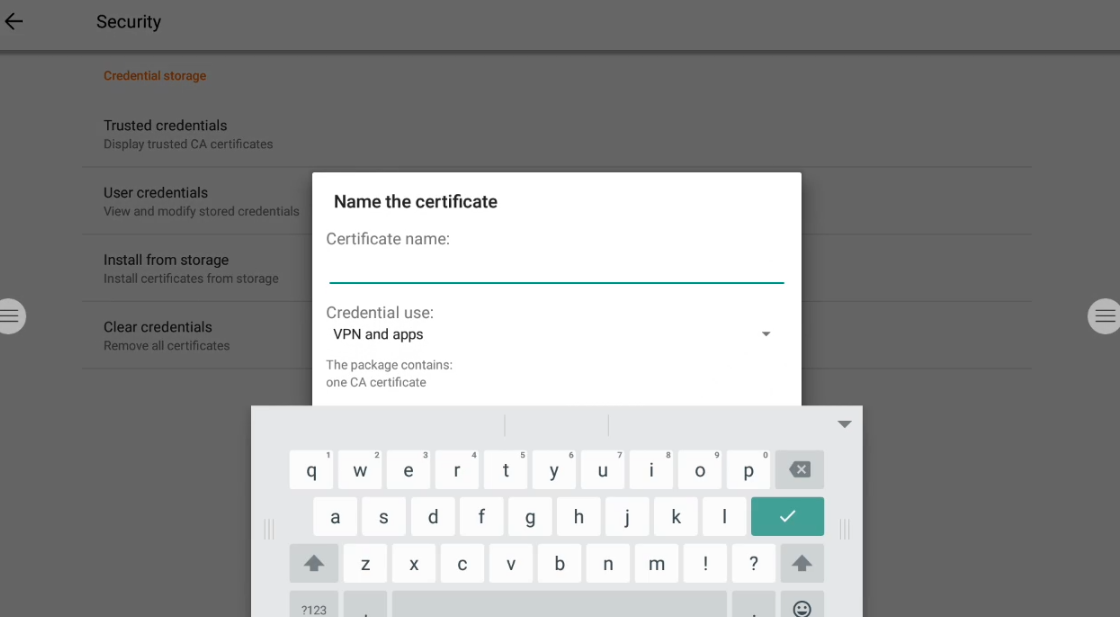
-
-
Enable installation from unknown sources:
-
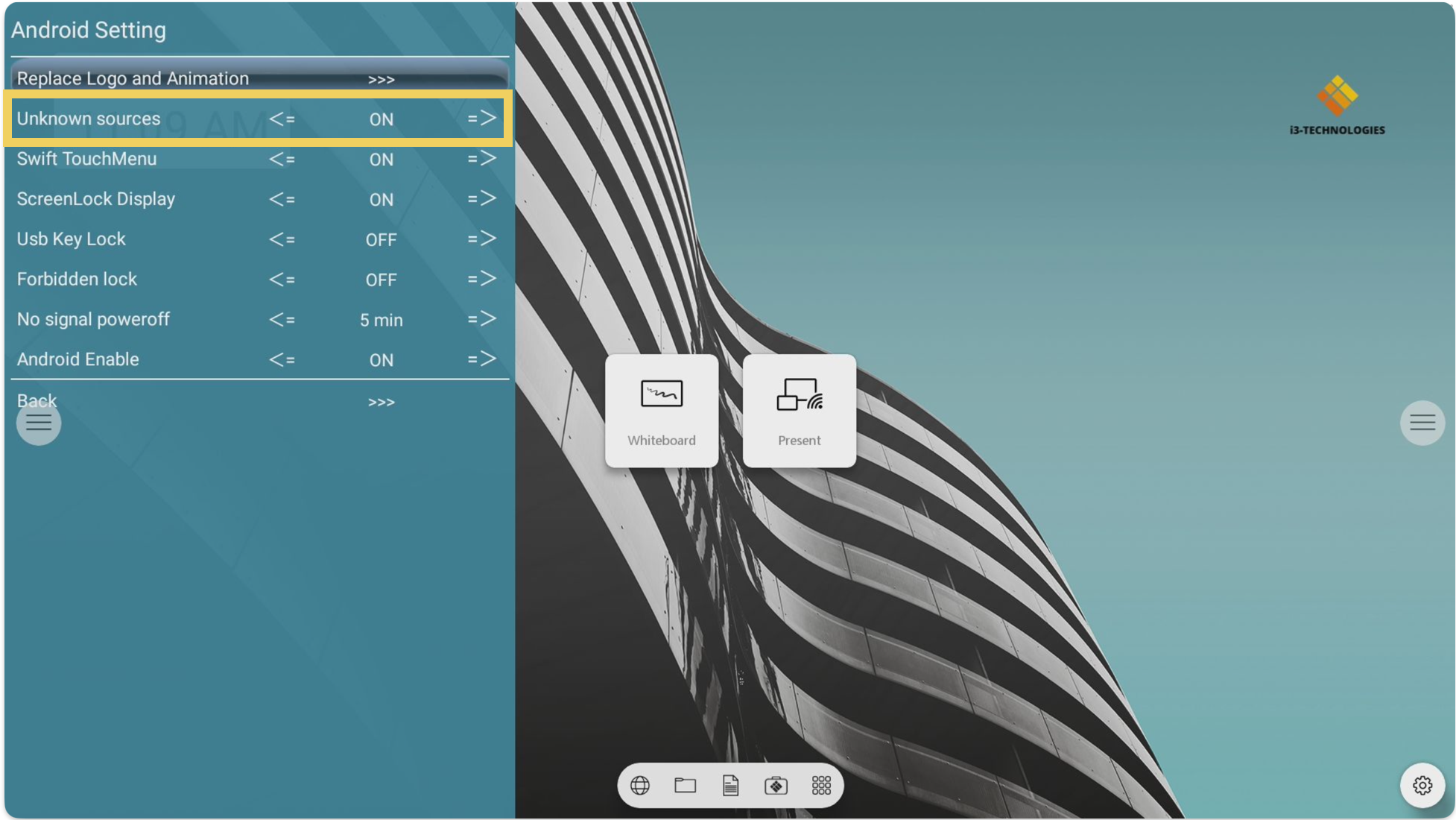
Open the debug menu by pressing Input - 1 - 3 - 7 - 9 on the remote.
-
Navigate to Android settings and set Unknown sources to On.
-
Close the debug menu.
-
-
Install AllSync RX:
-
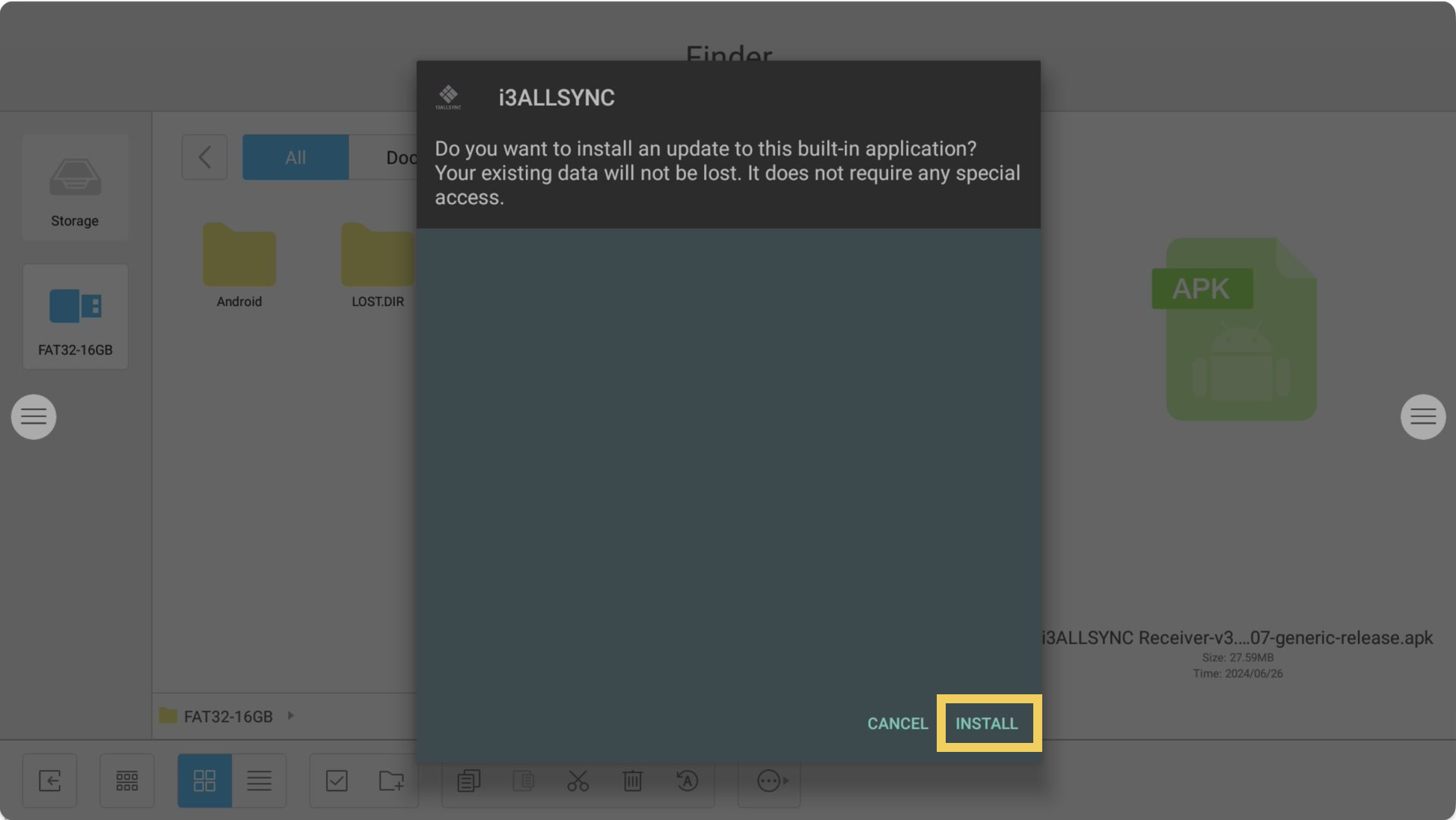
Go to Finder > External flash drive.
-
Open i3ALLSYNC Receiver-v3.8.1.041-007-generic-release.apk and press Install.
-
-
Reboot your device after both installations are complete.
Troubleshooting
-
If you perform a factory reset on the E10, you must repeat these steps to restore secure connections and AllSync RX functionality.
-
If the certificate or APK fails to install, double-check that both files are in the root directory of your USB drive and try again.
-
If you still experience issues, contact i3CONNECT support for further assistance.
Labels
how-to, e10, troubleshooting, wireless-sharing