-
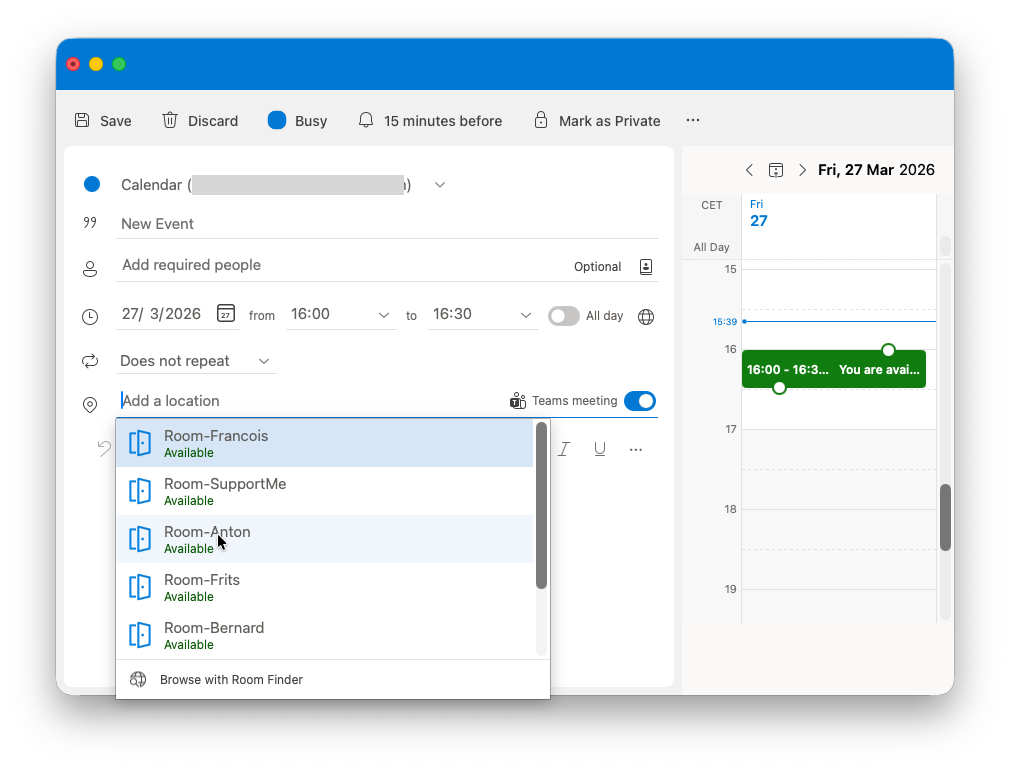
Create a meeting from your personal company Microsoft Teams / Outlook calendar and include the Room you will use for the meeting in the location.
-
If you don’t know the name of the display in the room, visit it in person and look at the name of the display written below the Date and time on the interface. Often it has the same name as the room’s own name or number.
-
If you created the meeting with Outlook, be sure to toggle on the Teams Meeting toggle.
-
Add the required people to the meeting invite.
-
Press save to book the room. If no-one already reserved the room, you should receive an email saying that the room has accepted your meeting request.