
While sharing with AllSync you are able to use extra features that are made possible by touch technology; namely to annotate over your shared screen and to take touch control of your device remotely.
Instructions
-
Open AllSync on the display by pressing on the

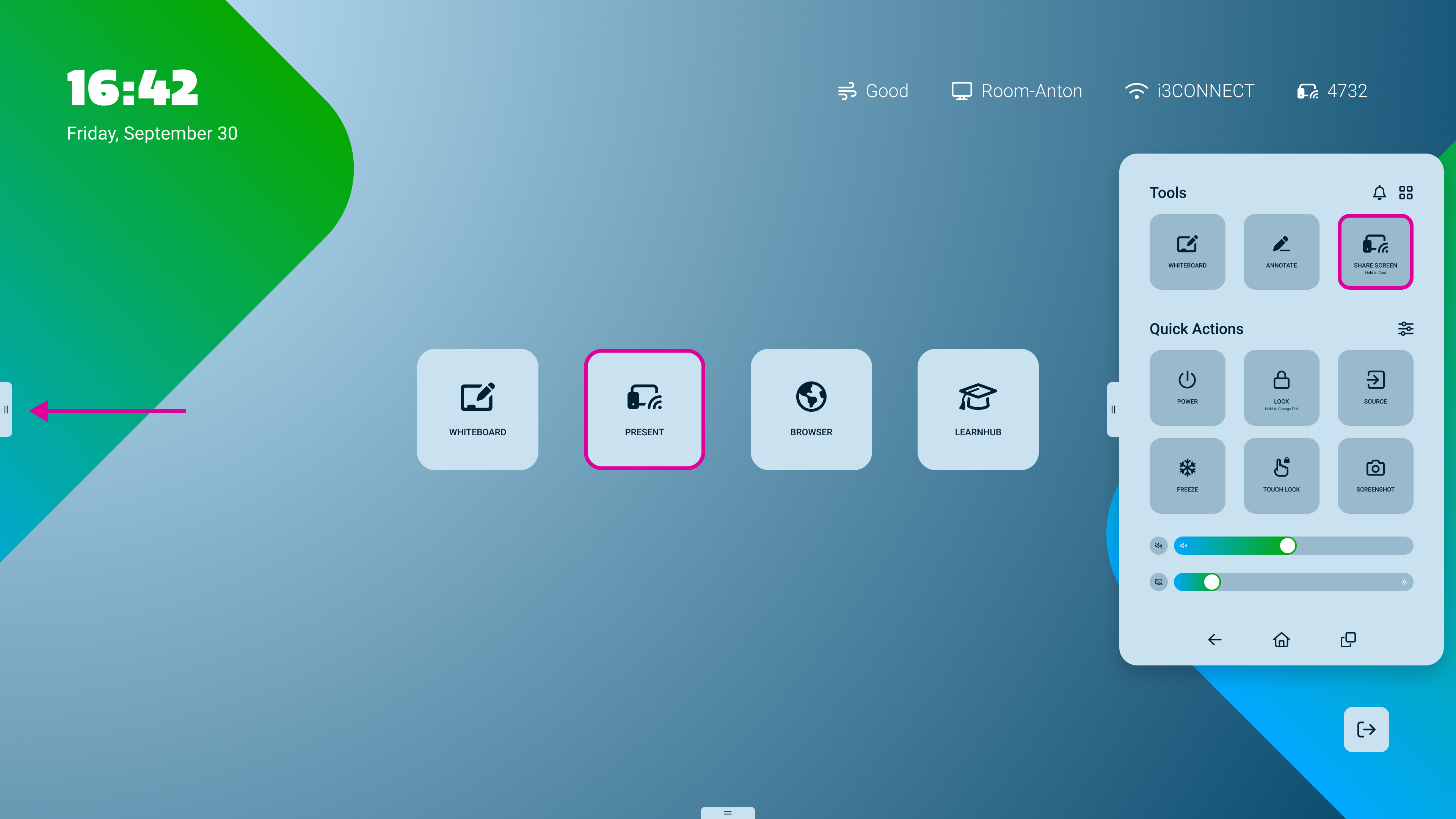
-
Tap on the


AllSync overlay: How to Annotate
-
Press on the

-
Start writing!
-
Stop annotating press on the

AllSync overlay: How to use 
Touch control
-
Press on the
-
Control laptop from the display
-
Stop touch control by pressing on the
Only works with Windows devices.