
This guide is for anyone with who needs to upgrade the TX46-C AllSync Transmitter to the latest firmware. If you have a different transmitter model or part number, do not use these instructions. Refer to the correct guide for your device
Only use for the TX46-C AllSync Transmitter.
Before you start
-
Make sure you have the correct transmitter: The TX46-C. You can find the model number on the back of the Transmitter dongle.
-
Make sure your serial number is below I3SYTX46C58###.
-
Connect the transmitter to your computer before starting.
-
Download the correct firmware file for your serial number (see table below).
-
Unzip the firmware update tool and firmware file.
Download
|
Serial number range |
Firmware |
Last updated |
|---|---|---|
|
Up until I3SYTX46C58### |
||
|
Starting from I3SYTX46C59### |
Not required |
|
Instructions
Make sure you connect the transmitter to your computer before starting.
-
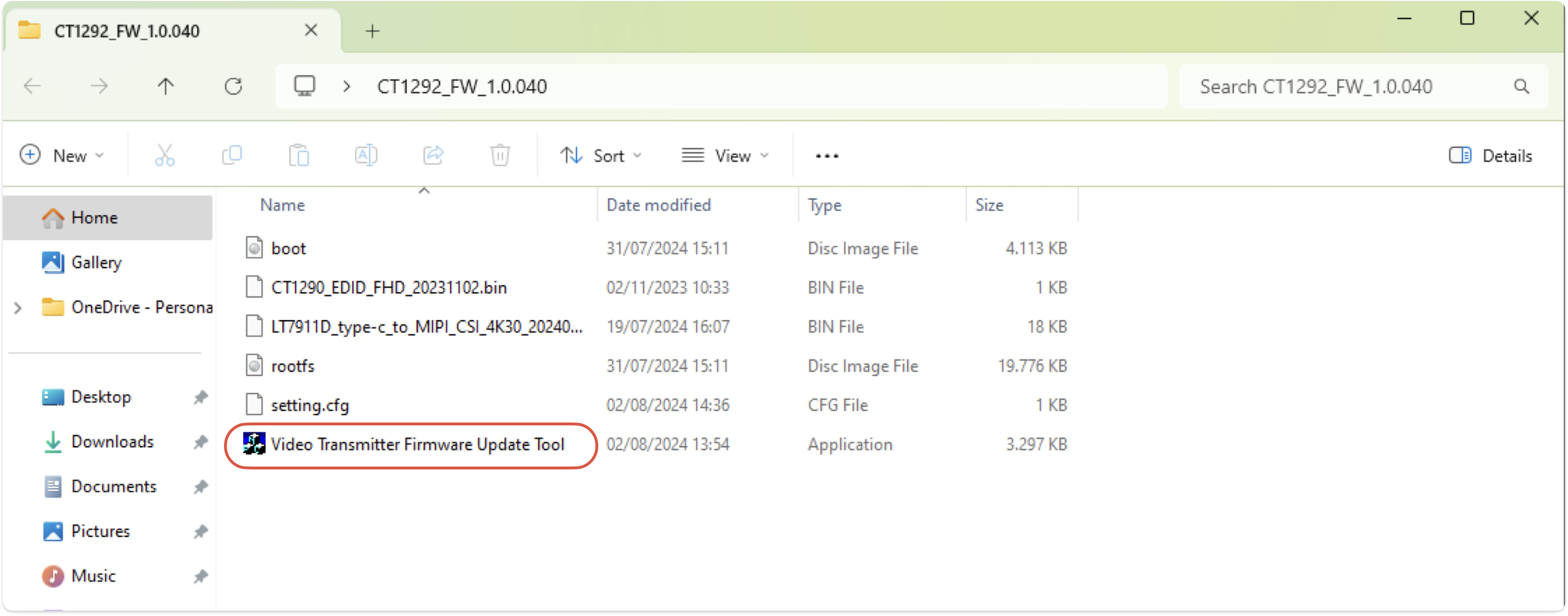
Unzip the firmware update tool and open “Video Transmitter Firmware Update Tool” (use the most recent version).
-
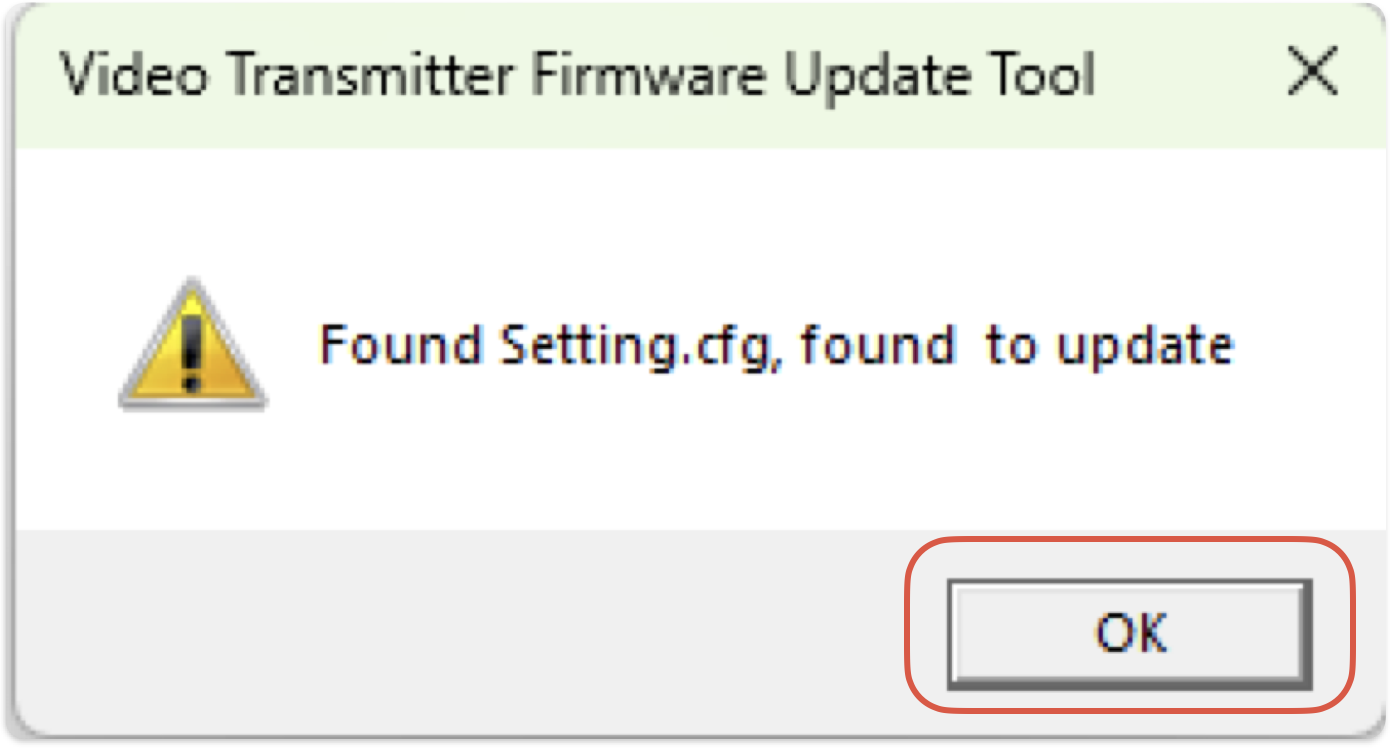
Click “OK” in the dialog pop-up menu.
-
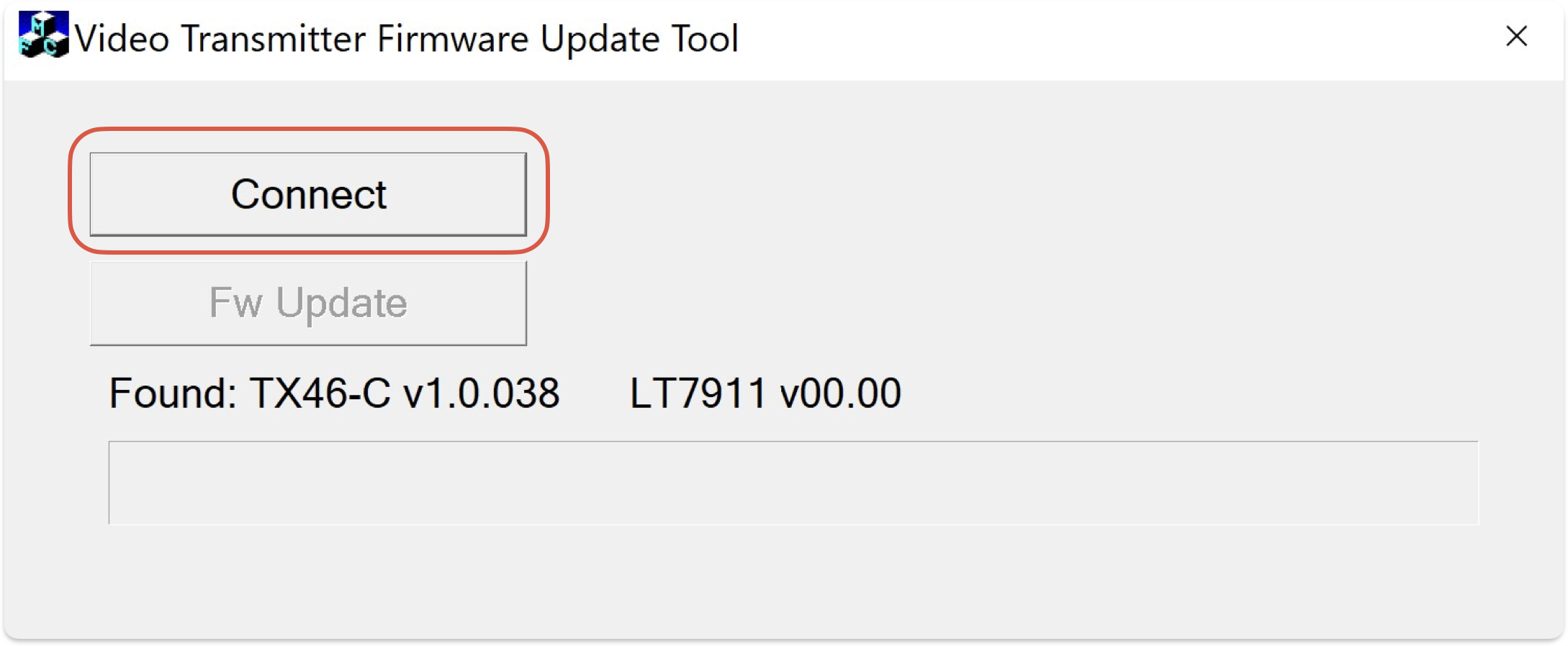
Click “Connect” to establish a connection with the transmitter.
-
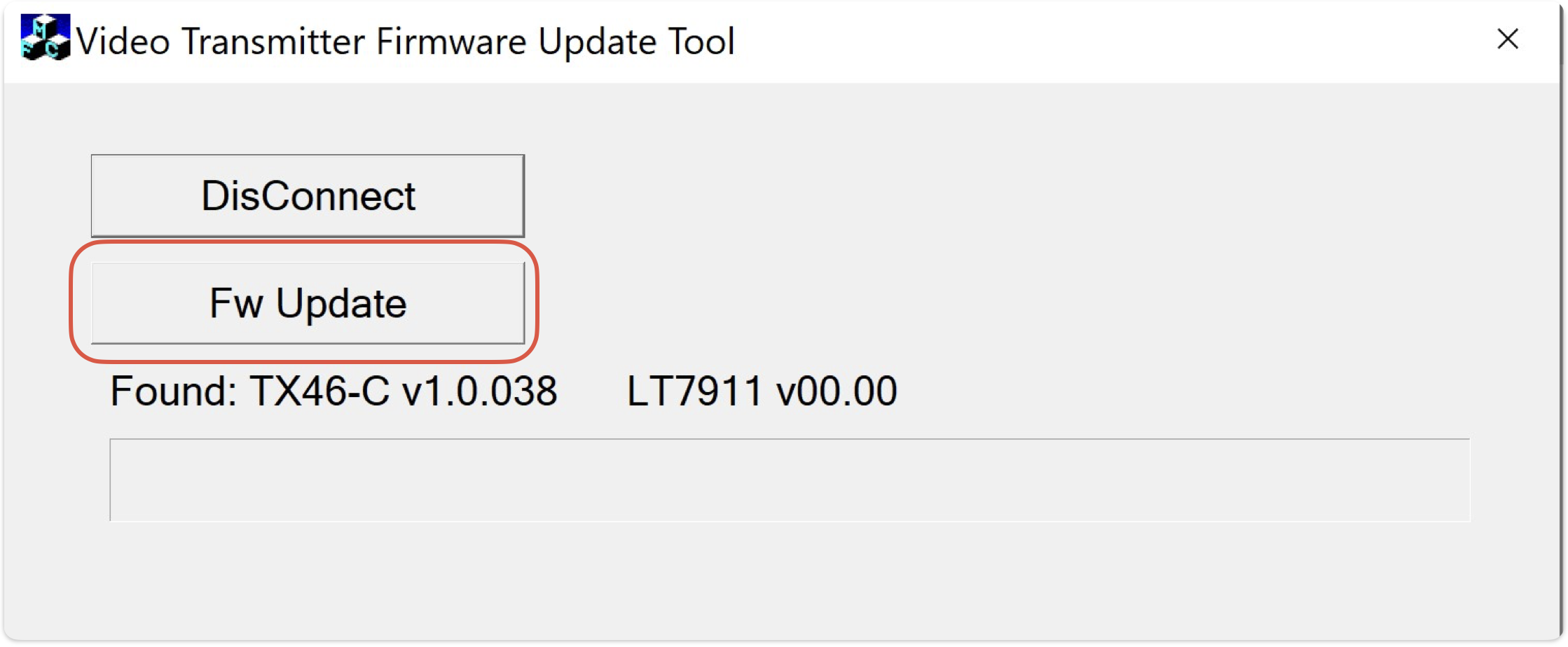
Click “Fw Update” to start the firmware update process.
-
Read the dialog pop-up carefully and press “OK” to confirm.
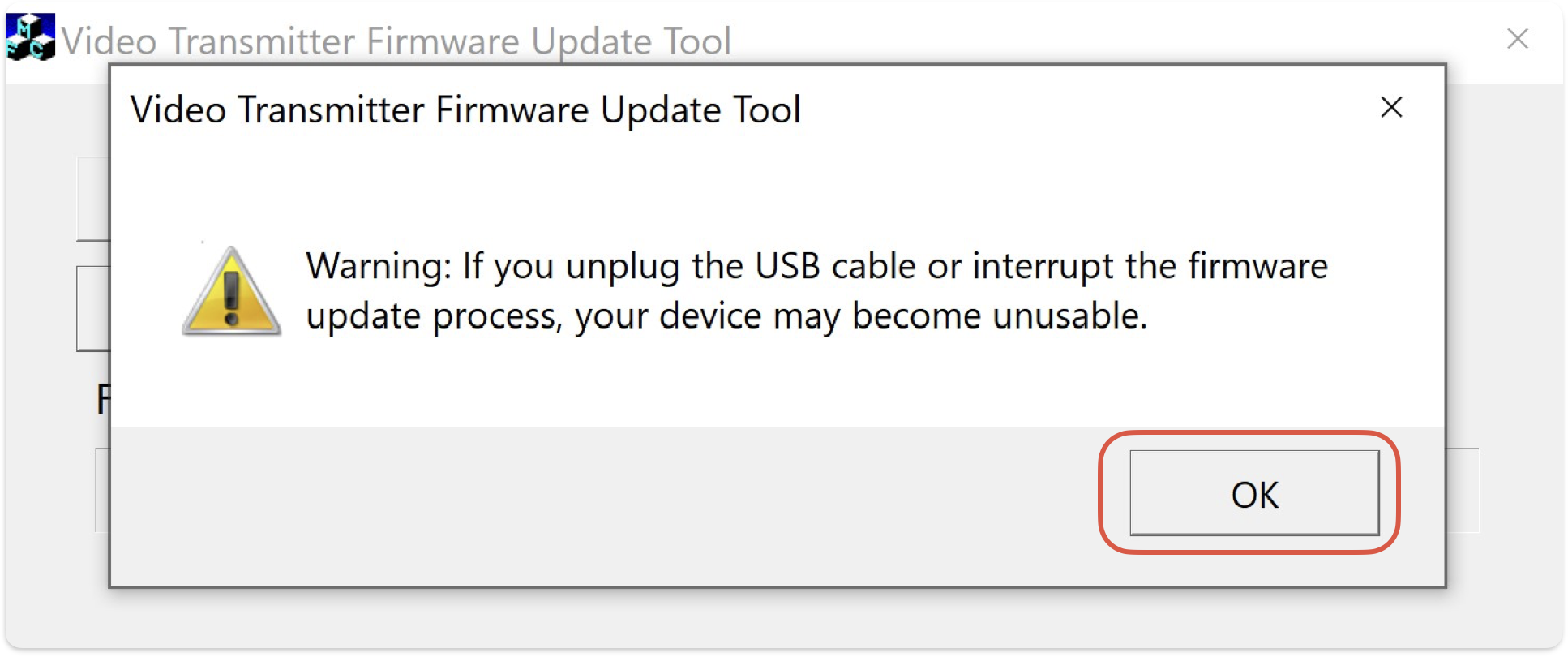
Do not disconnect the transmitter or your computer’s power during the update. Interrupting the process can permanently damage the device.
-
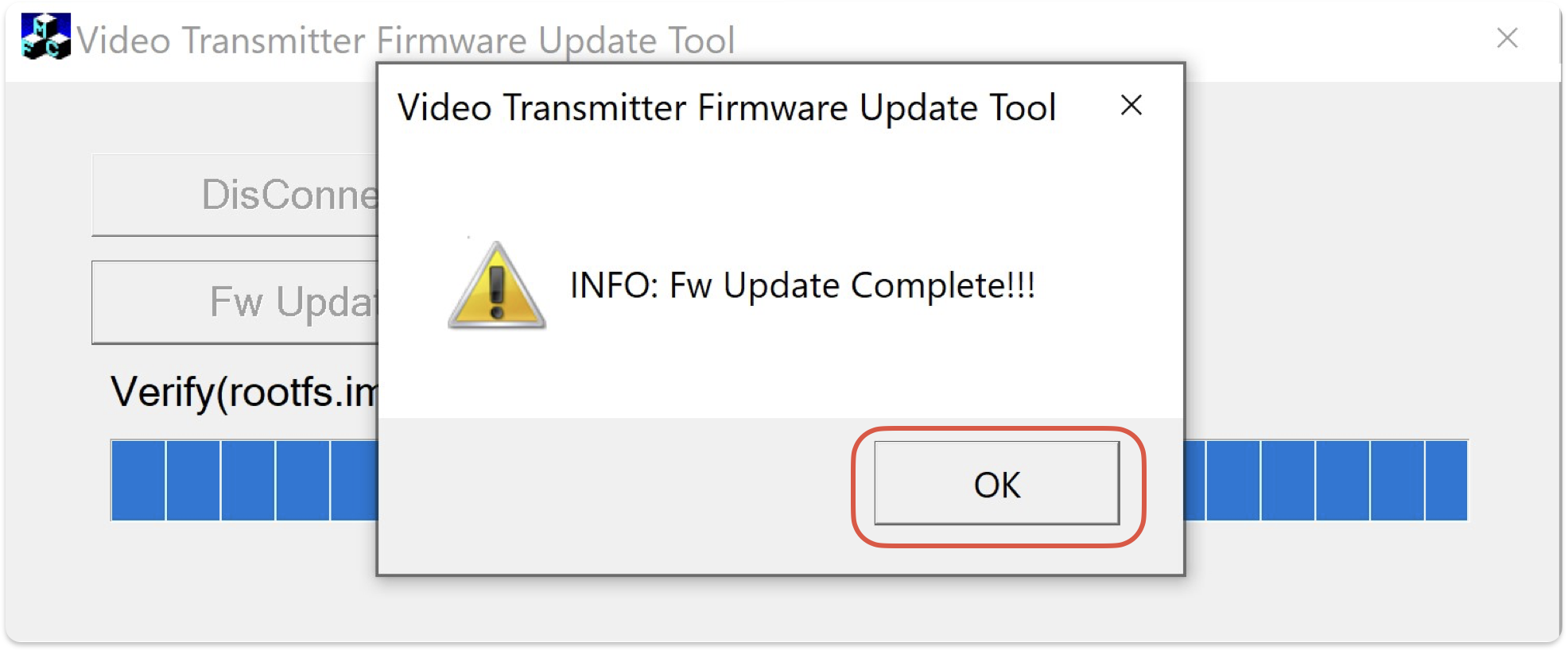
After the update completes, press “OK” to finish.
Troubleshooting
-
If the firmware update tool does not recognize your transmitter, double-check the USB connection and try a different port.
-
If you select the wrong firmware file, restart the process and choose the correct file for your serial number.
-
If the update fails or the transmitter is unresponsive after updating, do not attempt to update again. Contact i3CONNECT support for assistance.