Make sure your profile language is set to the language you wish to use upon first login on https://support.i3-connect.com/ . Not doing this may encourage your browser to do the translations which will be in conflict with our ticketing system. This will result in incorrectly worded forms options.
Instructions
-
Go to the portal via https://support.i3-connect.com/
-
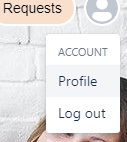
In the top right corner press on the circle with a person inside (may also be you’re profile image)
-
Press on Account
-
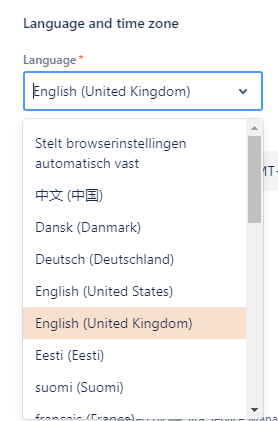
Under Language and time zone, select the language you wish to use
-
Press Save
-
Click on the Profile button at the top left of the page.