This is a sub-tool of the Tool menu in i3ANNOTATE. Learn more about where to find this here:
Shapes tool
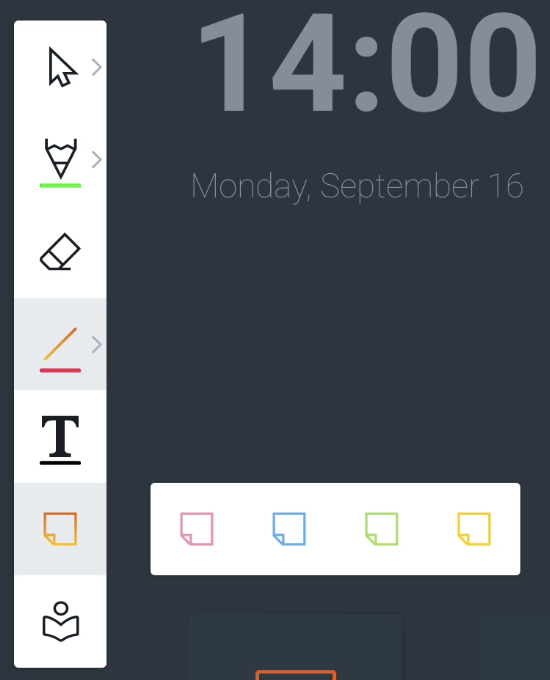
Whilst in the annotation tool, on the top left side you should see a menu on your screen. The sixth icon is the shape tool. You can add 4 types of preset sticky notes to the canvas.
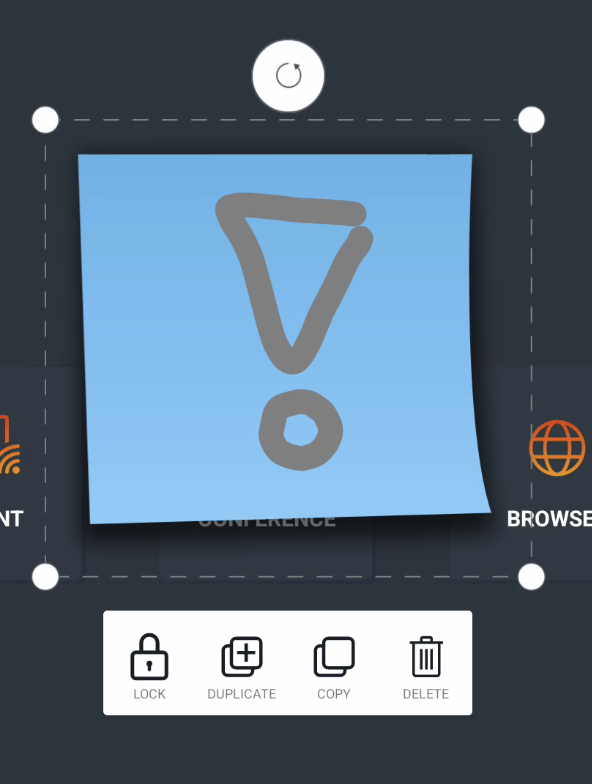
You can easily draw or write on top of the Sticky note. Objects within the boundaries of the sticky note will be merged with the sticky note. If you select them, you can scale or move both at the same time.