
This is a sub-tool of the Tool menu in i3ANNOTATE. Learn more about where to find this here:
Eraser tool
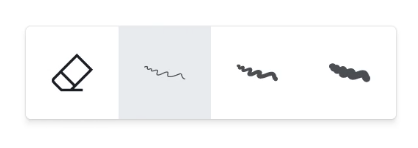
Whilst in the annotation tool, on the top left side you should see a menu on your screen. The third icon is the eraser tool. The Eraser allows you to erase specific sections from the canvas.
Select the size you want to erase within the Features menu which shows at the bottom of the screen
Gestures
Depending on your settings, you can use these gestures:
-
Write → Writing automatically starts when writing with the physical pen
-
Large eraser → place 4 fingers from one hand on the board
-
Palm eraser → place the palm of your hand as a fist on the board
-
Select, move or resize an object → Finger tap on an object and then use the corner grippers to resize, or make a pinch gesture to shrink/enlarge