This is a sub-tool of the Tool menu in i3ANNOTATE. Learn more about where to find this here:
Shapes tool
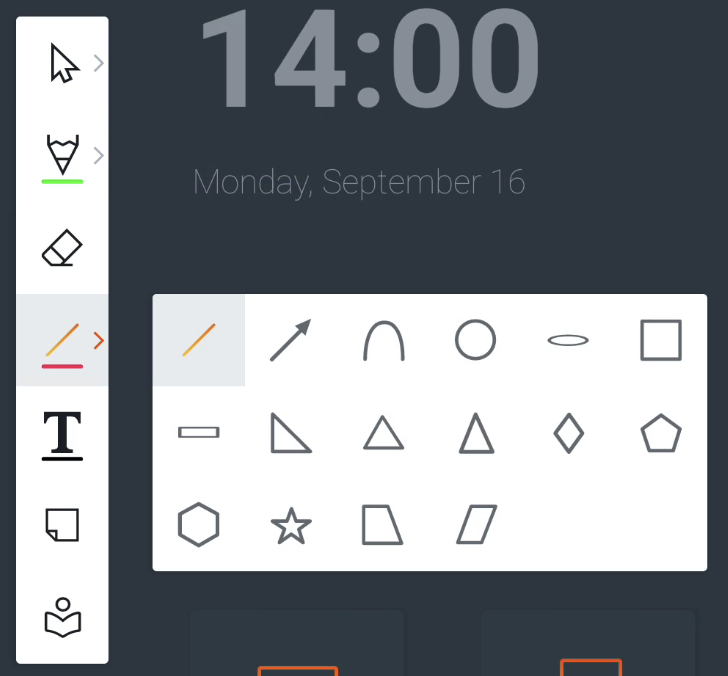
Whilst in the annotation tool, on the top left side you should see a menu on your screen. The fourth icon is the shape tool.
Use our shape presets to draw various shapes on the canvas.
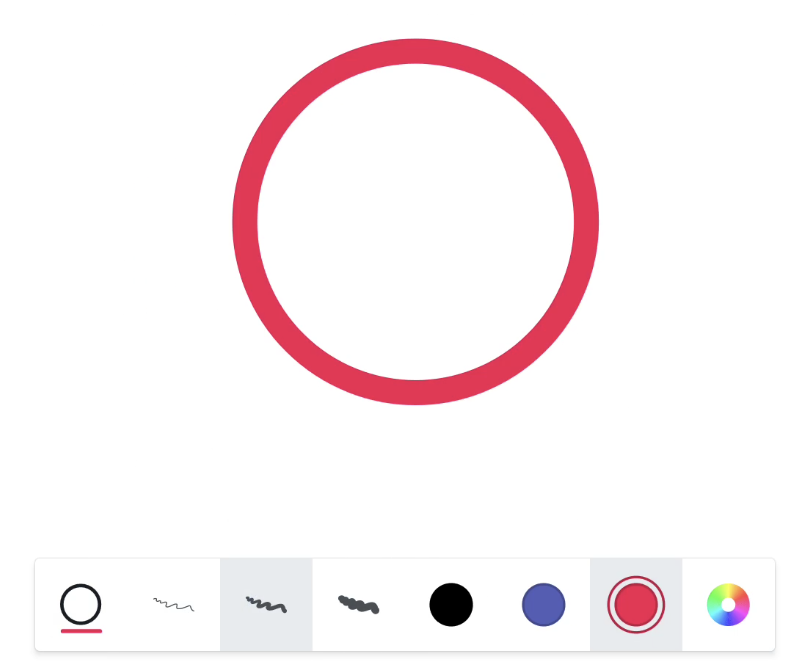
You can also customize the color, and line size with the color presets and color picker from the Features menu (shown below) which you see at the bottom of the screen.