
Logo Templates
You can use the templates below for creating your own logo.
If you recover the firmware, the startup logo will be reset to default again.
Instructions
-
Save the logo which you are about to change in the root of a FAT32 formatted USB drive. The logo file dimensions should be 1920x1080 pixels (72dpi) with a file size smaller then 512K and named logo.jpg
-
Insert the USB drive into the Android marked USB port.
-
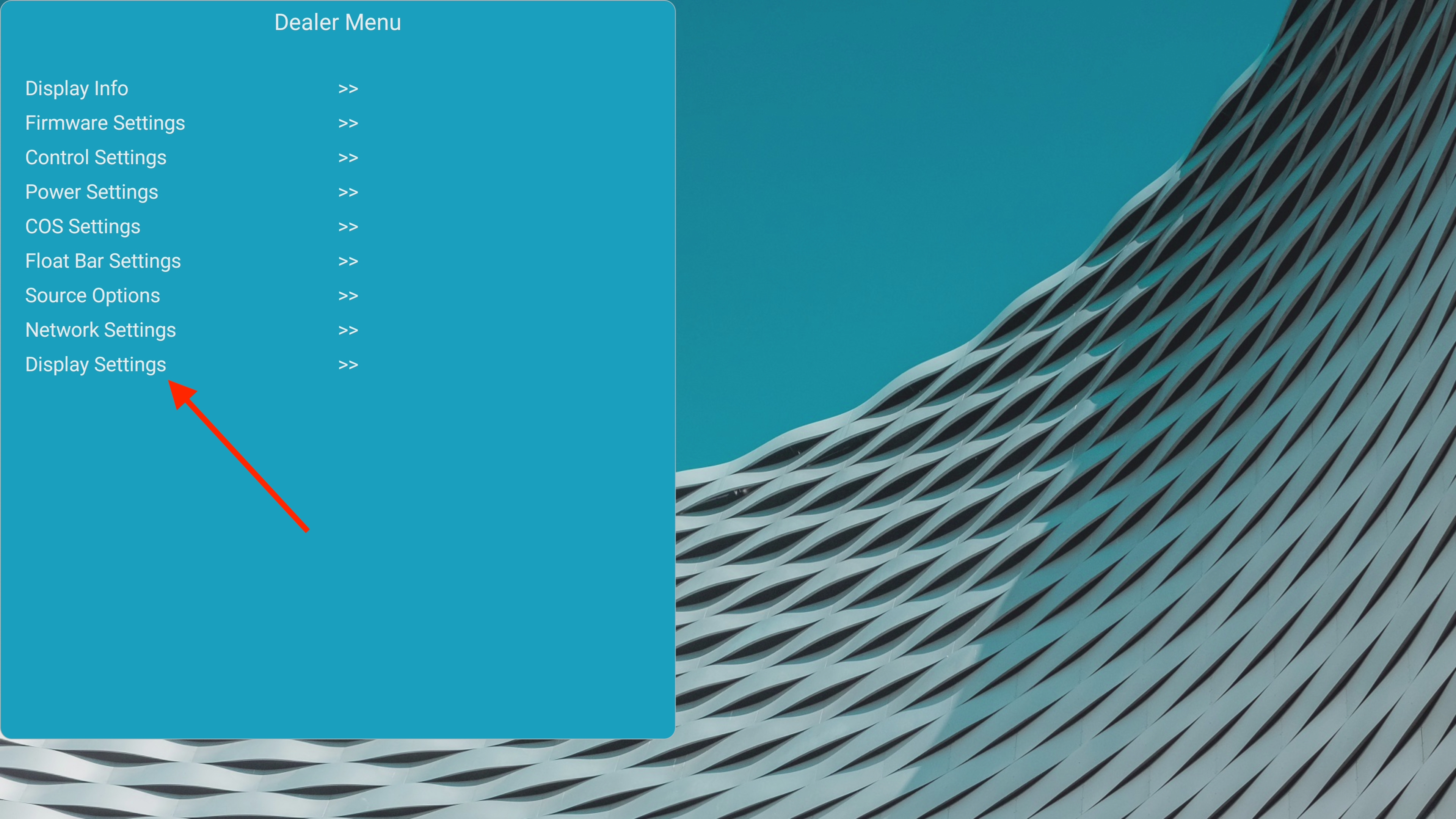
Enter the Dealer Menu and go to Display Settings. (press [OK] button to enter).
-
Select Change Logo and press [OK]
-
When the logo.jpg file matches the specified criteria. You will get prompted that the logo was changed!
-
After rebooting the new logo will be displayed on startup.