
Printers should be in the same LAN or accessible via WiFi. For supported printers please consult your printer manual or/and application information of the corresponding vendor.
Instructions
-
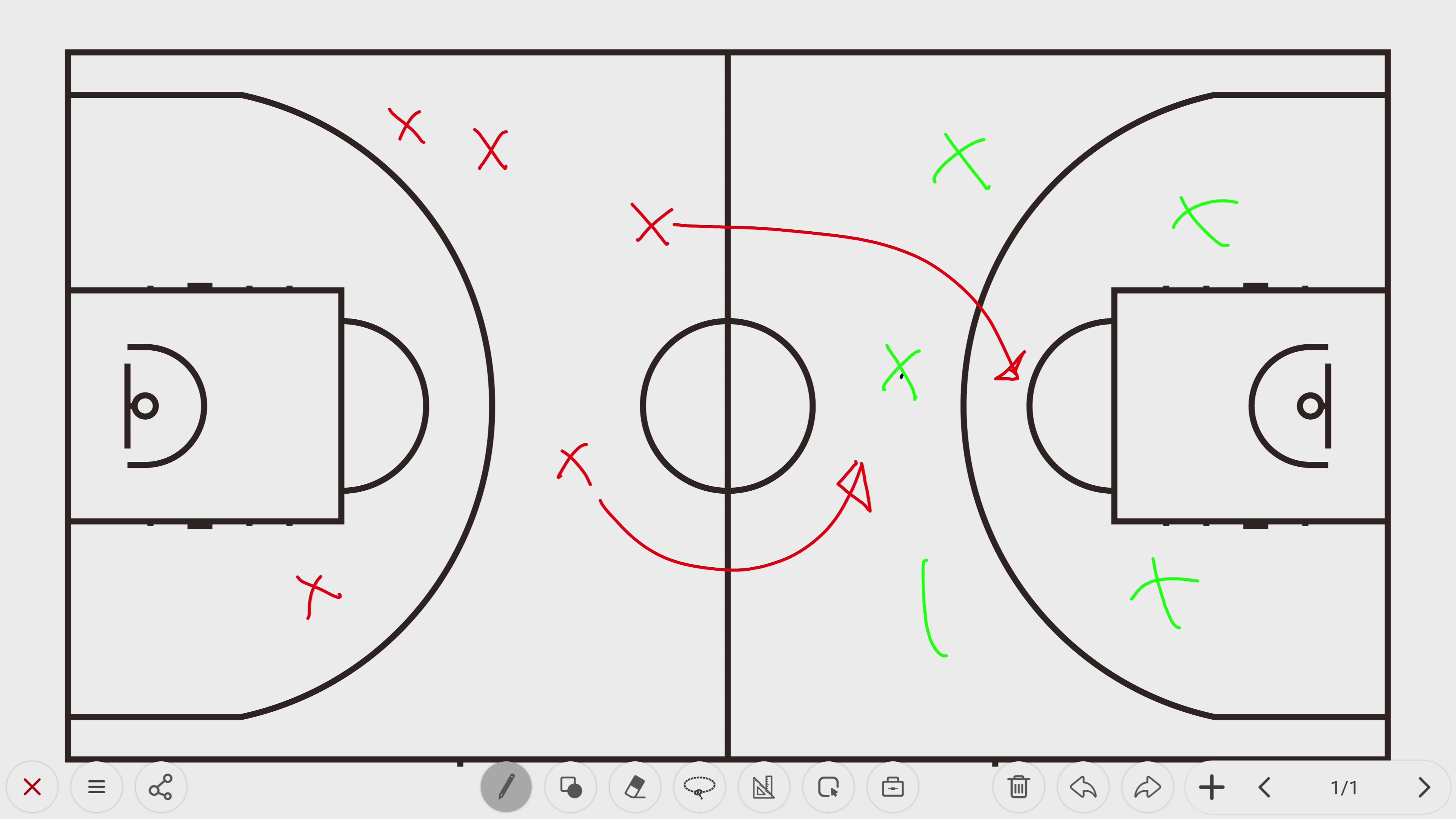
In this example I show how the image below can be printed directly to a printer without a PC.
-
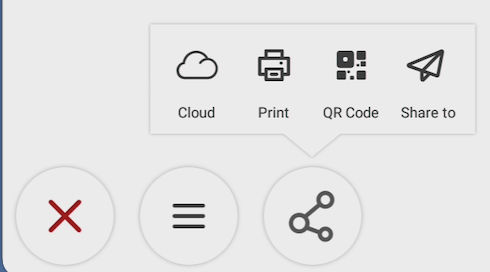
Press the share button

-
The options below will appear. please choose Print.
-
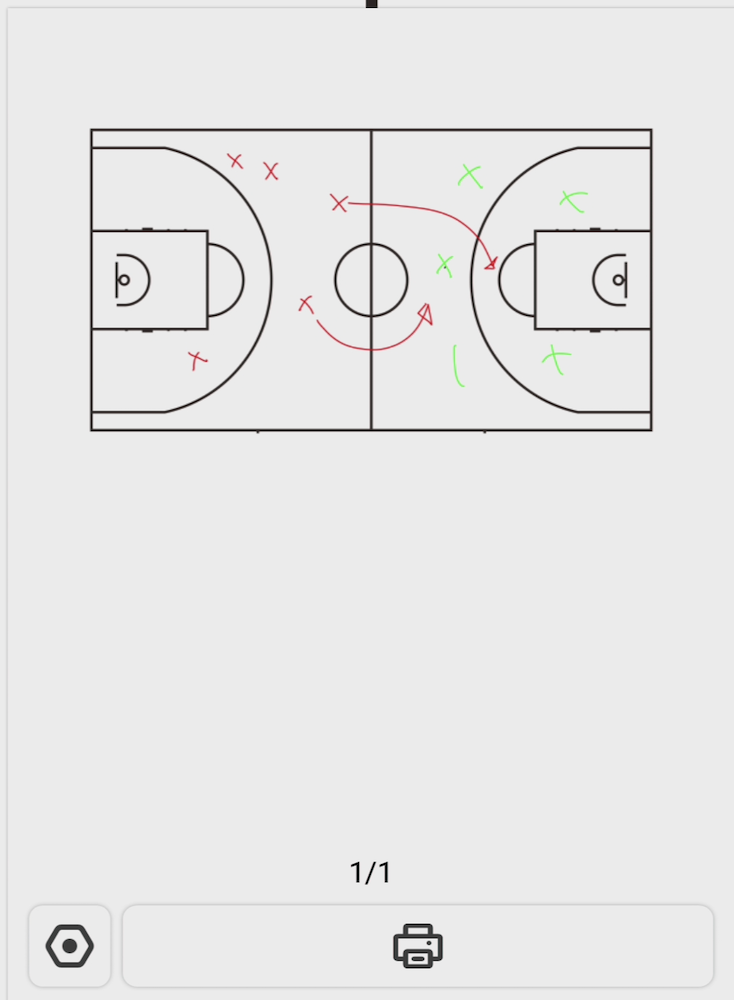
A print preview is popping up now and will show the print selection (page 1 from 1 in this image).
-
If you didn't printed before click the setup

-
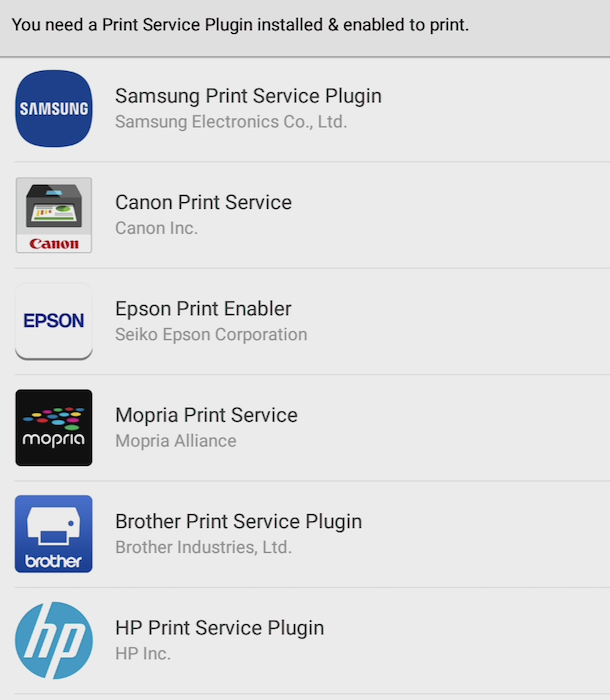
Select the desired print application.
-
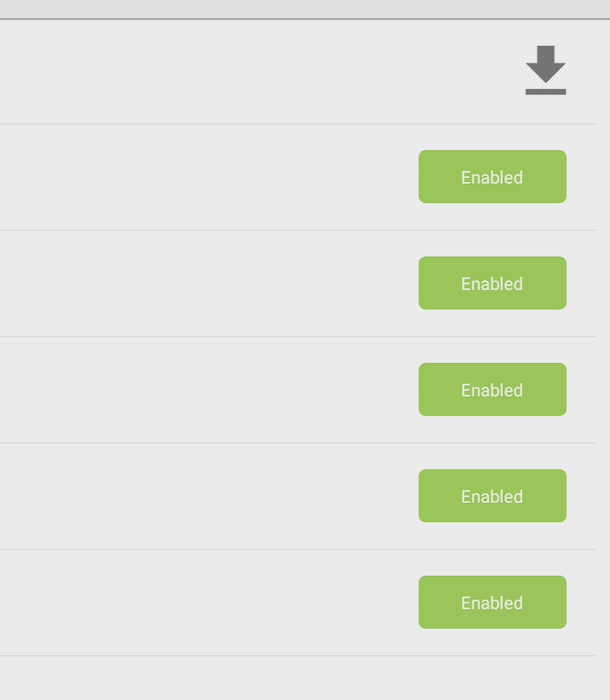
Ensure the desired application is Enabled.
-
Now you can press CONTINUE TO PRINT button at the bottom right.
-
Now you can follow the instructions on screen (interface is depending on the Vendor/application you've selected).