
Instructions
-
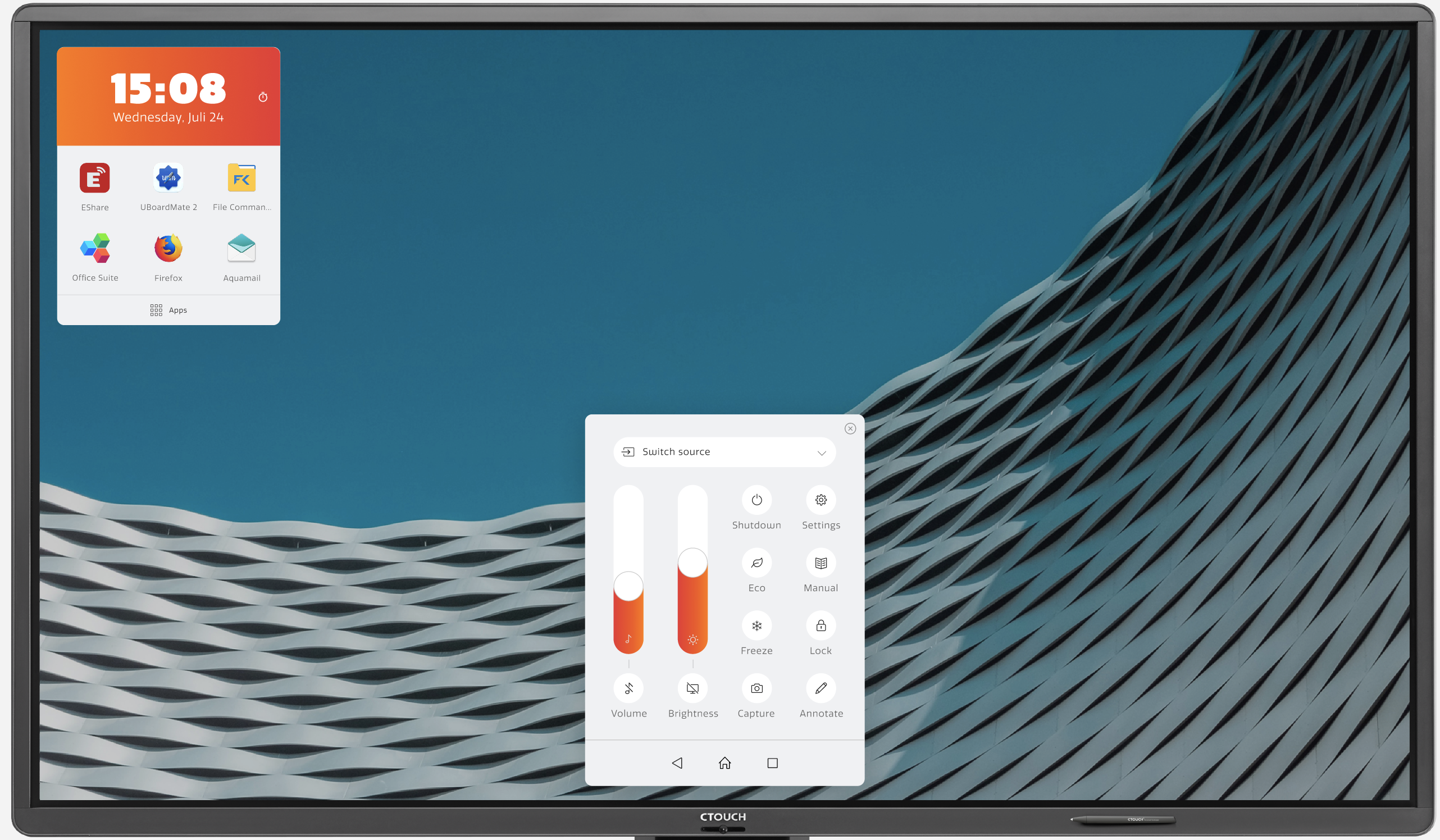
Short press the button on your screen in order to let the Float Menu pop up.
-
Now press the Settings button (Gear Symbol).
-
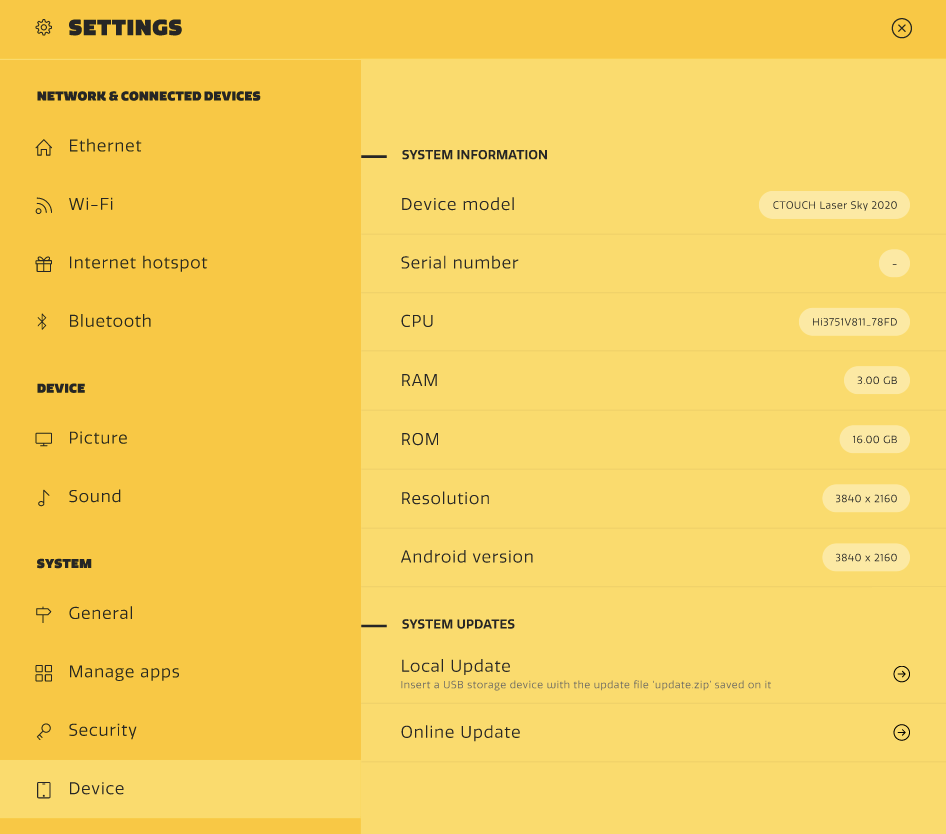
Click on Device (on the lower left corner under System in the picture below).
-
Now you can click on Online Update (The arrow at the bottom right under System Updates).
-
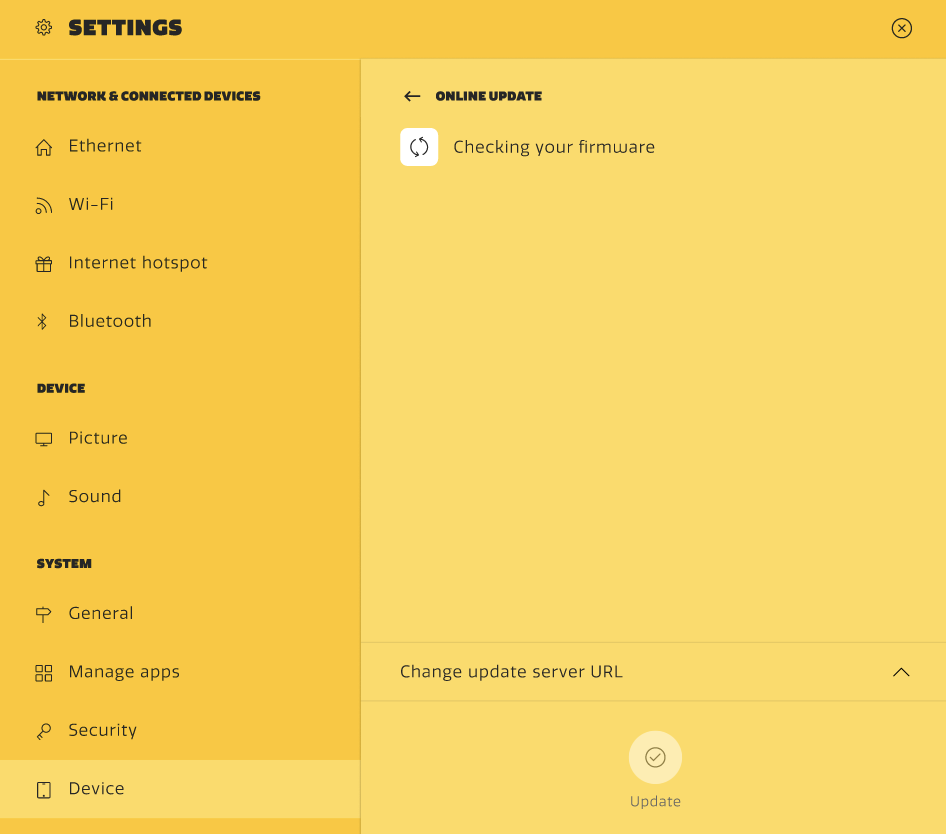
Your Riva screen will scan for updates automatically when connected to the internet.
-
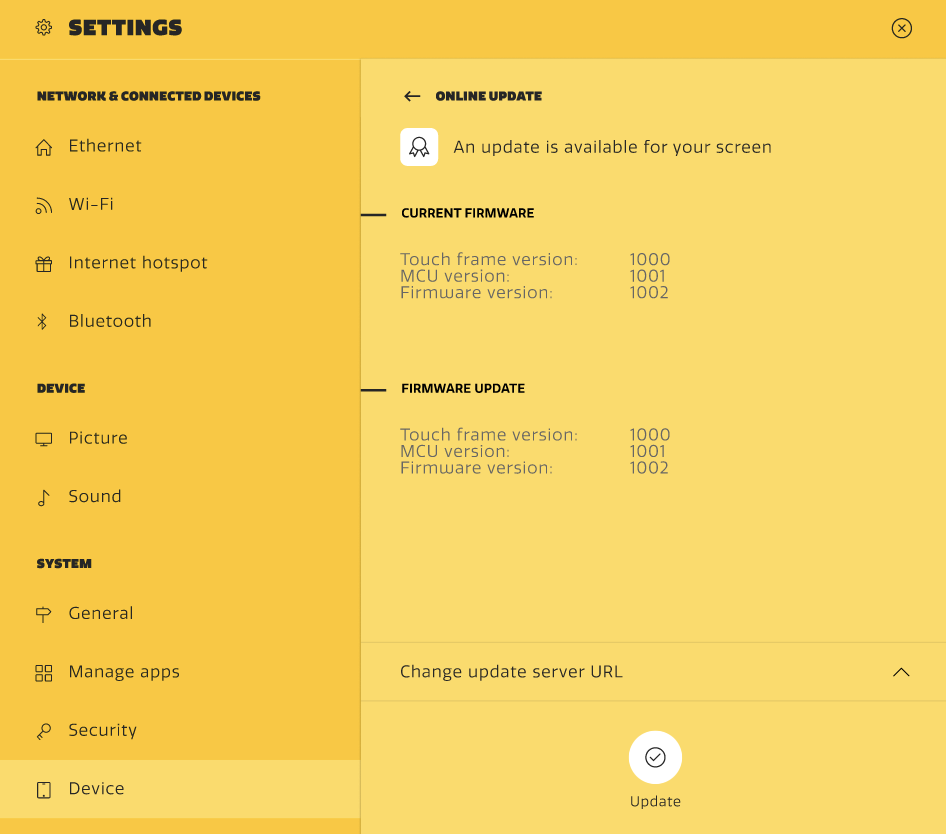
If there is a newer version available you will see the screen below. Press Update to continue.
-
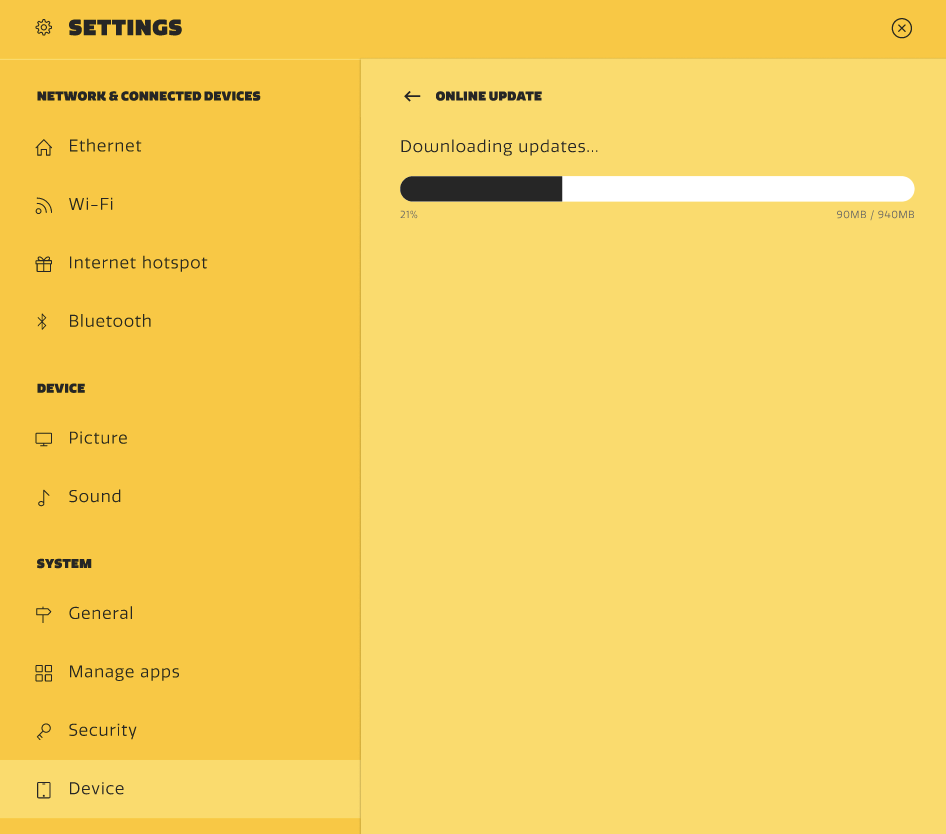
Your screen will now download the Update (DO NOT TURN OFF SCREEN).
-
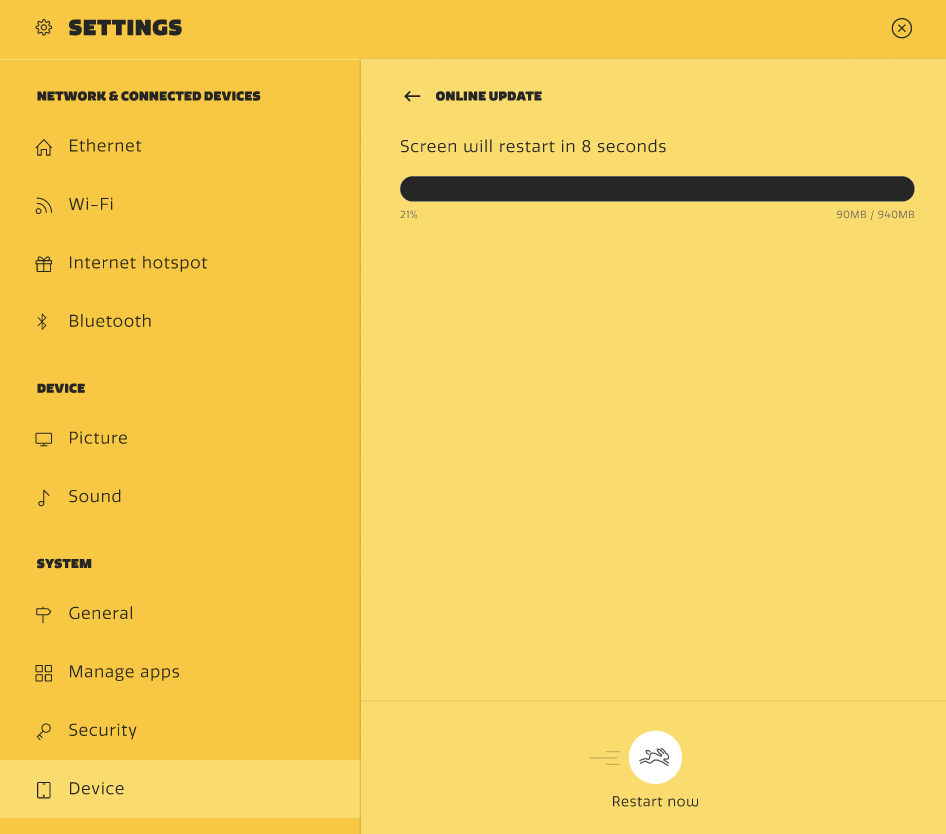
When your download is finished it will restart the screen after 8 seconds automatically. You can press the 'Bunny button' to restart immediately when you're in a hurry.
-
After the restart the screen will update and apply the new settings. This can take several minutes and do not power off the screen before it is completely booted!
-
Your screen is up to date now! In case you've updated from a really old version, please repeat the steps above to see if there are any additional updates available.