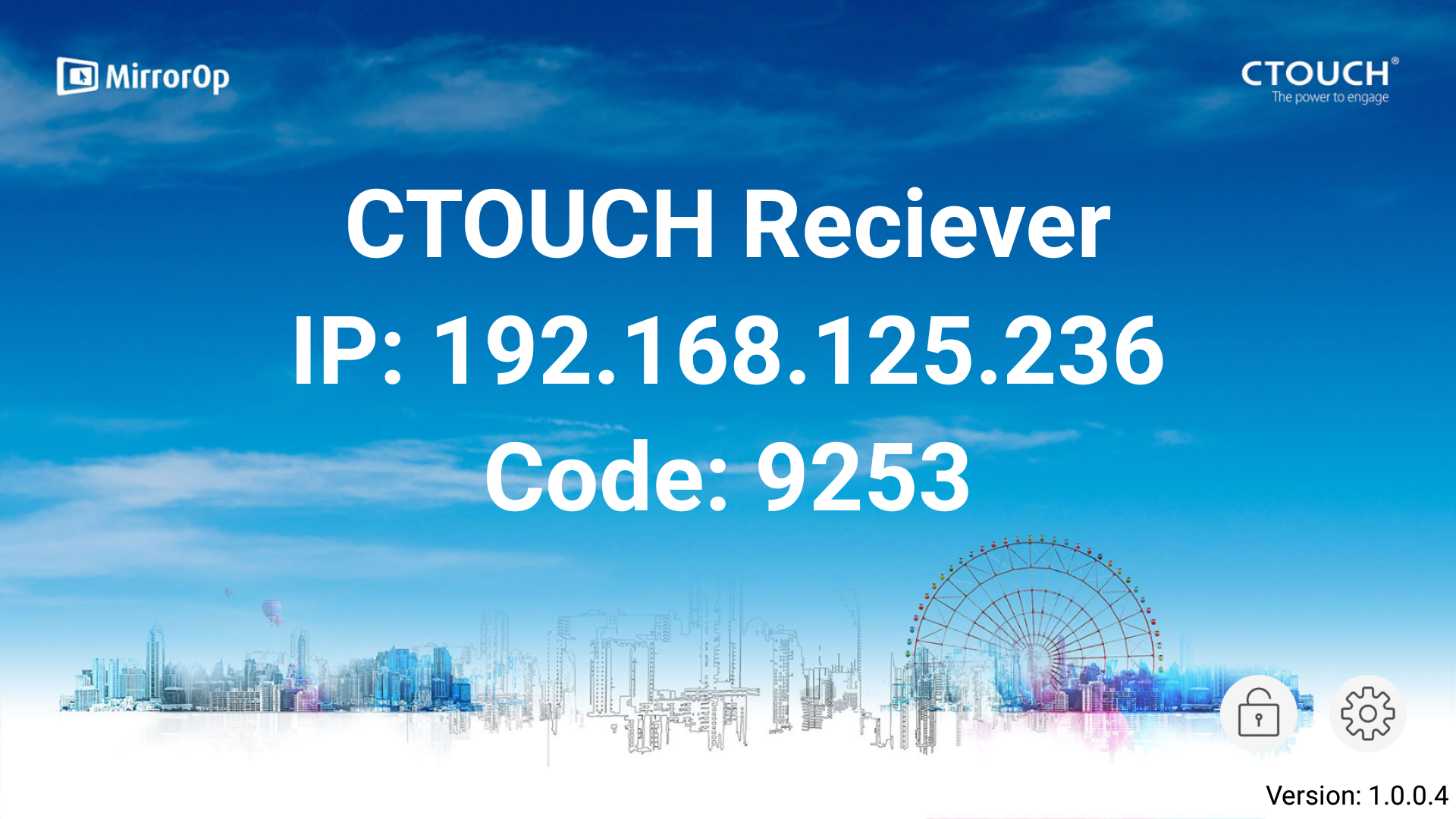
In case there is no License key card included in your accessory kit please follow the registration procedure in this link:
Why is there no MirrorOP activation keycard in my Laser Nova accessory kit?
Instructions
-
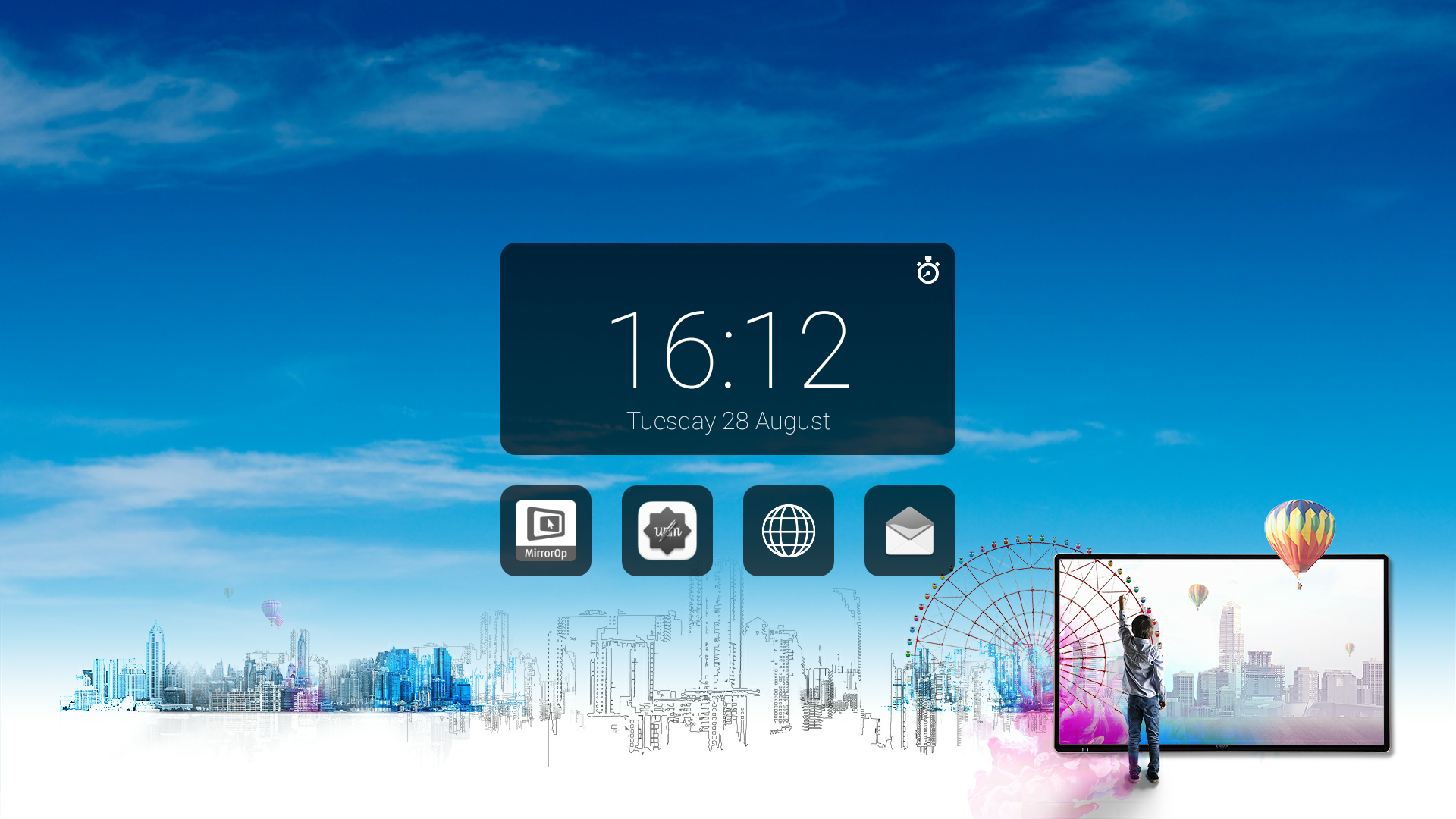
Open the MirrorOp app from the Home screen
-
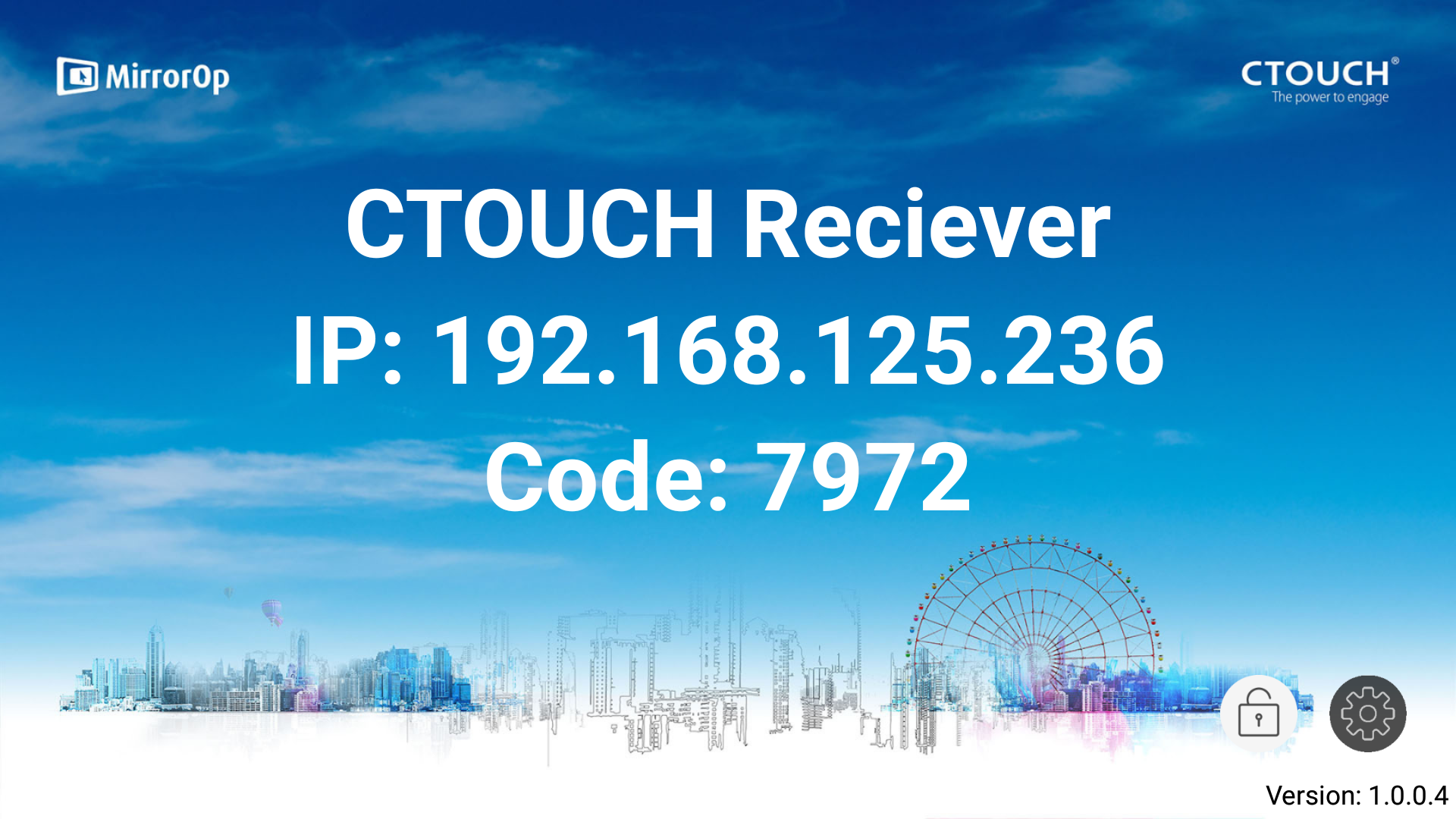
Click on the Gear icon on the right bottom corner
-
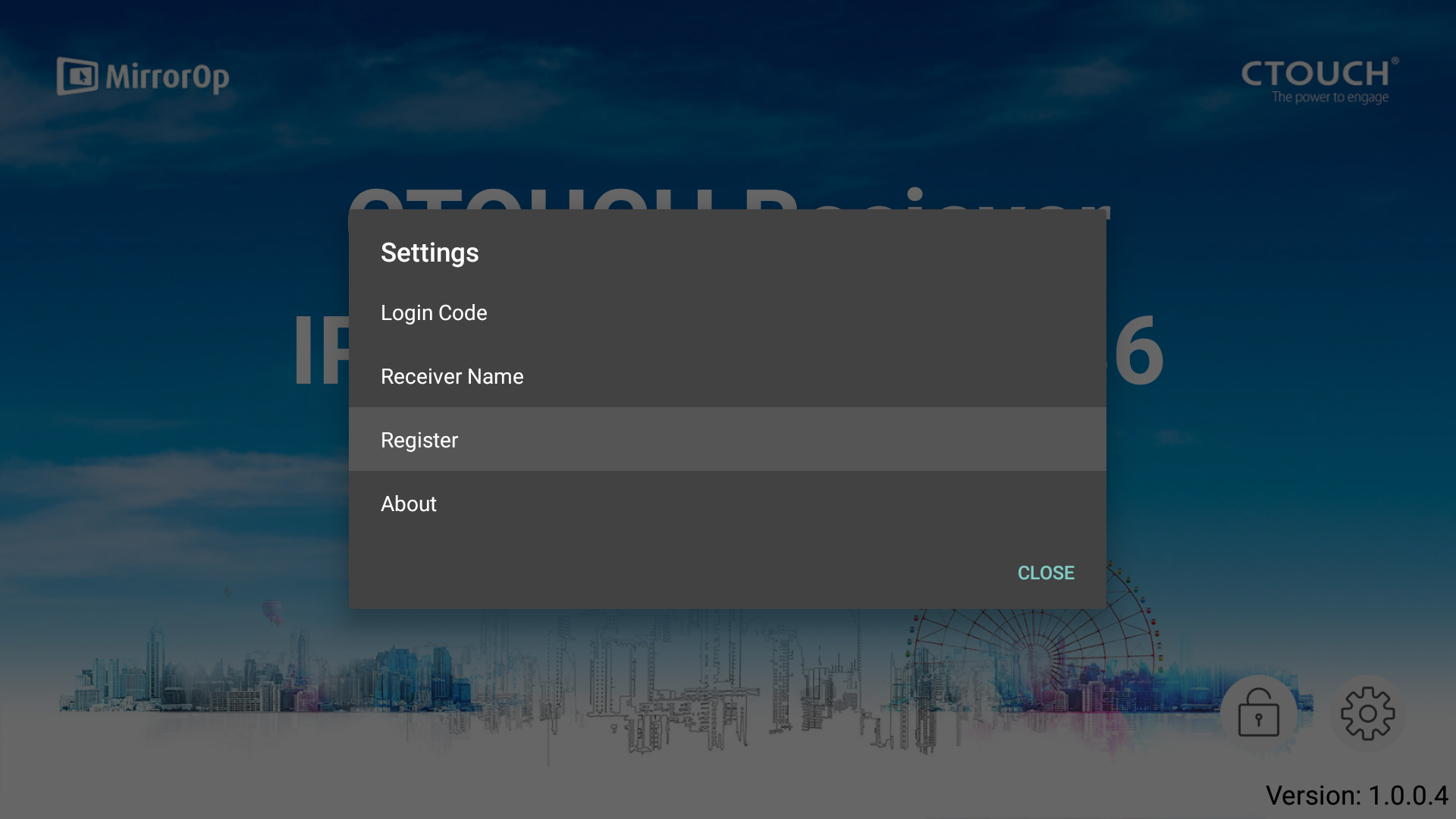
Click on Register
-
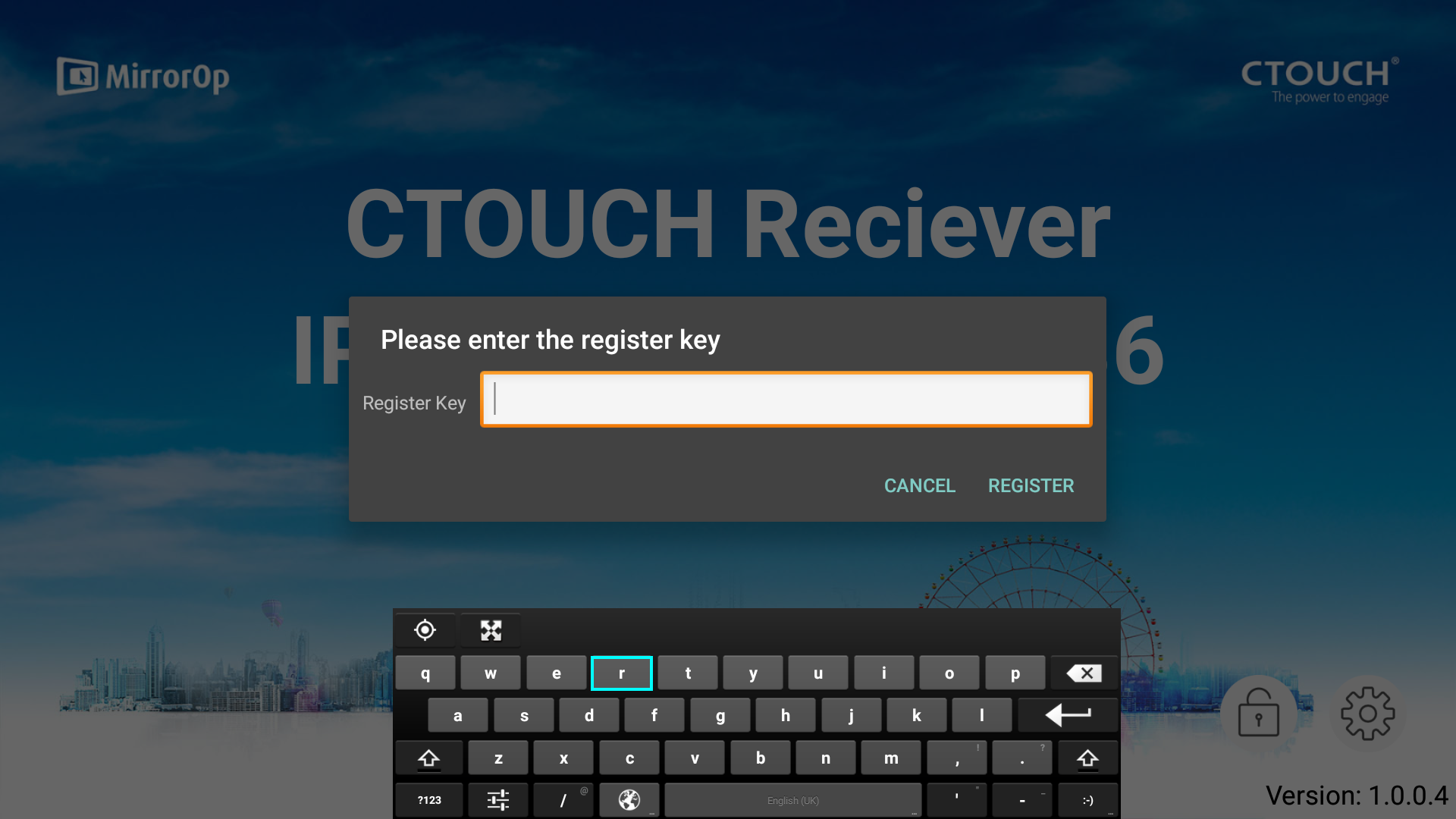
Fill in the license key (including the dashes) which is on your Unlimited Streaming License card
-
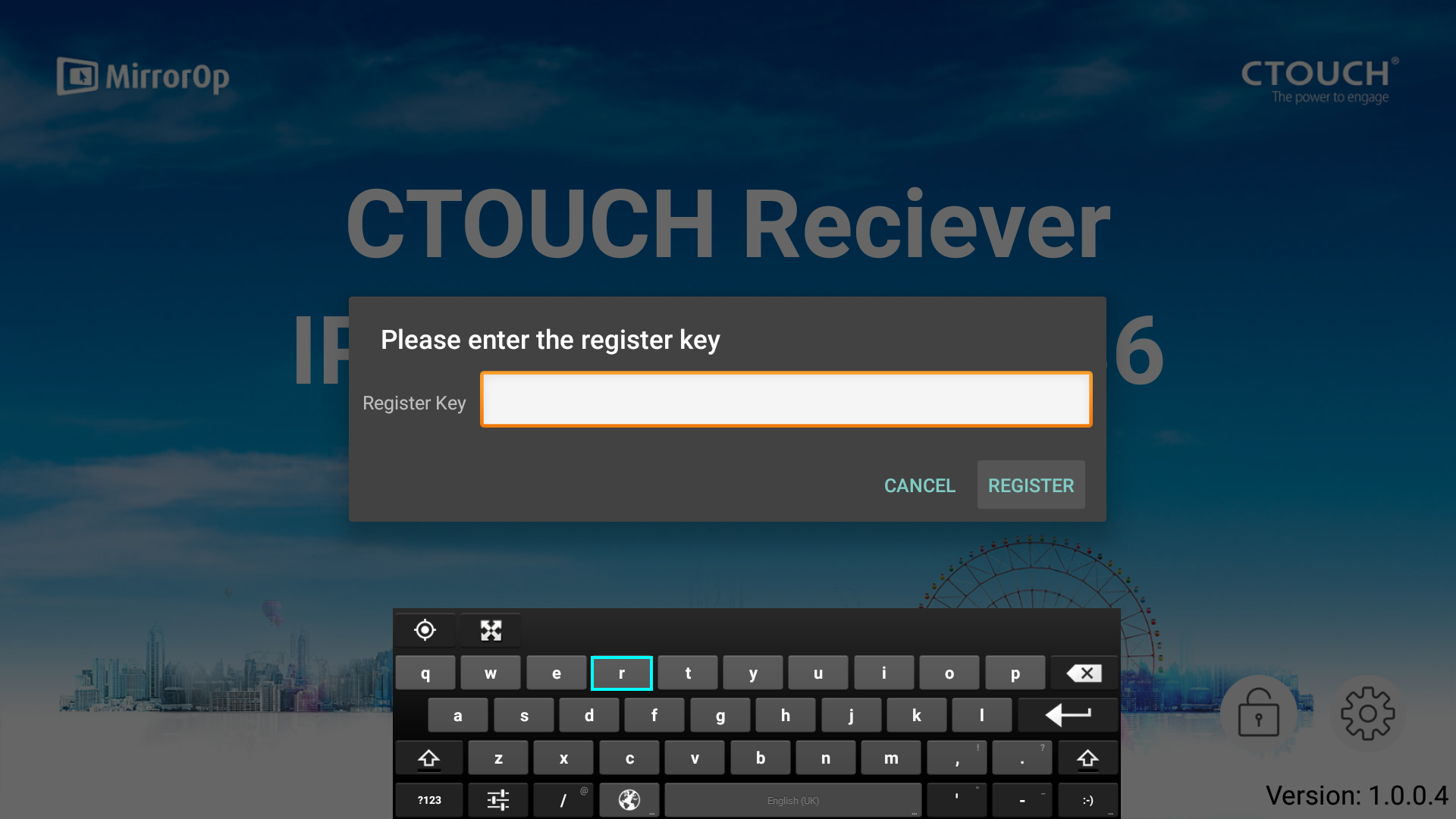
Click on Register
-
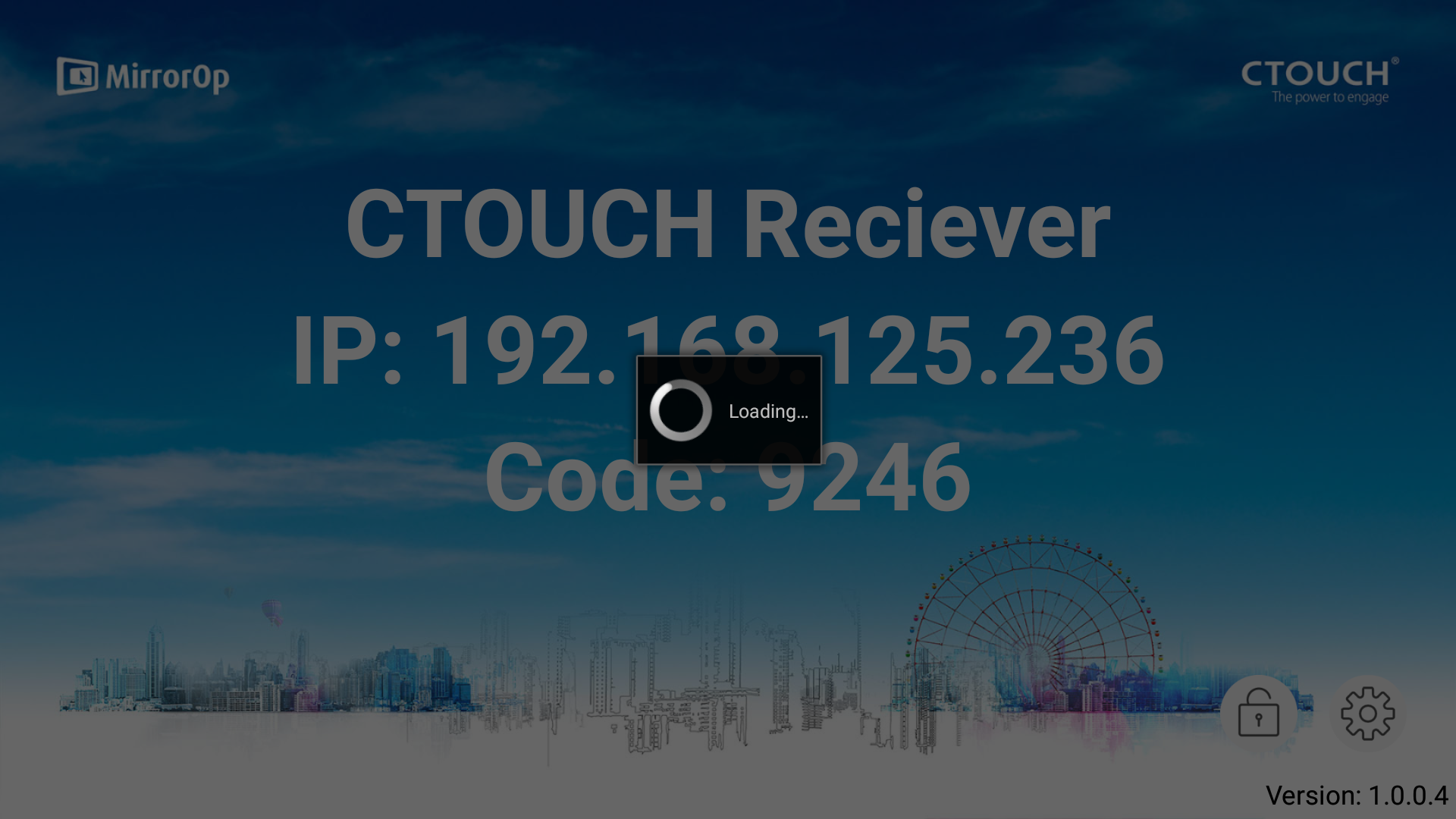
Wait until the license is checked
-
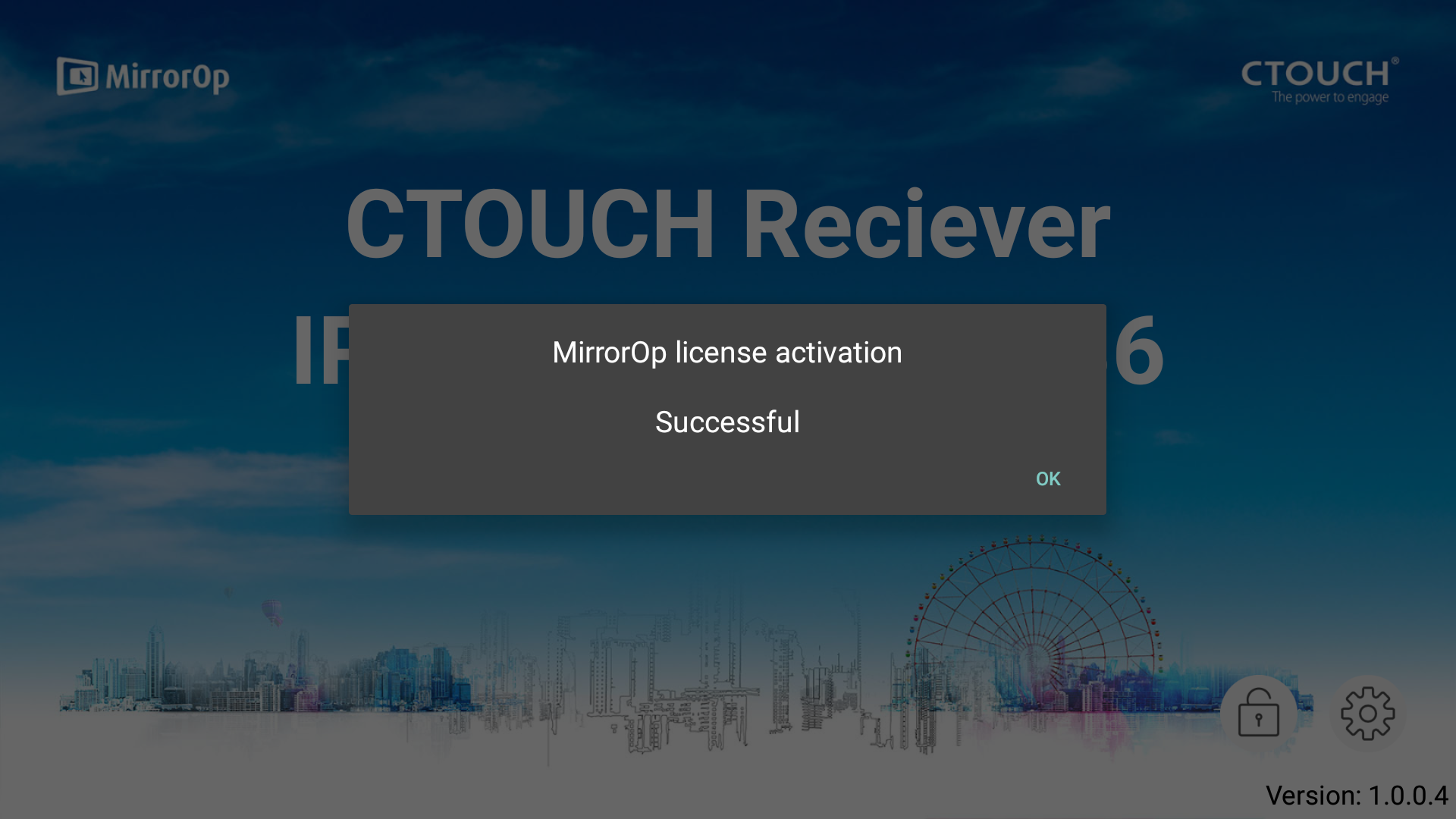
Press OK
-
A window will pop-up confirming which license is registered
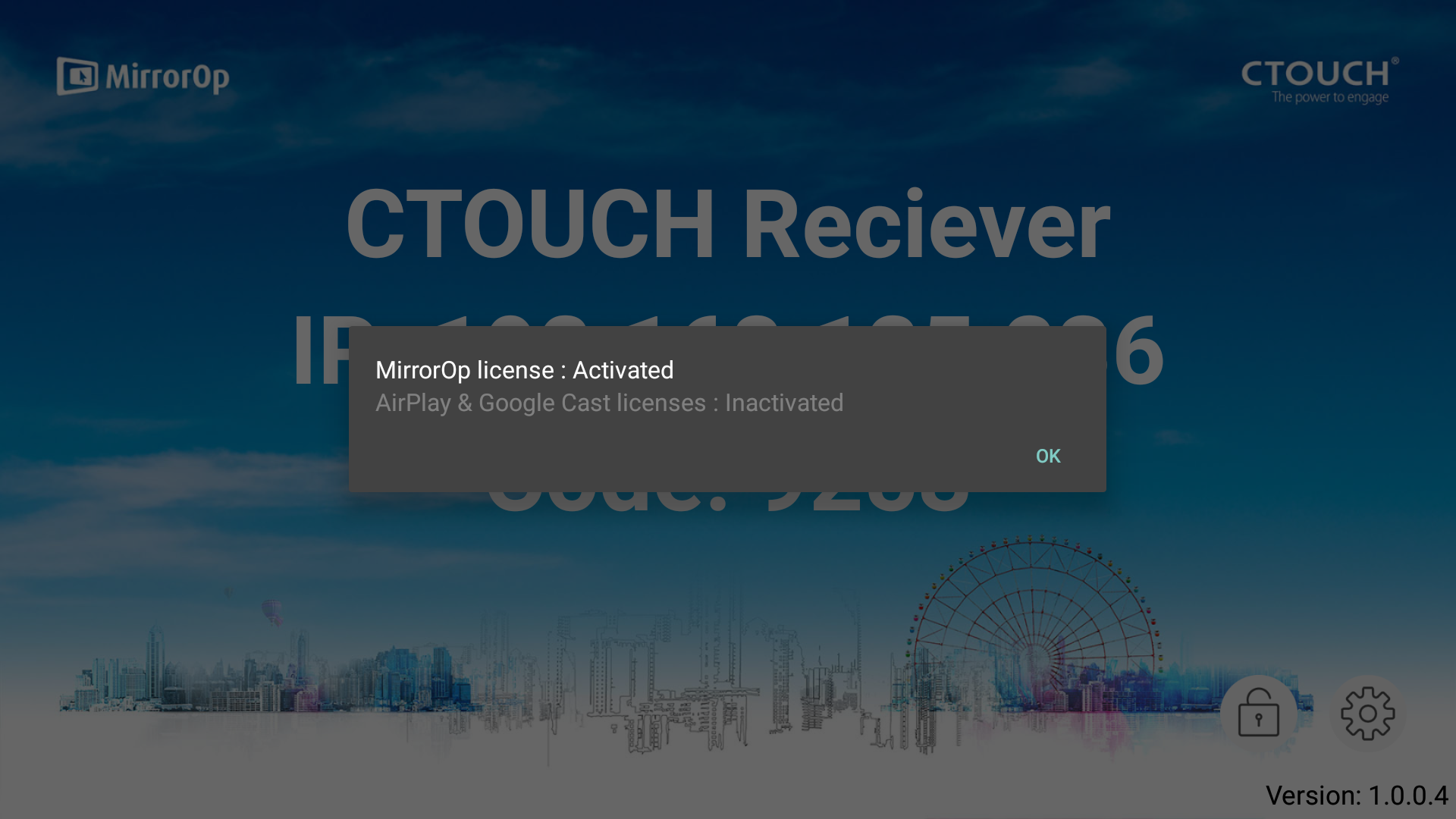
-
Press OK to return to the MirrorOp Home Screen