
A lot of AV systems are built from parts that work (technically) but don't really talk to each other. You end up with a display doing its own thing, while an audio system is doing another thing, and a control panel is doing something entirely different. Managing all of that takes time, expertise, and a lot of goodwill from whoever is in the room. Q-SYS changes that. And when you pair it with i3CONNECT displays, you get something worth talking about.
What is Q-SYS?
Q-SYS is a platform made by QSC that puts audio, video, and room control under one roof. It runs on a dedicated processor and connects to everything in a room over a standard network. Think of it like an operating system for a building's AV infrastructure.
It handles things like:
-
Switching inputs on displays
-
Managing microphones and speakers
-
Running automated room scenes (lights, audio, camera modes)
-
Monitoring every device in real time from a central dashboard
-
Integrating with Microsoft Teams, Zoom, and Google Meet
The key difference from traditional AV setups is that Q-SYS treats AV devices the way IT teams treat computers. Everything is networked, software-managed, and cloud-monitored. That means less bespoke programming for each room, and a lot less guesswork when something stops working.
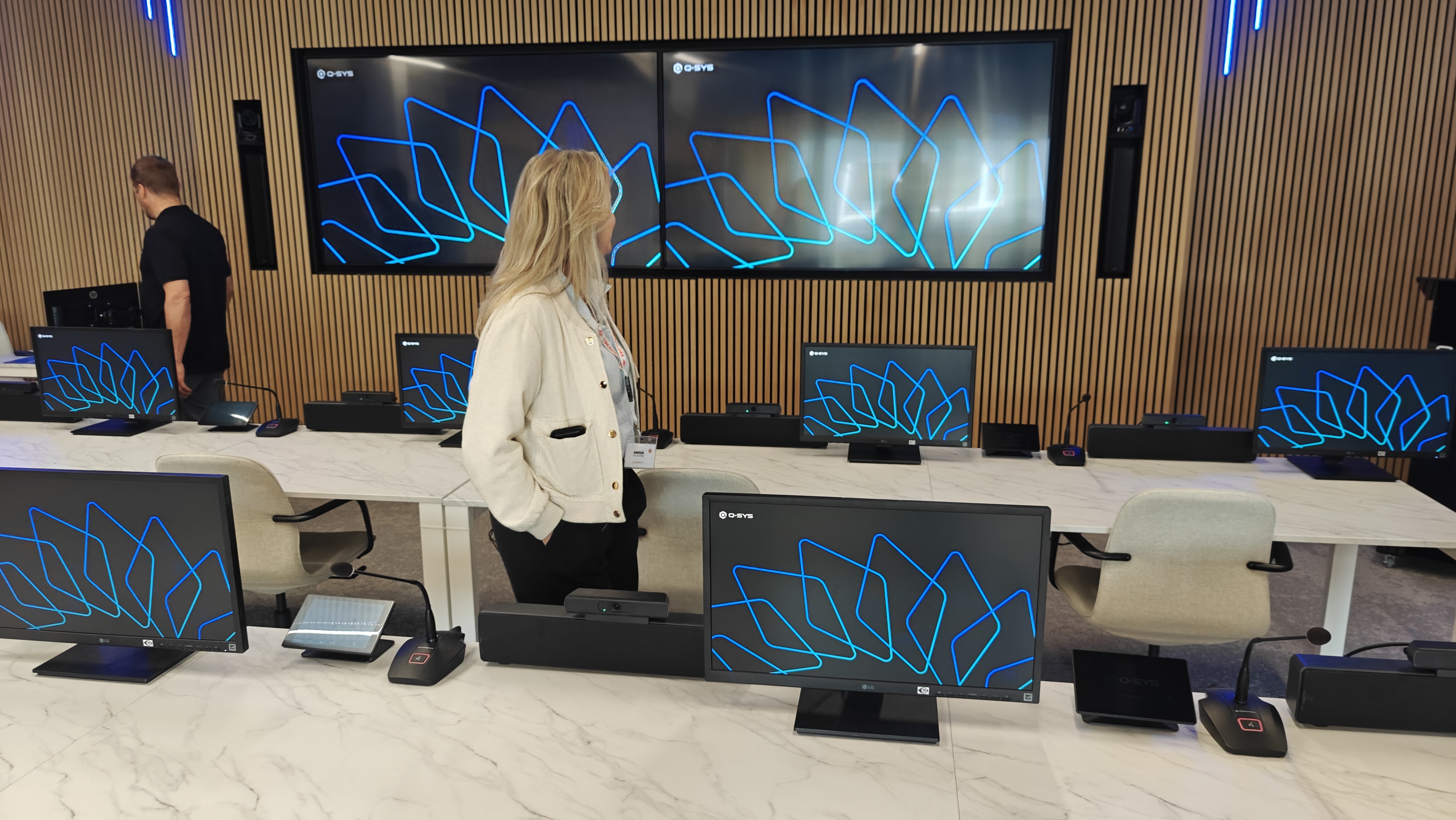
Where i3CONNECT displays fit in
i3CONNECT interactive displays are designed for collaboration. They run software that handles whiteboarding, presenting, and video conferencing out of the box. They connect over standard networks and support RS-232 and LAN control protocols, which is exactly what Q-SYS uses to talk to display hardware.
In a Q-SYS room, the display is one of several devices being managed. Q-SYS can:
-
Power the display on or off automatically
-
Switch the active input source
-
Adjust volume and brightness
-
Confirm the display is online and healthy
-
Trigger all of the above as part of a room scene
So when someone walks into a room and taps "Start meeting" on a Q-SYS touch panel, the display turns on, switches to the right input, audio routing kicks in, and cameras come online. The user does one thing. Q-SYS does the rest.
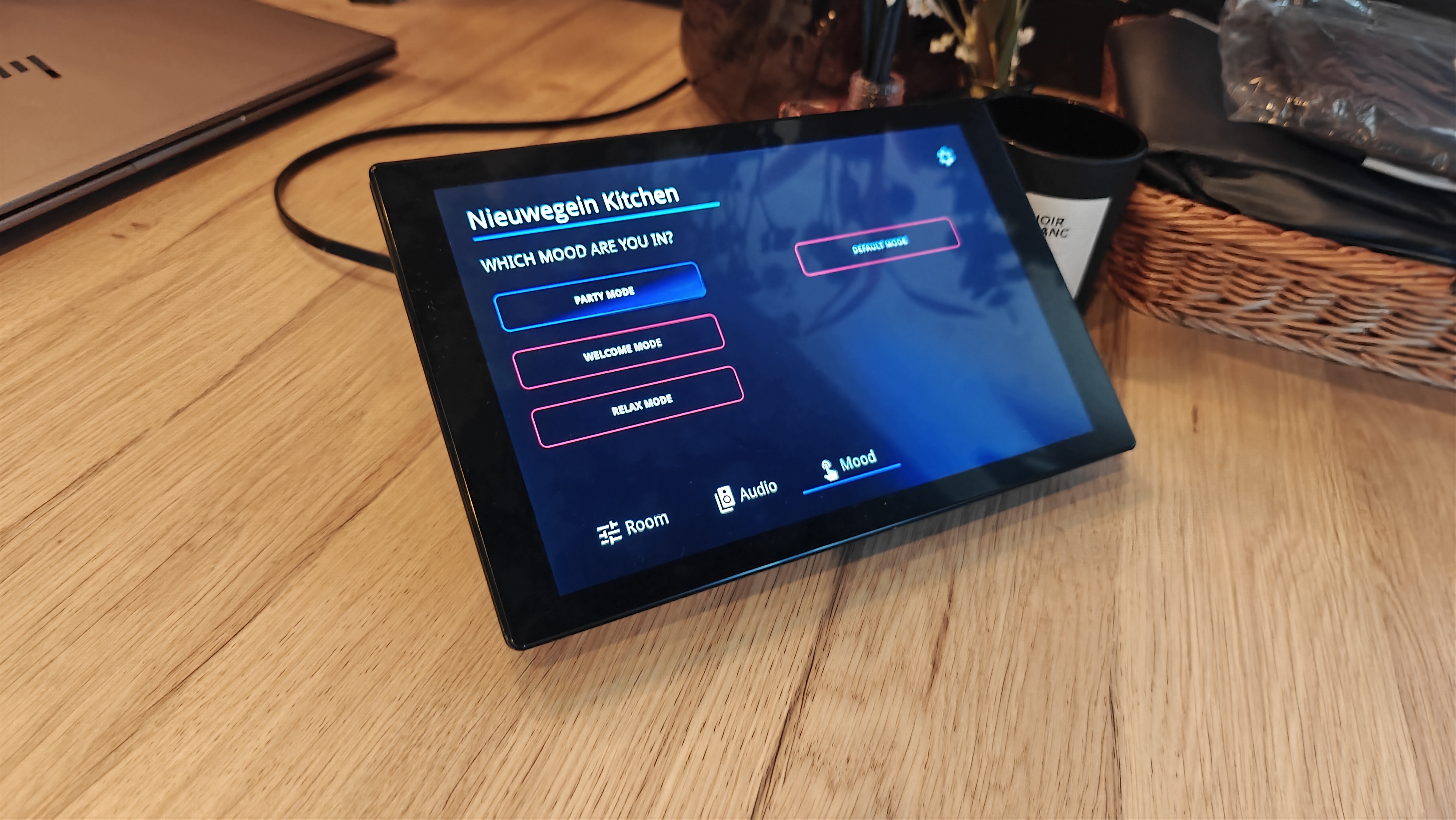
What that looks like in practice
Meeting rooms that split and combine
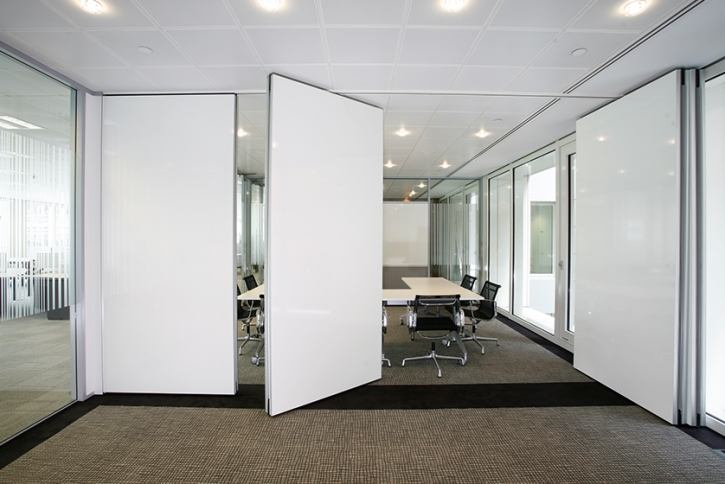
A lot of corporate spaces have flexible layouts. A large room that divides into two smaller ones, or two rooms that open into one. This is where AV control usually gets complicated fast.
Q-SYS handles divisible rooms natively. When the partition goes up, Q-SYS reconfigures automatically. Each space gets its own audio routing, its own display input, its own call. When the rooms merge, everything consolidates again.
With an i3CONNECT display in each zone, the whole experience stays consistent. The displays switch inputs, route correctly, and follow whatever scene is active.
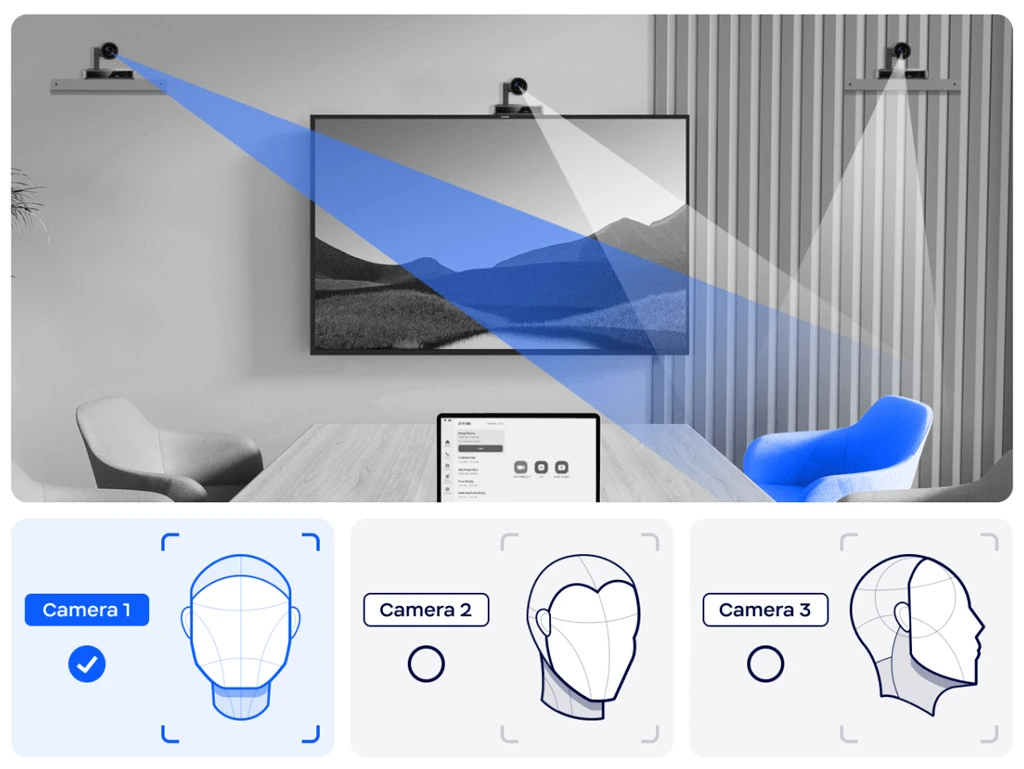
Multi-camera video conferencing rooms with Microsoft Teams, Zoom, or Google Meet
In larger "high-impact" spaces, like boardrooms or all-hands rooms, Q-SYS also handles camera switching. When someone speaks, the right camera cuts to them. The display switches to show the relevant view. It runs automatically, without anyone pressing a button.
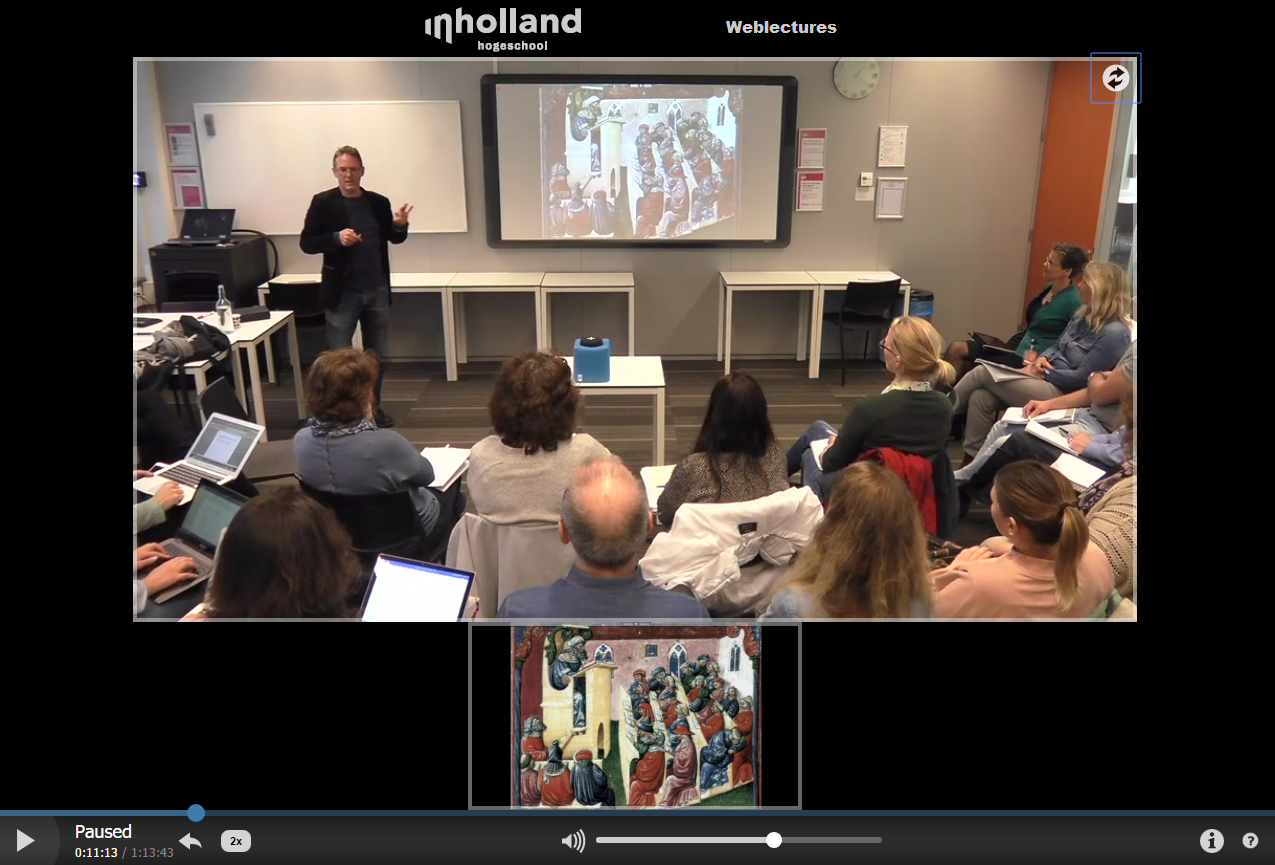
Education spaces and lecture capture
Universities and training centres use Q-SYS for hybrid learning environments. The system can detect who is speaking using microphones and automatically track and switch cameras. The instructor moves around the room, and the camera follows. Remote participants always have a clear view.
The i3CONNECT display in this setup is the interactive surface the teacher uses. They write on it, pull up content, and run the session. Q-SYS manages everything around them: audio levels, camera modes, recording triggers, and room scenes for different lesson types.
Lobby and visitor experience
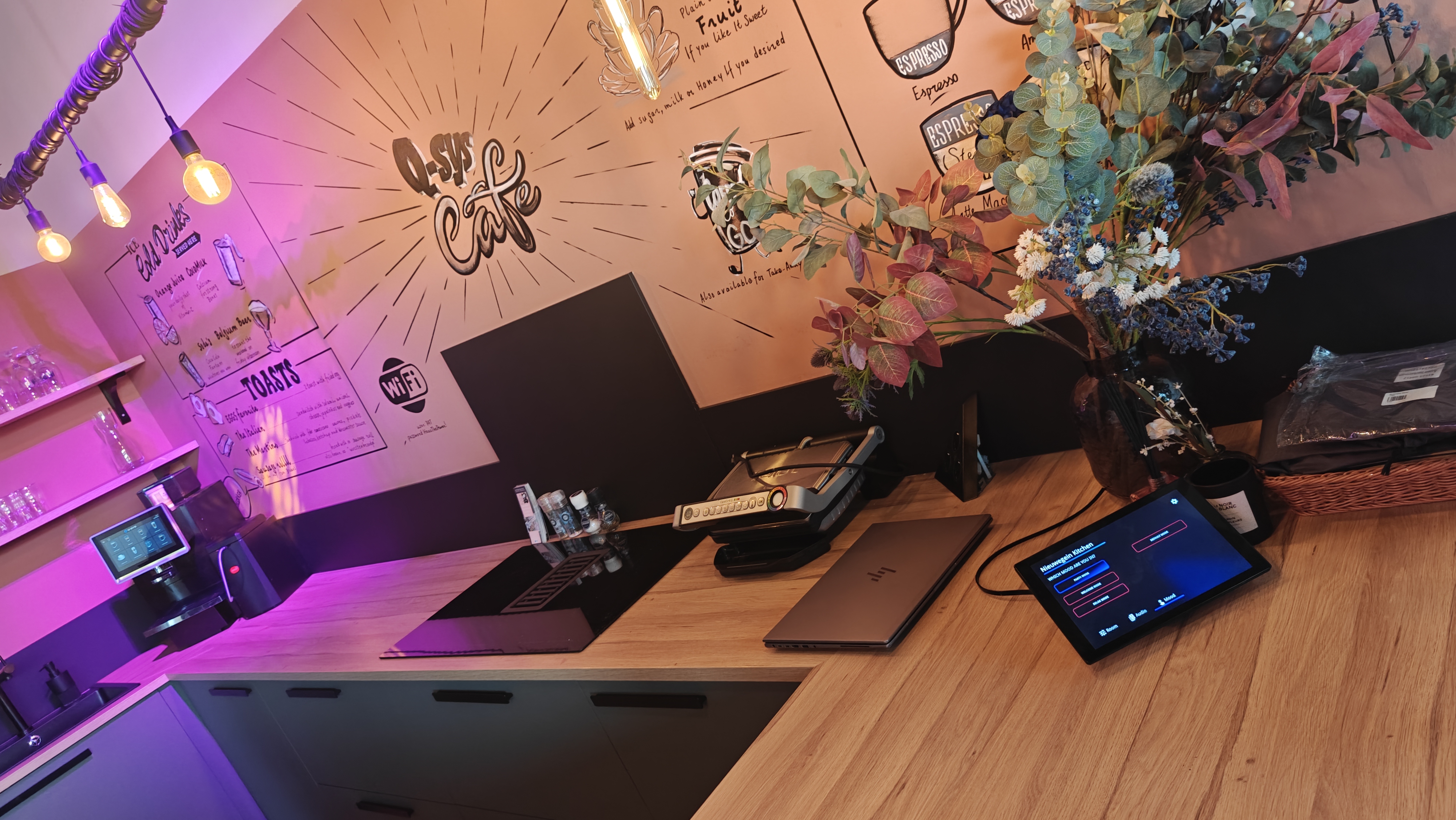
Q-SYS is also used for what it calls "ambient" experiences. Lobbies, corridors, reception areas. The system can adjust what's on screens, manage background audio, trigger welcome messaging, and adapt based on time of day or occupancy.
An i3CONNECT display in a reception area becomes a managed touchpoint. Q-SYS controls what it shows and when. The display doesn't need to be manually managed by reception staff. It just works, as part of a wider space that's been designed to respond intelligently.
Why this matters
The sales conversation around interactive displays often stays at the hardware level. Screen size, touch points, bundled software. Those things matter, but a lot of customers are thinking bigger than a single display.
They're asking how the display fits into the room. How the room fits into the building. How the building fits into their IT infrastructure. Q-SYS is the answer to those questions on the AV side.
When you're able to show a customer that an i3CONNECT display works natively in a Q-SYS environment, you're showing them something that fits their existing plans. Their integrator doesn't need to work around the display. It slots in, gets controlled like everything else, and gets monitored like everything else.
The short version (for technical people)
-
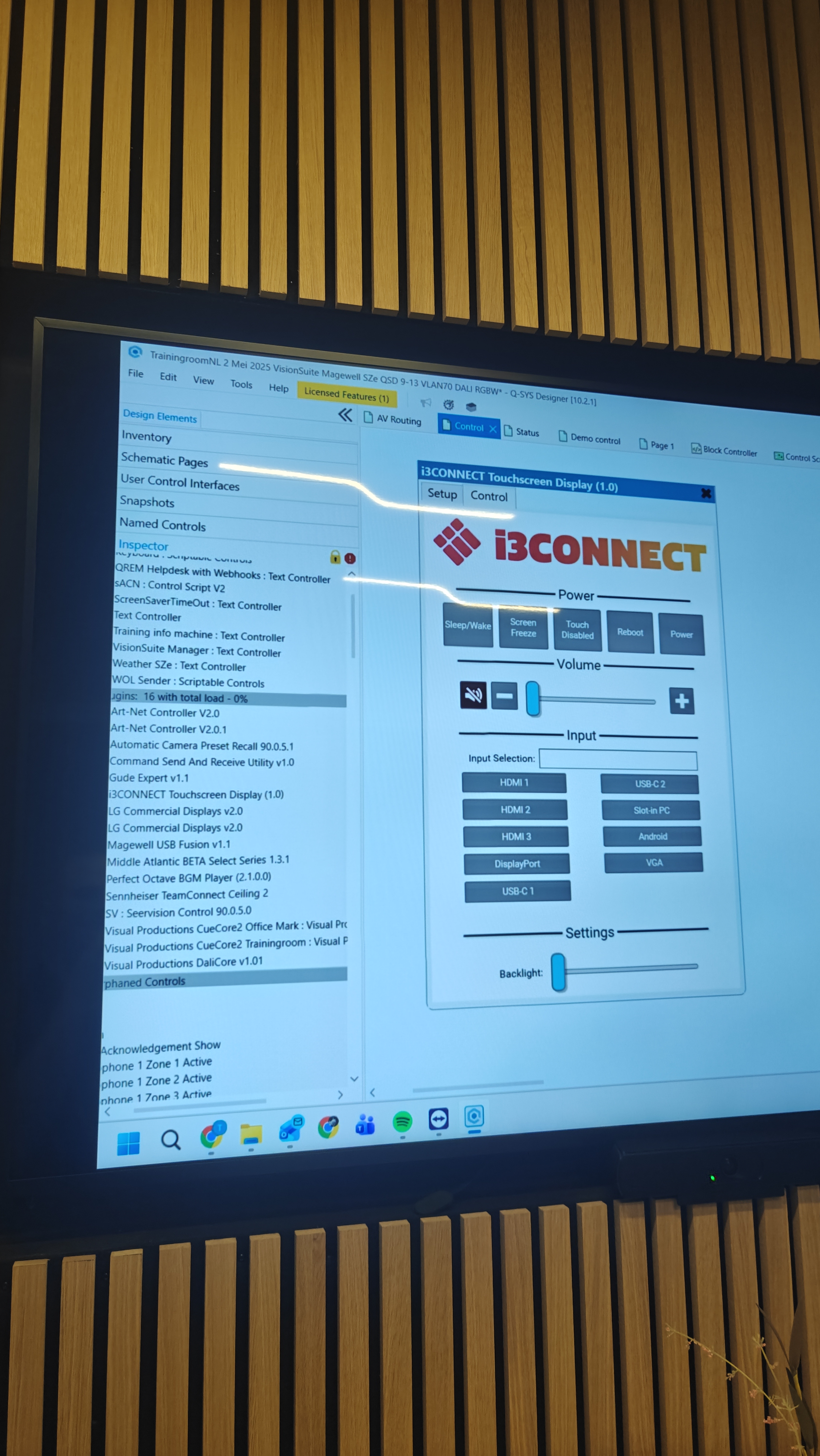
i3CONNECT displays support RS-232 and LAN (TCP) control protocols, which can be used to control functions of the display; e.g. power on/off, input selection, volume, mute, brightness.
-
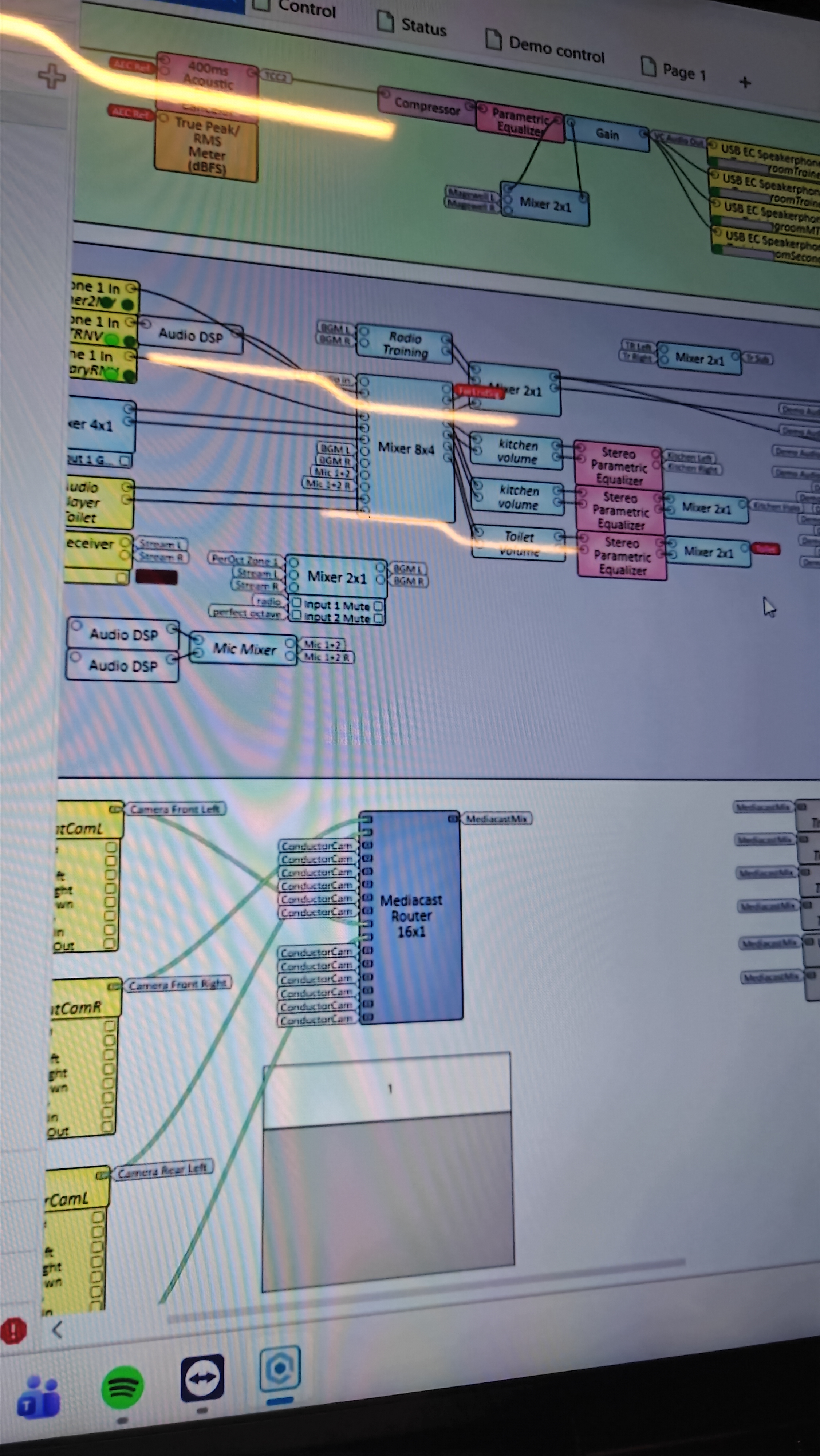
Q-SYS communicates with displays using these protocols via it’s own plugin (found natively in its 3rd party plugins library). The i3CONNECT plugin is drag-and-dropped in Q-SYS Designer and does not require any custom programming.
-
Once connected, displays appear in Q-SYS Reflect for remote monitoring and health tracking
Want to know more?
Talk to your i3CONNECT account manager about Q-SYS deployments. We can help you work through the technical requirements, point you to the right integrator contacts, and make sure the right products are specified from the start.
https://i3-connect.com/contact