
Please do not touch the display during this test.
You can download the KTC Detection Tool from this website KTC
Instructions
-
Connect your PC to the ES display with a HDMI and USB Touch cable
-
Once connected open the program “KTC Detection Tool”
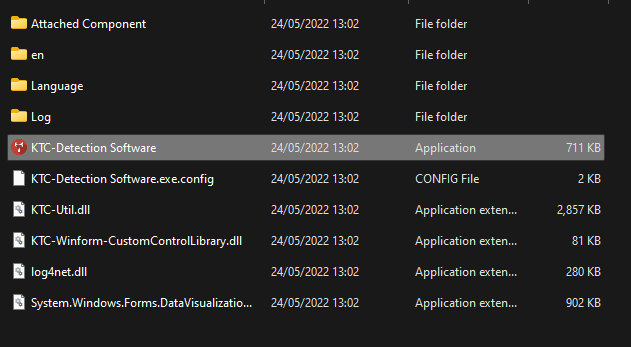
-
Run “Touch device info”
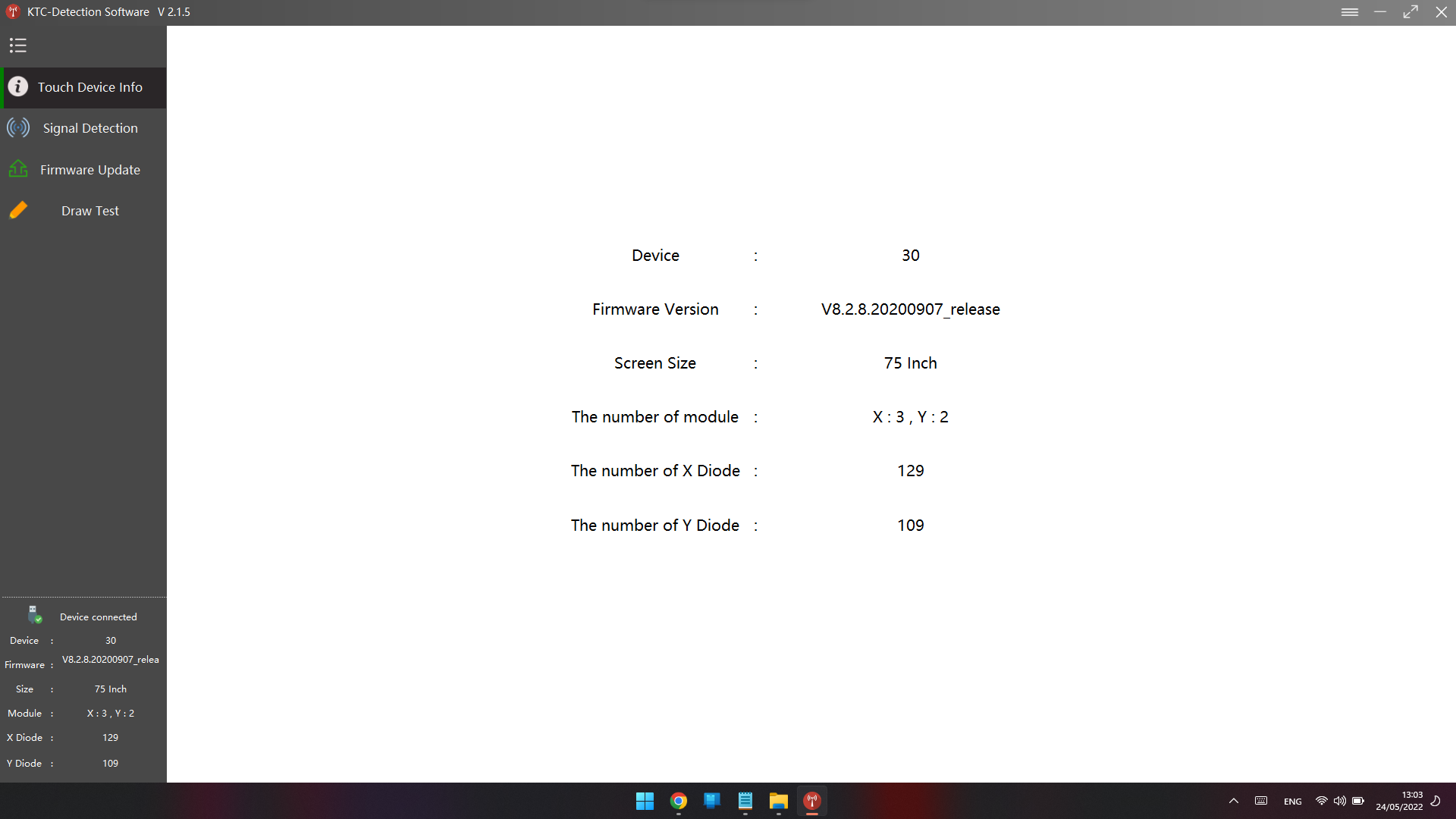
-
Run “Signal Detection”
Here you can have 2 different results
PASS of NG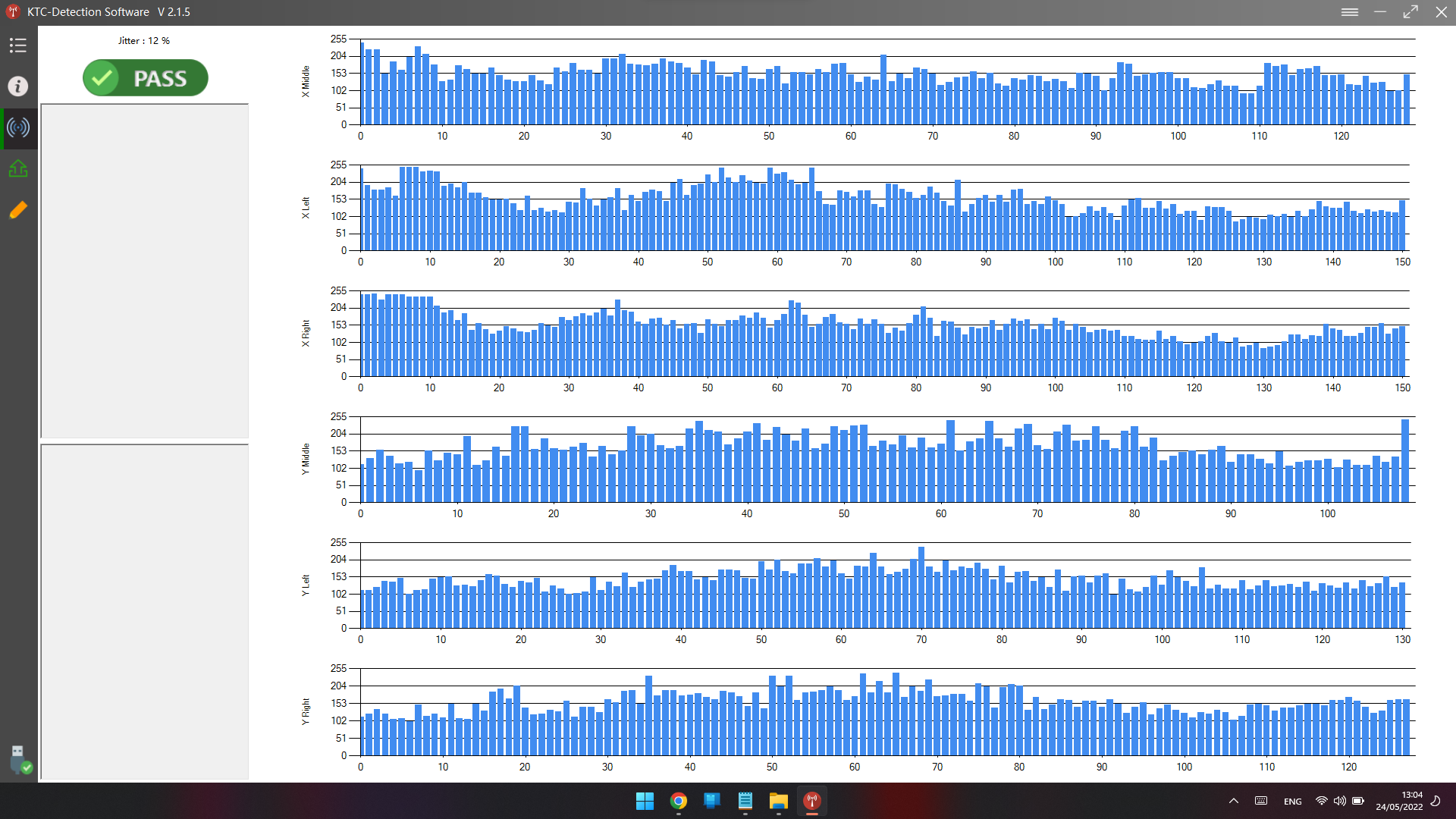
-
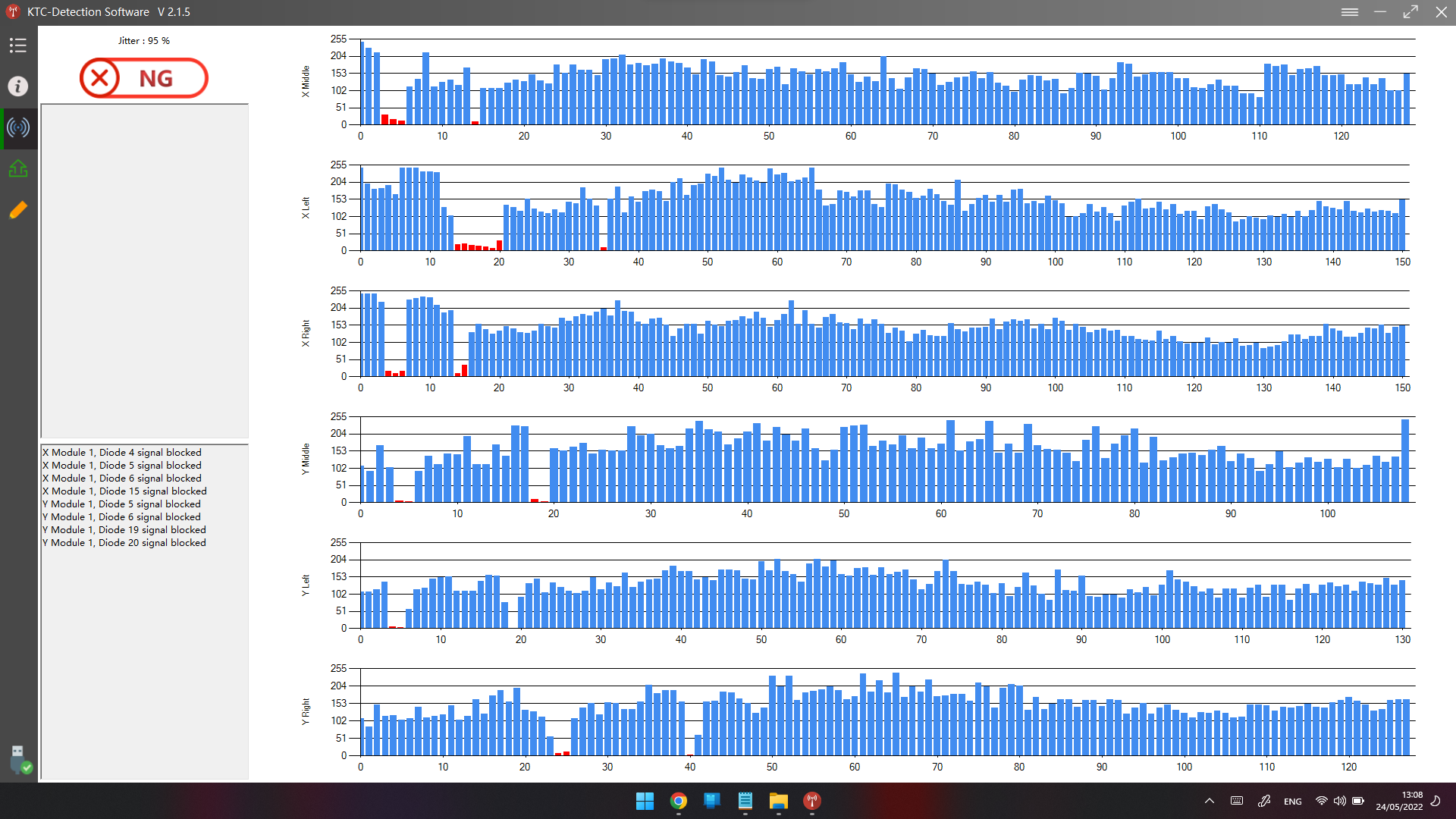
Please take a picture or a video of "Touch device info" and "Signal Detection" and send it to us.