You can download the app from this website CheckTouchVersion.apk
Only install and uninstall apps that are requested by i3CONNECT
Instructions
The app can be found at the bottom of the page
-
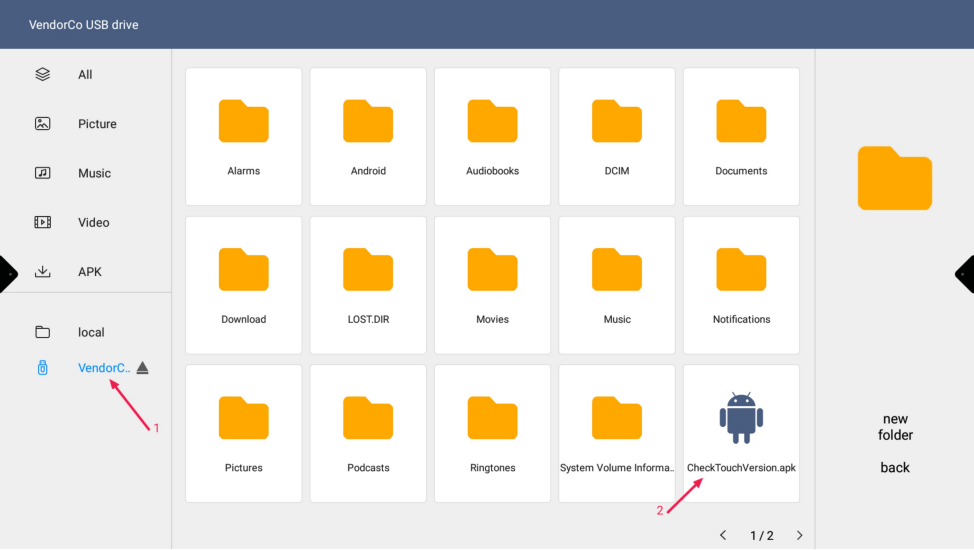
Put the “CheckTouchVersion.apk” app on a USB flash drive and insert the USB flash drive into the ES display
-
Open the file app on the ES and navigate to your USB drive and double tap on “CheckTouchVersion.apk”s
-
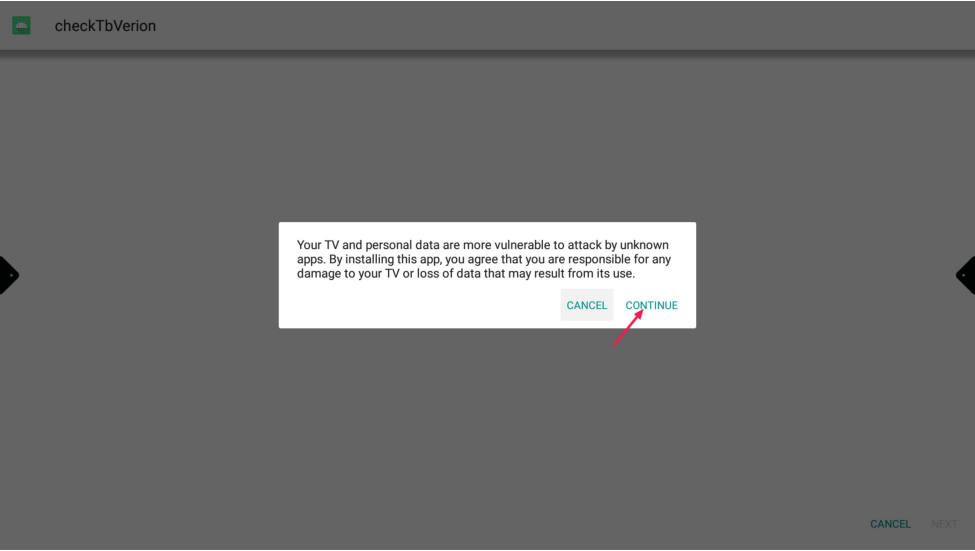
Read the warning and press “Continue”
-
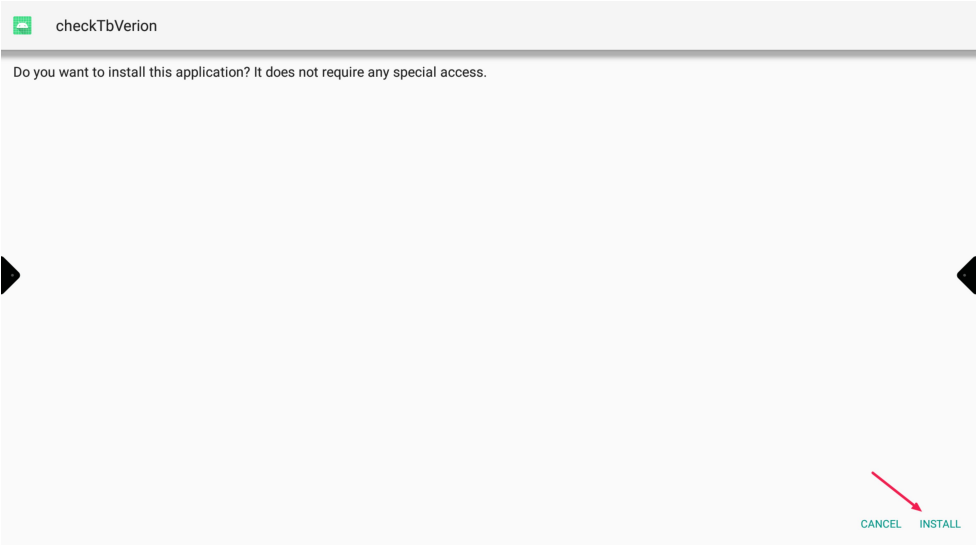
Press “Install”
-
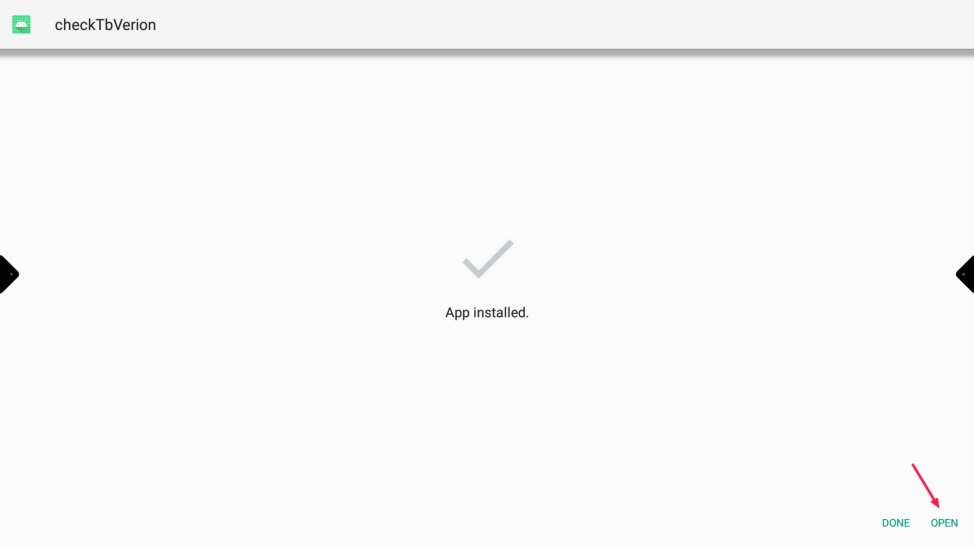
When the app is installed push “Open”
-
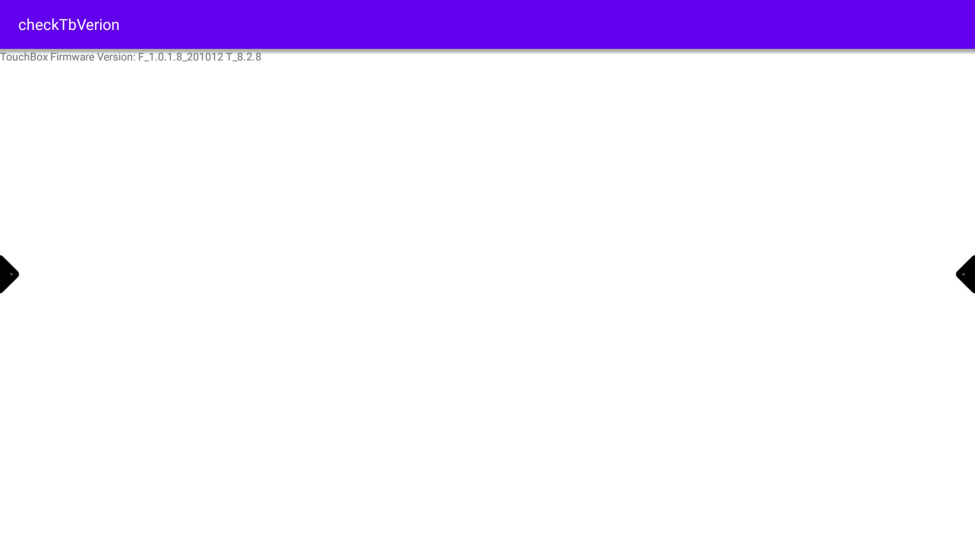
Please take a picture of this and send it to us
-
After passing the TouchVersion you may delete the app.
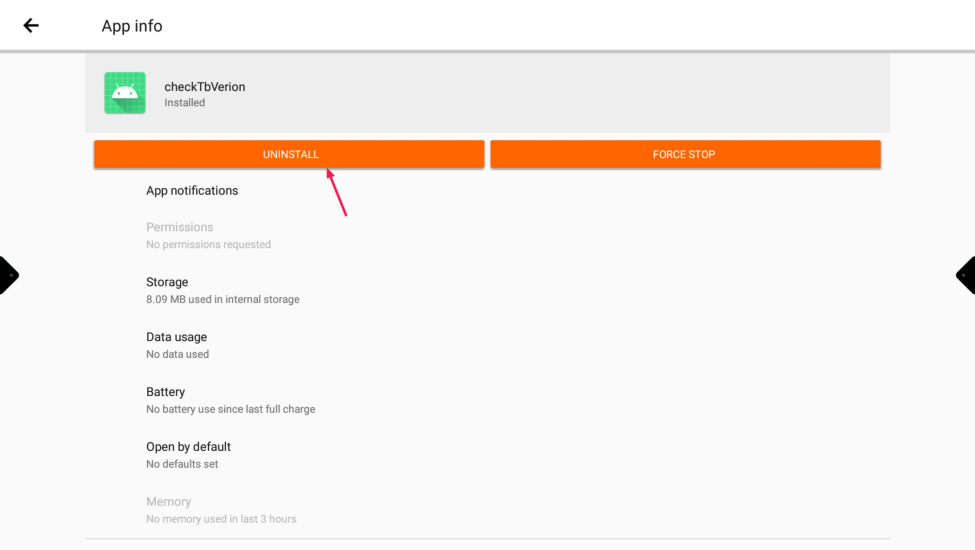
To do this, go to “App info”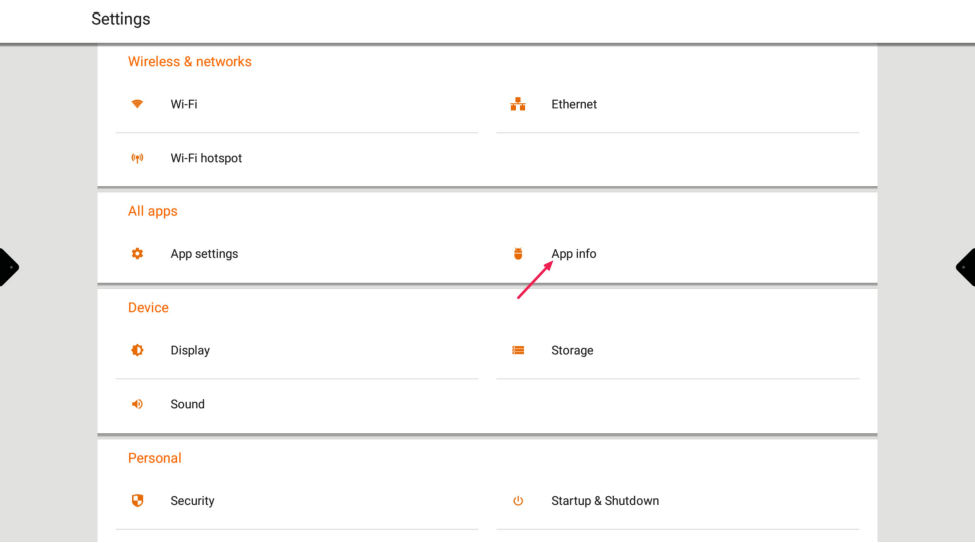
-
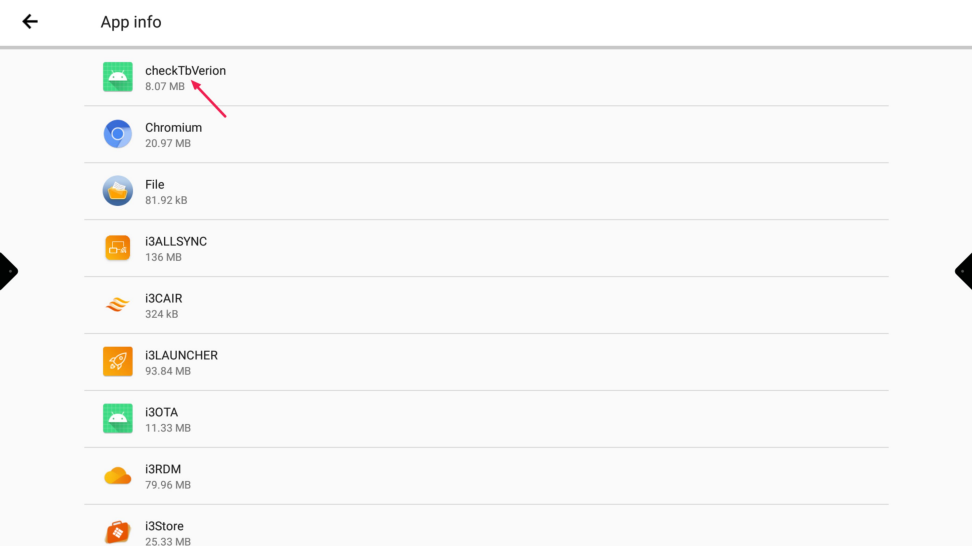
Search for “checkTBVerion”
-
Press “Uninstall”