
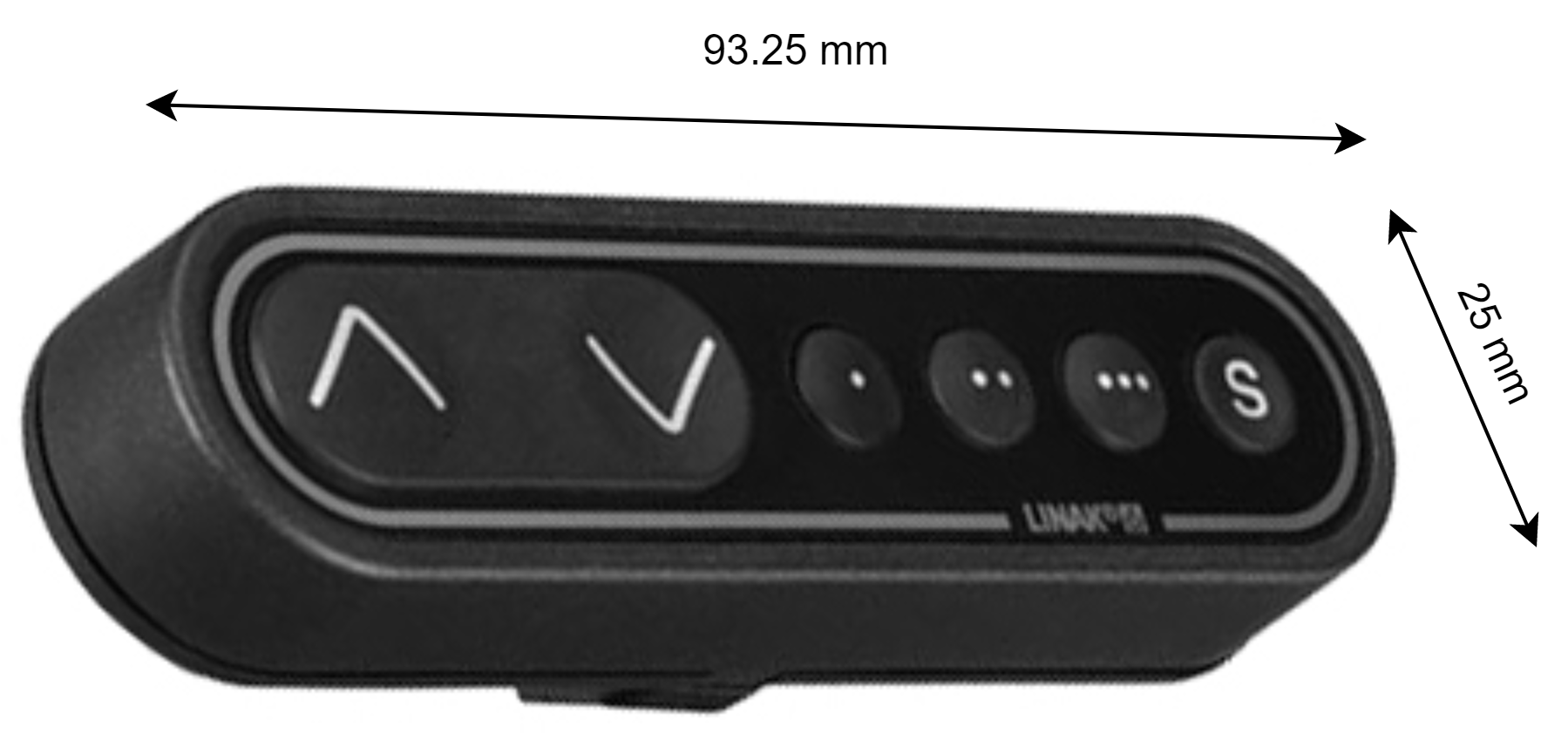
Press and hold the buttons indicated below to activate it’s function:
|
ʌ = Up |
. = Memory 1 |
|
v = Down |
.. = Memory 2 |
|
S = Store memory |
… = Memory 3 |
Store memory
-
Move the lift to a height you wish to store to memory
-
Press the S button
-
Within two seconds, press on one of the Memory slot buttons . .. …
-
The actual position of the lift is now saved to the Memory slot button you chose.
Position to memory
To move to this saved position, press and hold the associated Memory slot button.