📘 Instructions
-
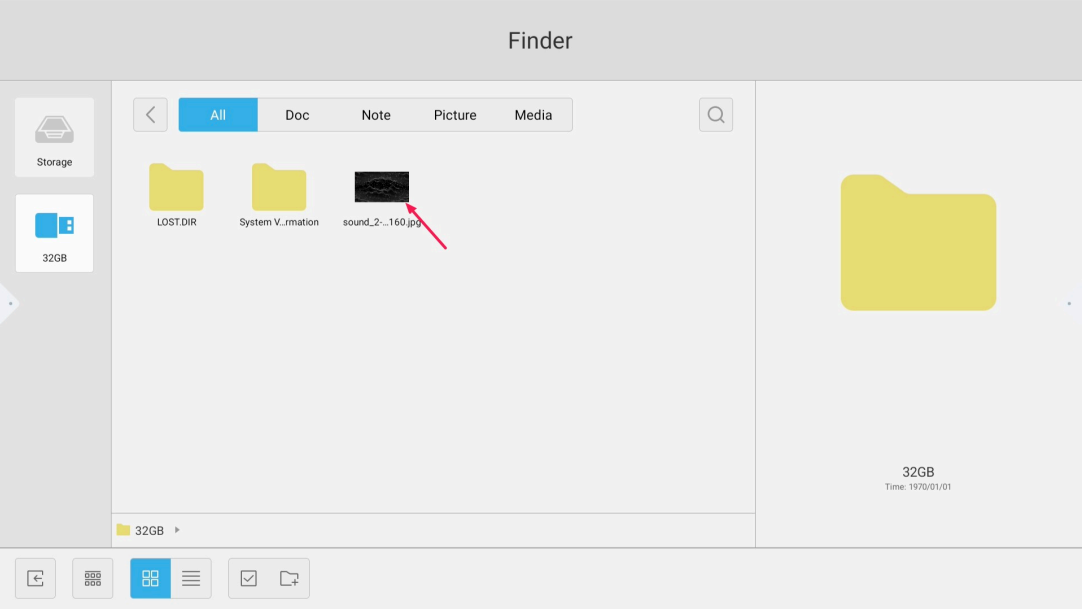
Navigate with the app “Finder” to the requested picture and open the picture
-
Press on “Settings”

-
Select “Set to wallpaper”

-
press “Set” to change the wallpaper


Navigate with the app “Finder” to the requested picture and open the picture
Press on “Settings”
Select “Set to wallpaper”
press “Set” to change the wallpaper