Instructions
-
Visit the website https://cortex.i3-connect.com/ and look for the button to start your free trial.

-
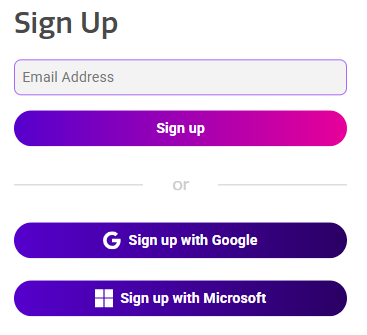
Fill in the email address that you want to register and click on Sign up (or choose to sign up with Google/Microsoft).
-
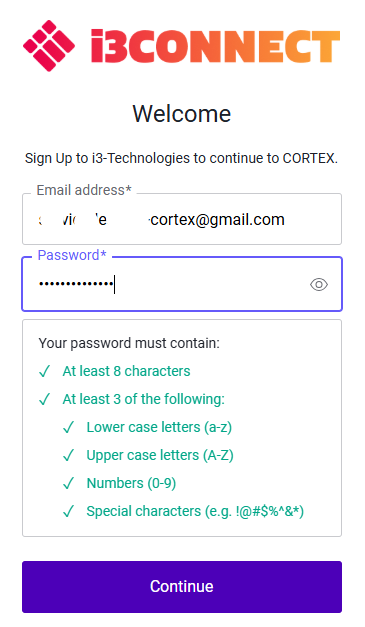
Make a password that matches all the requirements shown and Continue.
-
At least 8 characters
-
At least 3 of the following:
-
Lower case letters (a-z)
-
Upper case letters (A-Z)
-
Numbers (1-9)
-
Special characters (!@#$%)
-
-
-
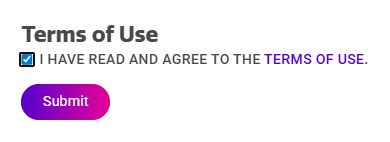
Agree with the Terms of Use and Submit.
-
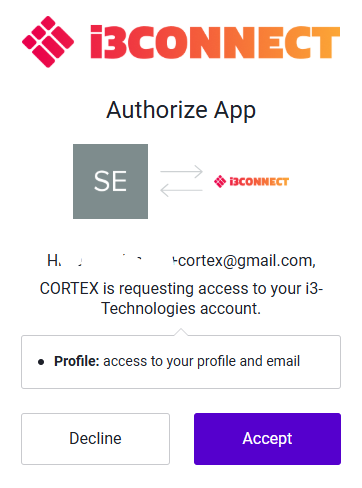
Choose Accept.
-
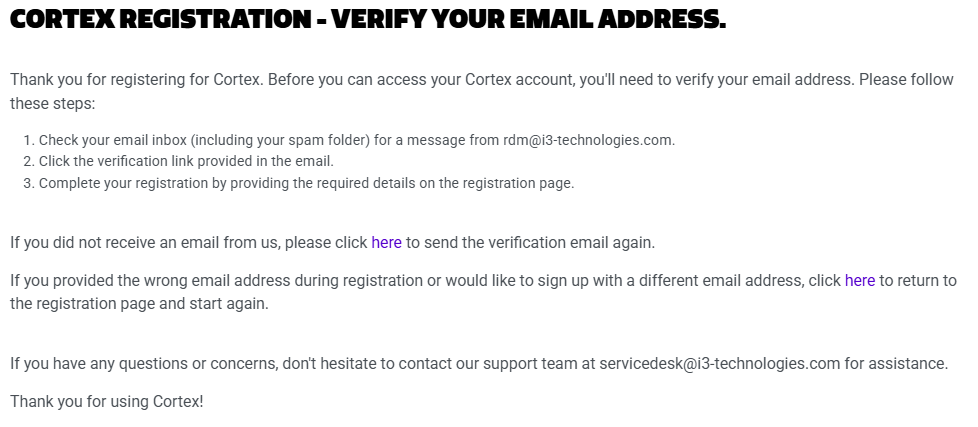
You will receive a verification email in the mailbox from the address you want to register.
-
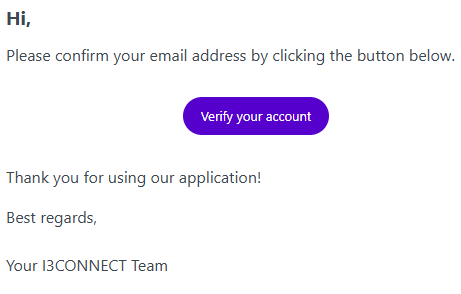
Verify you account by pressing on the link in the verification email.
-
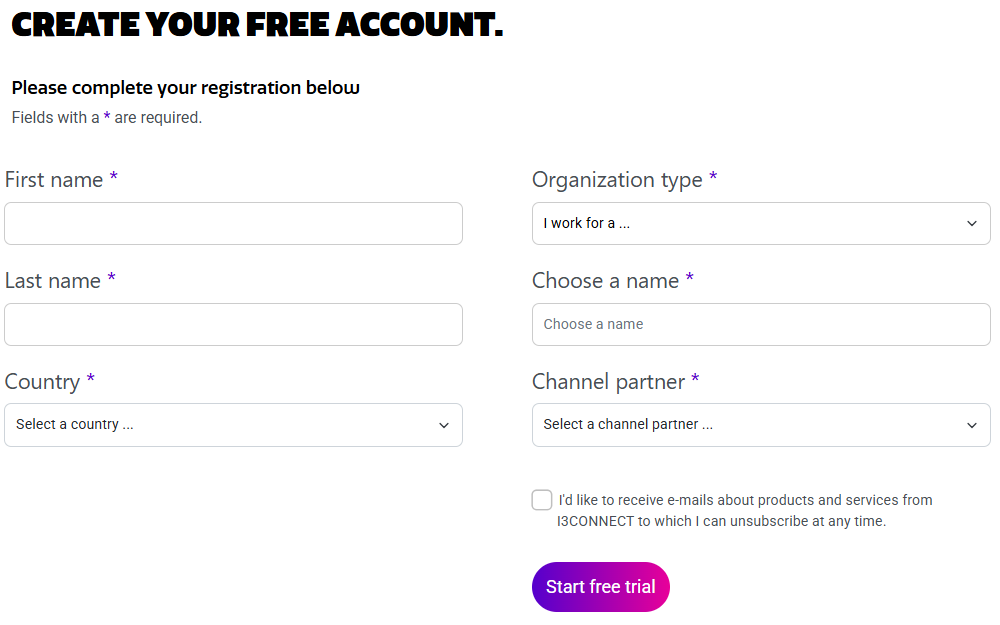
The link will bring you to a form where you can complete the registration and Start free trial.
-
Finalize the process by pressing on Continue to Cortex.